
September 29, 2026
Commercial and Residential Cleaning in 2026
Compare commercial and residential cleaning markets in 2026. Explore pricing, staffing, compliance, and how AI estimators streamline operations.

Sunday, April 5, 2026
Discover the best clock in app for your cleaning business. Our 2026 guide ranks 12 top solutions on features, pricing, and real-world use for cleaners.
.png)
Are you still wrestling with paper timesheets or confusing spreadsheets to track your cleaning crew’s hours? This manual approach is not just outdated; it’s costing you money and creating payroll headaches. Inaccurate time entries, forgotten clock-outs, and the sheer administrative burden of managing a mobile team can silently drain your profits and stall your growth. For a cleaning business owner, every minute counts, and imprecise time tracking means you're likely overpaying for labor or under-billing for jobs, directly impacting your bottom line.
The solution is a modern clock in app designed for businesses with employees in the field. This guide cuts through the noise to give you a detailed breakdown of the top 12 time tracking apps specifically suited for the cleaning industry. We move beyond generic feature lists to provide a practical analysis of what actually matters to your operations: GPS tracking and geofencing to ensure staff are on-site, offline functionality for areas with poor reception, and seamless integrations with payroll and scheduling software. A reliable clock in app is a foundational tool, often serving as a core component of a broader modern facilities management application that helps organize your entire operation.
We'll compare Homebase, QuickBooks Time, Connecteam, and others, showing you how each performs in real-world cleaning scenarios. You’ll discover which app best prevents time theft, how to integrate it with your existing systems like Estimatty for accurate job costing based on real-time data, and even how to find the right talent on platforms like pipehirehrm.com. This resource provides screenshots, direct links, and honest pros and cons to help you select the perfect tool to reclaim your time and boost your profitability. You can find more articles like this on the estimatty.com/blog and get.pipehirehrm.com/blog.
Homebase stands out as a powerful, all-in-one clock in app designed for hourly teams, making it an excellent starting point for cleaning businesses needing more than just time tracking. It combines scheduling, time clocks, team communication, and basic HR features into one user-friendly platform. For cleaning companies, this means you can manage everything from scheduling a last-minute residential job to tracking your team’s arrival at a large commercial site without juggling multiple applications.
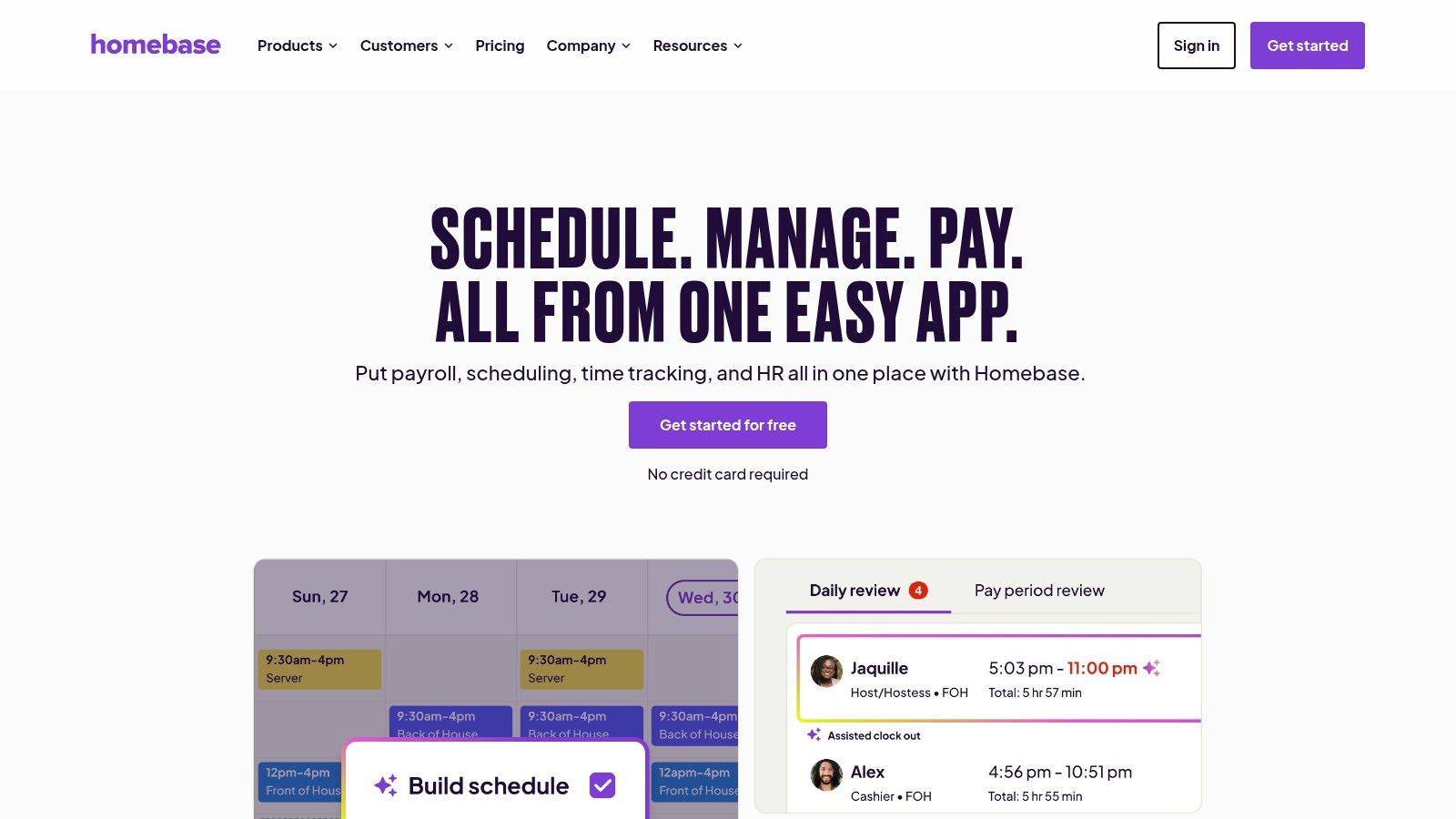
The platform’s strength lies in its accessibility and rapid setup. You can turn any company tablet into a stationary kiosk for office staff or have field cleaners clock in directly from their phones. Its geofencing capability automatically reminds employees to clock in or out when they enter or leave a job site, drastically reducing missed punches and manual corrections. For a deep dive into how these features benefit operational efficiency, you can explore the fundamentals of time and attendance software and see how they apply to your business needs.
Homebase offers a free "Basic" plan for a single location with unlimited employees, which includes scheduling, time clocks, and timesheets. However, to access geofencing, advanced compliance, and reporting, you'll need one of their paid plans: Essentials ($24.95/mo per location), Plus ($59.95/mo per location), or All-in-One ($99.95/mo per location).
Pro Tip: Start with the free Homebase plan to digitize your timesheets and basic scheduling. As your cleaning business grows and needs tighter location controls, the upgrade to a paid tier for geofencing offers a significant return on investment by eliminating inaccurate time entries.
When I Work excels with its laser focus on combining easy scheduling with a simple clock in app, making it a strong contender for cleaning businesses that prioritize shift management. It’s built for mobile-first, shift-based teams, providing a clean interface for cleaners moving between residential homes or commercial buildings. The platform empowers employees to clock in directly from their phones while giving managers the tools to track attendance, approve timesheets, and prepare for payroll in minutes.
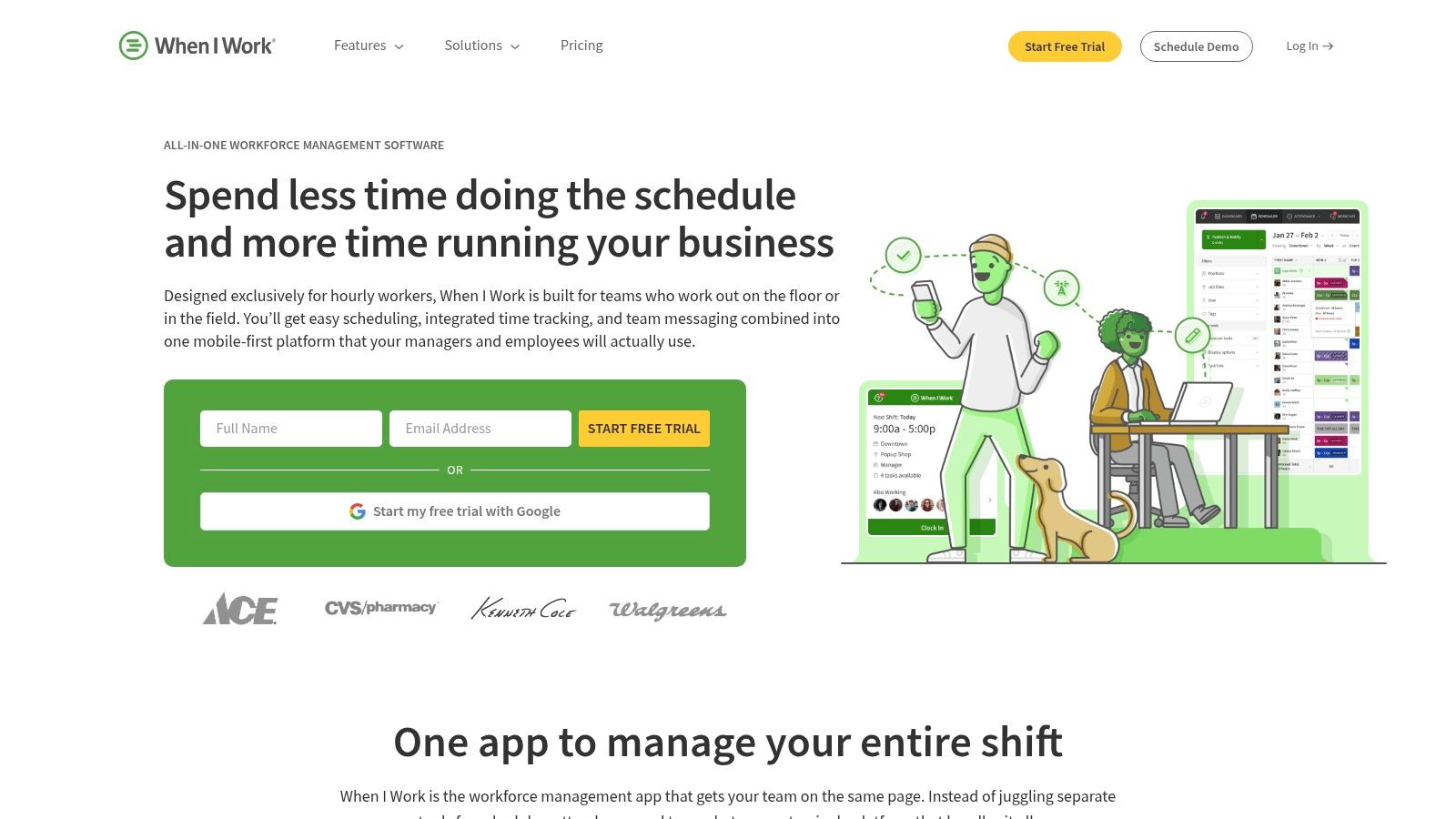
Its core advantage is the blend of powerful scheduling and straightforward time tracking. You can build schedules for multiple crews across different locations, and the system automatically alerts you to overtime risks based on your planned shifts. This forecasting is a major benefit for controlling labor costs. For cleaning businesses looking to optimize how they assign staff to jobs, understanding the principles of online employee scheduling can further sharpen operational efficiency. The app’s quick setup and minimal learning curve mean your team can adopt it almost immediately.
When I Work offers a "Standard" plan starting at $4.00 per user/month and an "Advanced" plan at $8.00 per user/month, with a 14-day free trial. The per-user pricing can become costly for larger cleaning companies, but the advanced features like custom shift reports and labor forecasting on the higher tier may justify the cost.
Pro Tip: Use the messaging feature within When I Work to confirm last-minute schedule changes or send job-specific instructions. This keeps all work-related communication inside the app, creating a clear record and reducing confusion from texts or calls.
For cleaning businesses already rooted in the Intuit ecosystem, QuickBooks Time (formerly TSheets) is the most logical and powerful clock in app available. Its primary advantage is the seamless, native integration with QuickBooks Online and Desktop for payroll and invoicing. This eliminates the tedious, error-prone process of manually transferring hours, allowing you to run payroll or bill clients for hourly work directly from tracked time, saving significant administrative overhead.
Beyond payroll, the platform provides robust tools tailored for mobile workforces. Cleaners can clock in and out from their phones, with GPS data confirming their location against the scheduled job site. You can also set up geofences to automate clock-in reminders when an employee arrives at or leaves a client’s property. For a deeper comparison of how QuickBooks stacks up against other accounting tools, see our analysis of QuickBooks vs. Freshbooks for service businesses.
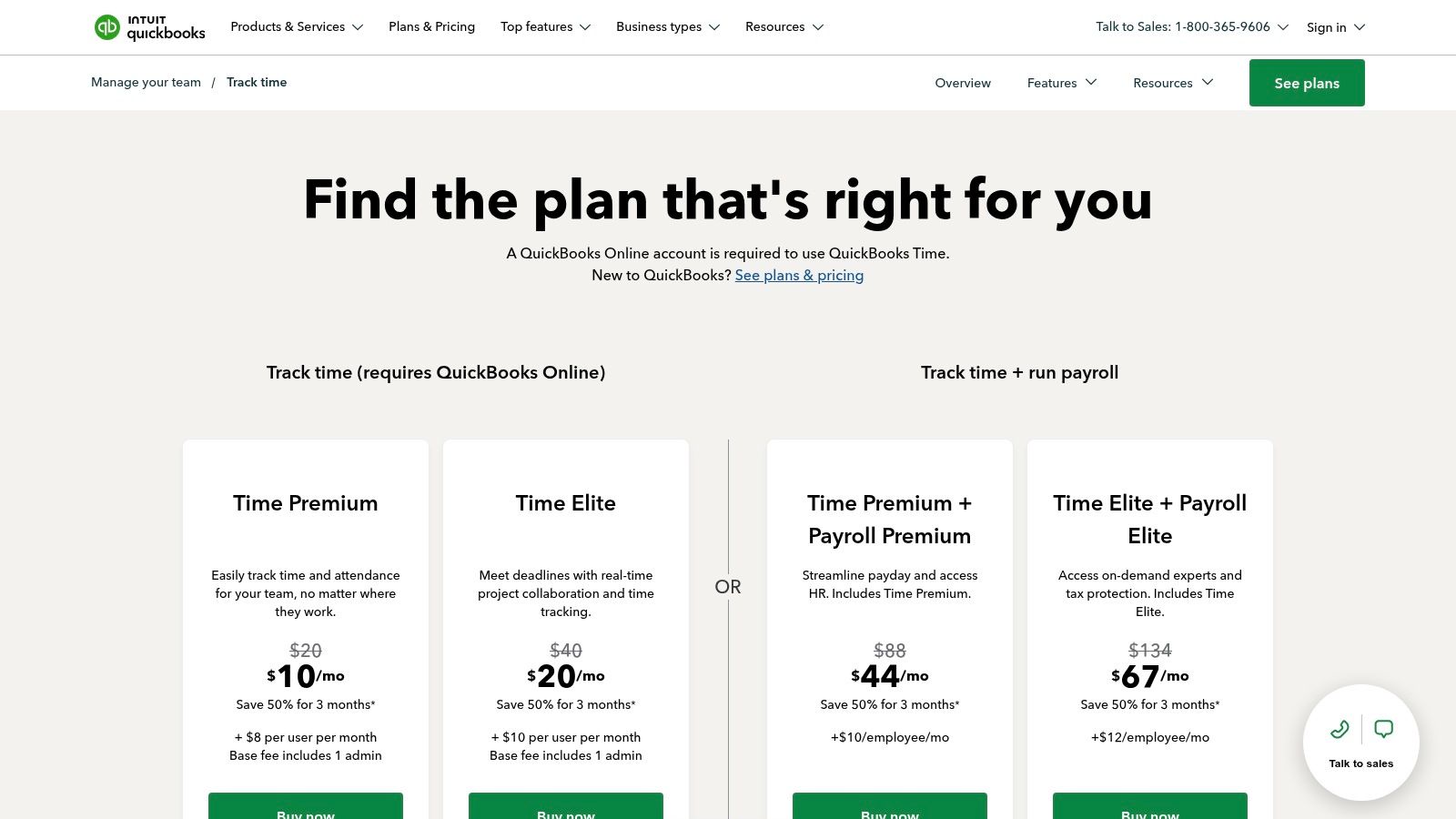
QuickBooks Time operates on a base fee plus a per-user monthly cost. The Premium plan is $20/month plus $8 per user/month, offering time tracking, scheduling, and reports. The Elite plan, at $40/month plus $10 per user/month, adds features like geofencing, project tracking, and timesheet signatures.
Pro Tip: If your cleaning business already runs on QuickBooks, the efficiency gained from the direct payroll integration often justifies the per-employee cost. Use the job costing feature to analyze which clients and services are most profitable, helping you refine your estimates and focus your sales efforts.
Clockify has earned its reputation as a flexible and highly accessible clock in app, making it a strong contender for cleaning businesses prioritizing budget and simplicity. It's especially effective for companies that need core time tracking and a shared kiosk mode without the immediate expense of a full-suite workforce management tool. This allows you to set up a central tablet in your office or at a large client site for multiple cleaners to punch in and out, all on a completely free plan.
The platform’s real appeal is its scalability. A new cleaning business can start with the generous free version to track time against different clients and projects, then graduate to paid tiers as needs evolve. Upgrading unlocks critical features for mobile cleaning teams, like GPS tracking and geofencing, ensuring your staff is actually on-site. This step-by-step approach prevents you from overinvesting in features you don’t need yet.
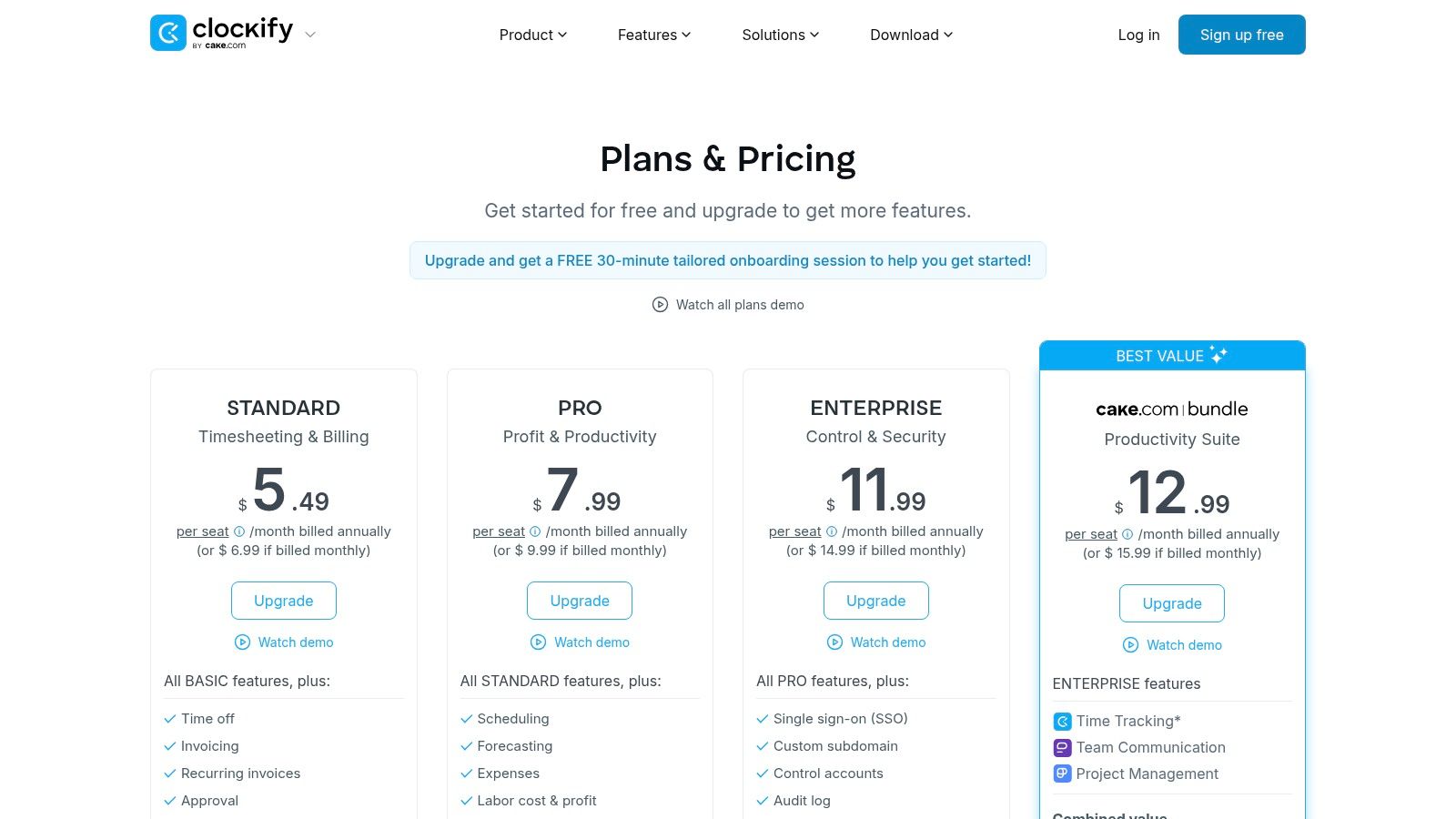
Clockify’s free plan is one of the most robust available. For advanced features, paid plans are priced per user: Basic ($4.99/user/mo) for administration, Standard ($6.99/user/mo) for timesheeting and billing, PRO ($9.99/user/mo) for productivity and profit, and Enterprise ($14.99/user/mo) for security and control. They also offer a separate Kiosk-only plan with limited seats.
Pro Tip: Use the free Clockify kiosk mode to manage your in-office or dedicated on-site staff. As your mobile cleaning crew expands, the PRO plan provides the necessary GPS and geofencing controls to manage your field team effectively, making it a cost-effective upgrade.
Deputy excels as a clock in app for cleaning businesses that need powerful scheduling and strict labor law compliance tools. It’s particularly well-suited for janitorial companies or multi-site cleaning franchises that manage complex teams and need to ensure every shift complies with local break and wage laws. Beyond simple time tracking, Deputy provides a command center for forecasting labor needs, auto-building schedules, and managing team communications.
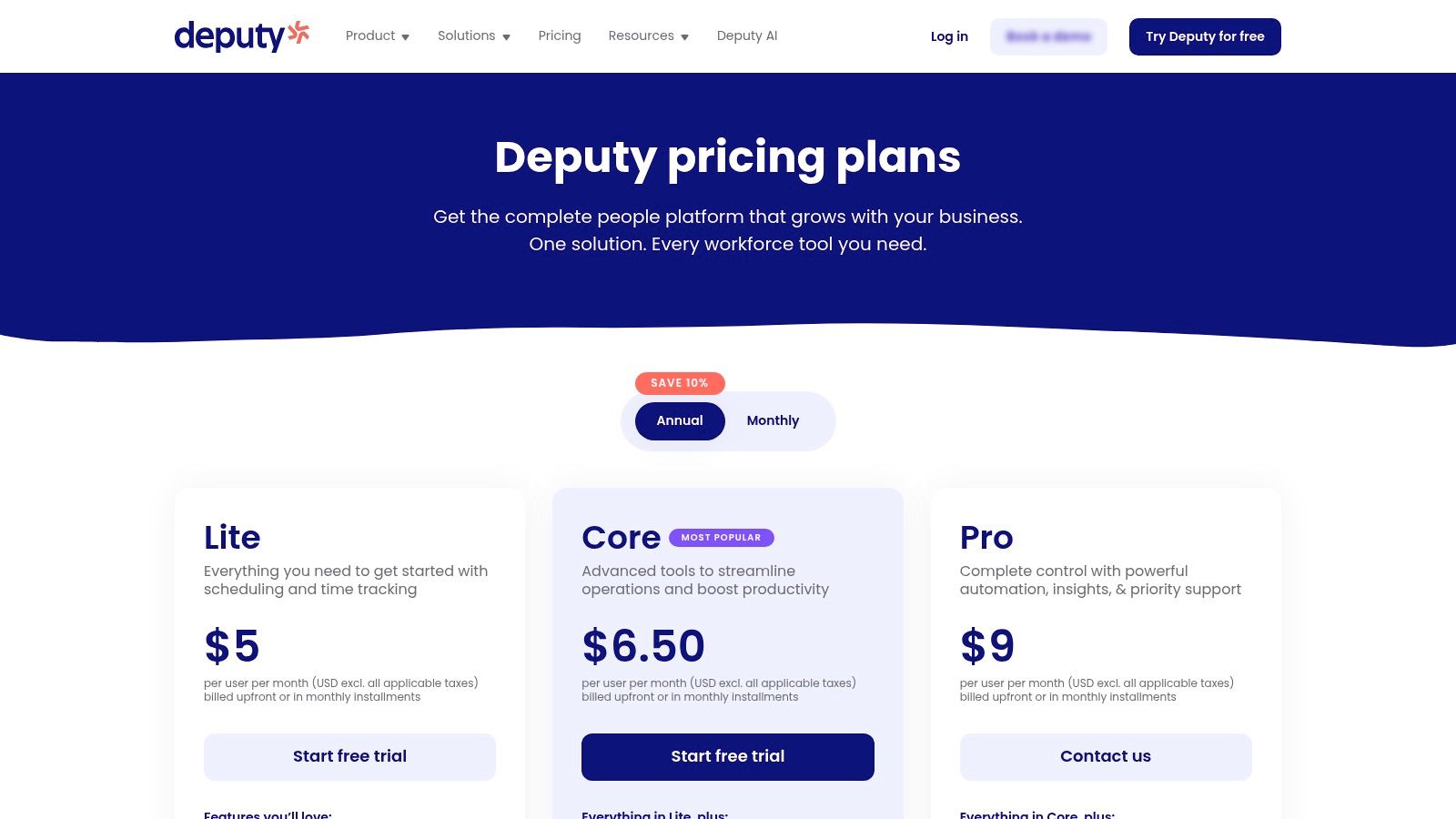
The platform’s core strength is its focus on compliance and operational foresight. You can set up biometric (face unlock) kiosks for a central office or rely on geofenced mobile clock-ins for teams in the field. Deputy’s system can automatically flag potential compliance issues, such as a cleaner missing a legally required meal break, and even require employees to attest that they took their breaks. This proactive approach helps protect your business from potential legal issues and fines.
Deputy offers several tiers. The "Scheduling" and "Time & Attendance" plans start at $3.50 per user/month each. The "Premium" plan, which combines both and adds reporting, is $4.90 per user/month. There is also a flexible weekly option and custom pricing for enterprises. Note that monthly plans may have a minimum monthly spend.
Pro Tip: Use Deputy's demand forecasting to align your staffing with your projected job estimates from your booking software. If you know you have a surge of deep-cleaning jobs scheduled, Deputy can help you budget and schedule the right number of cleaners to cover the work without incurring unexpected overtime.
Connecteam is a mobile-first platform built for deskless teams, making it a strong contender for cleaning businesses that manage crews on the move. It’s more than just a clock in app; it bundles time tracking with scheduling, internal communication, and operational tools like digital forms and checklists. This integrated approach allows you to manage most of your daily operations, from dispatching a cleaner to a new site to verifying they completed a post-job checklist, all within one system.
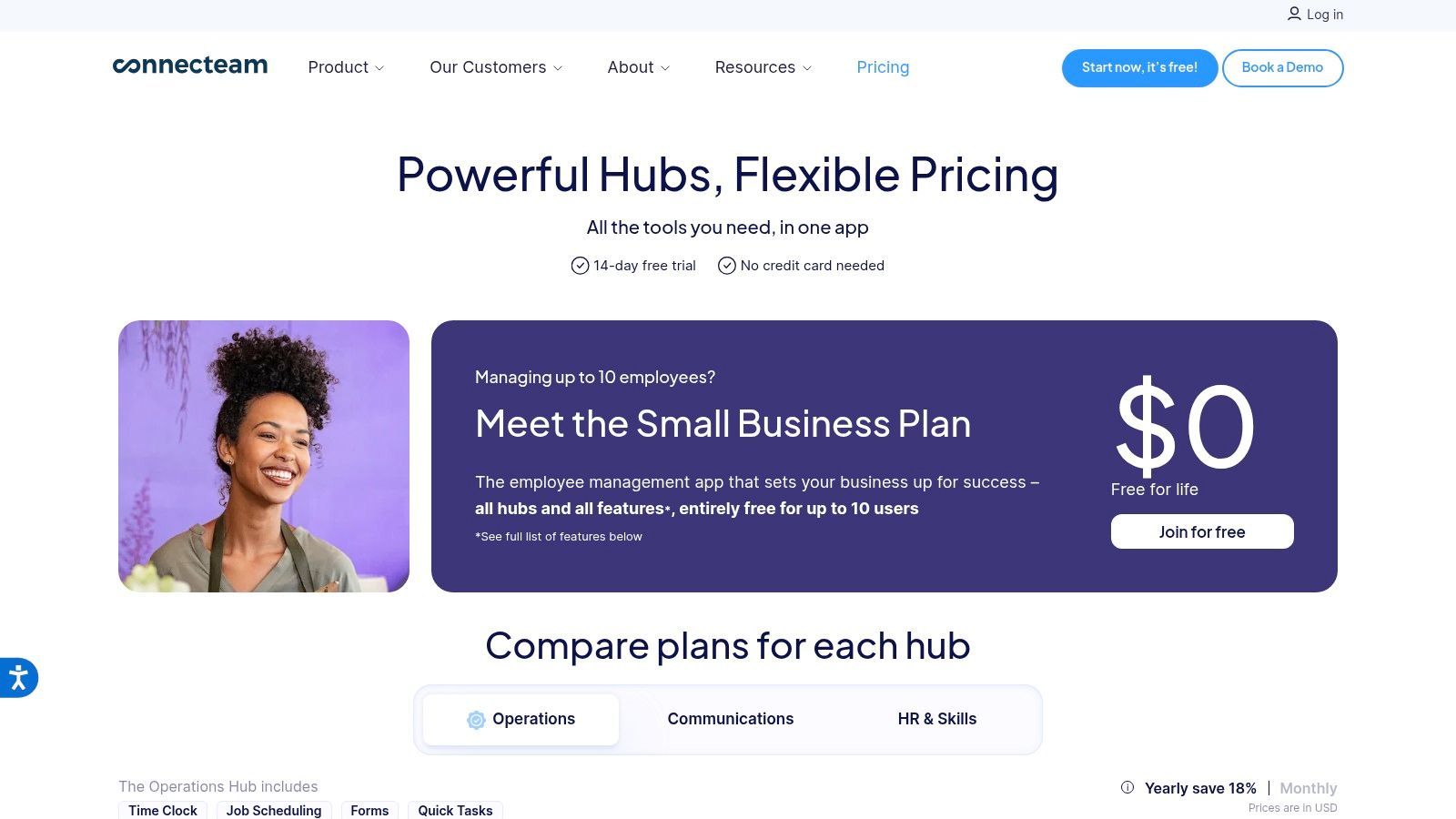
The platform’s major advantage for small to mid-sized cleaning companies is its fixed-price structure, which covers up to 30 users. This creates predictable monthly costs, avoiding per-user fees that can escalate quickly as your team grows. Cleaners can clock in via a mobile app with GPS tracking or a stationary kiosk tablet at a central office. The simple interface ensures fast onboarding, a critical factor for businesses with high staff turnover. While it’s a robust operational tool, you can see how it fits within the larger ecosystem by exploring some of the best cleaning business software options available.
Connecteam has a free plan for up to 10 users with limited features. The paid plans are where it shines for small businesses: The Basic plan is $35/mo, Advanced is $59/mo, and Expert is $119/mo, all for the first 30 users. Additional users can be added for a small per-user fee.
Pro Tip: Use the digital forms feature to standardize your quality control. Create a mandatory "Job Completion Checklist" with photo uploads that cleaners must submit before they can clock out, ensuring every task is completed to your standard.
Timeero is purpose-built for mobile teams, making it a standout clock in app for cleaning businesses where employees travel between multiple job sites daily. Its core strength lies in detailed, GPS-backed time and mileage tracking. For companies paying for drive time or reimbursing mileage between residential cleanings, Timeero provides an indisputable record, ensuring fair pay and protecting you from inaccurate claims. The platform offers a live "who's working" map, giving managers a real-time overview of their team's location and status.
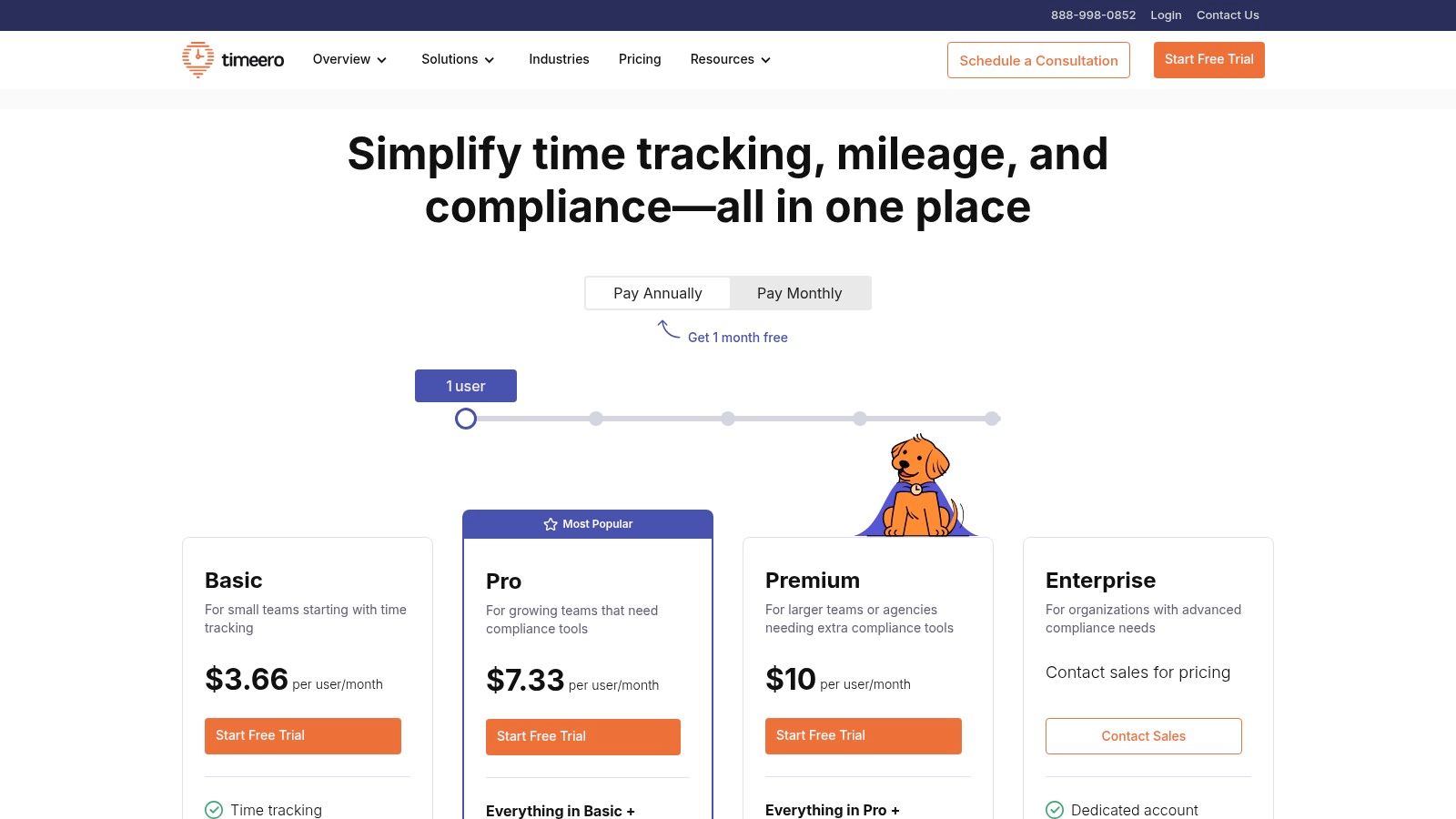
Unlike all-in-one HR suites, Timeero focuses intently on the field service aspect of time tracking. Its geofencing is precise, and the route replay feature is invaluable for auditing travel paths and resolving disputes about time spent on the road versus time spent cleaning. This level of detail creates a strong audit trail that is friendly to Department of Labor (DOL) standards, offering cleaning business owners significant peace of mind.
Timeero's pricing starts at $4 per user per month for the Basic plan. For mileage tracking and geofencing, you'll need the Pro plan at $8 per user/mo, and for advanced features like facial recognition, the Premium plan is $11 per user/mo. There is a 14-day free trial available.
Pro Tip: Use Timeero's mileage tracking feature to analyze your most profitable service areas versus those that require excessive, costly drive time. This data can help you refine your service zones and optimize scheduling for maximum efficiency and profitability.
Buddy Punch is a straightforward, accountability-focused clock in app built to eliminate time theft and buddy punching. Its core strength is a versatile set of punch-in verification methods, making it ideal for cleaning businesses managing crews across multiple residential or commercial sites. Whether you need a simple mobile punch or a secure kiosk with facial recognition, Buddy Punch provides the tools to ensure the right person is at the right location, at the right time.
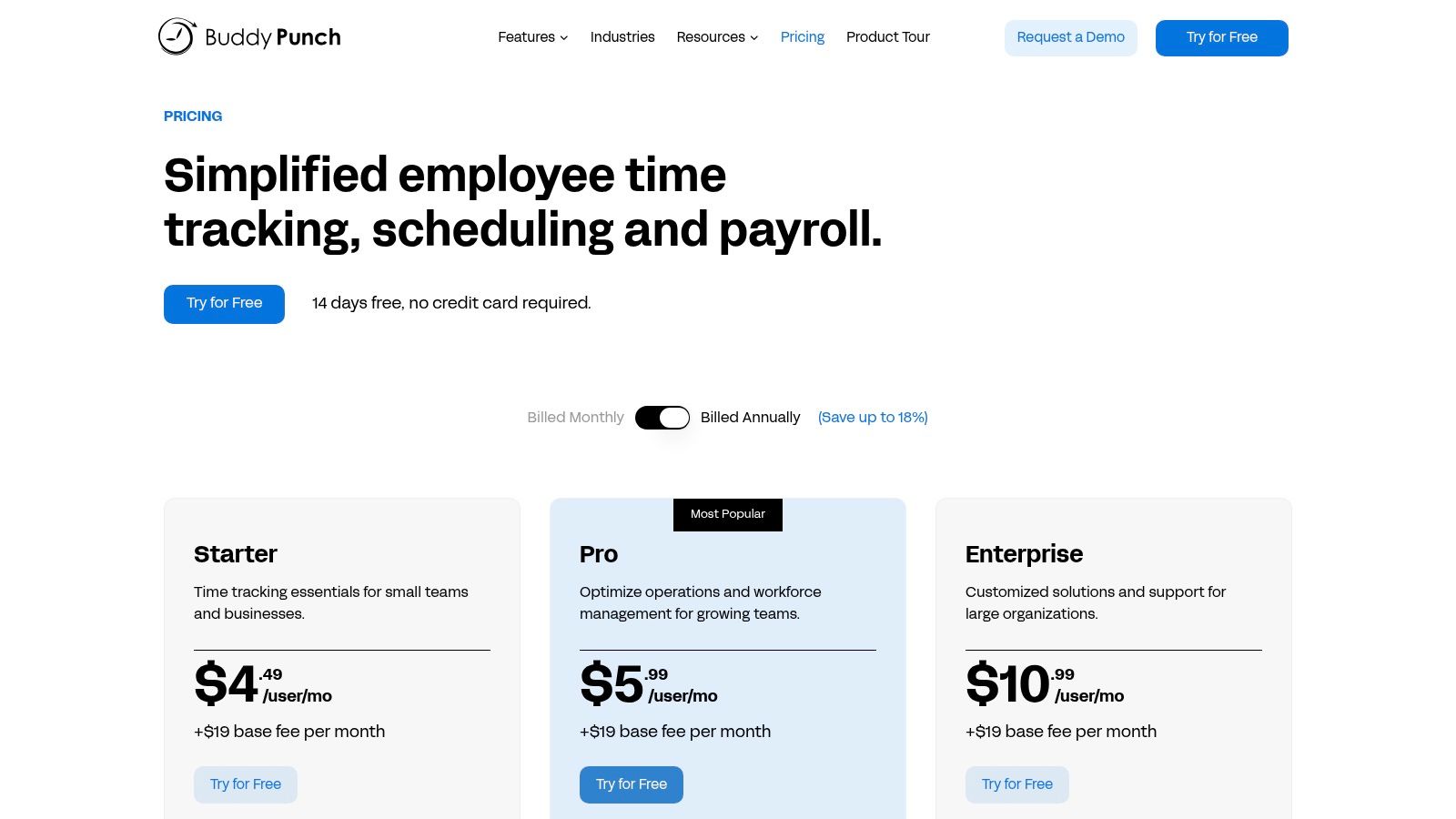
The platform is easy to deploy, allowing you to set up a dedicated tablet as a central kiosk in an office or have cleaners punch in via their phones using a simple PIN, QR code, or username. Features like geofencing and GPS on punch confirm your team’s location, while the photo-on-punch option captures an image at the moment of clock-in, adding a powerful layer of accountability that is difficult to bypass.
Buddy Punch’s pricing is transparent, starting with a Standard plan at $3.99 per user/month, a Pro plan at $4.99 per user/month, and an Enterprise plan with custom pricing. All plans have a base fee of $19/month (billed annually) or $29/month (billed monthly). A 14-day free trial is available to test the features.
Pro Tip: Implement the Photo on Punch feature from day one. It’s one of the most effective ways to deter buddy punching and creates a culture of accountability among your cleaning staff with minimal administrative effort.
OnTheClock is a budget-friendly and straightforward clock in app that packs a surprising number of features for its low price point, making it an excellent choice for owner-operators and small cleaning teams. It focuses on core time tracking functionality without overwhelming users with complex HR suites, providing a direct path to accurate payroll and job costing. For a growing cleaning business, this means gaining control over labor expenses with minimal setup and investment.
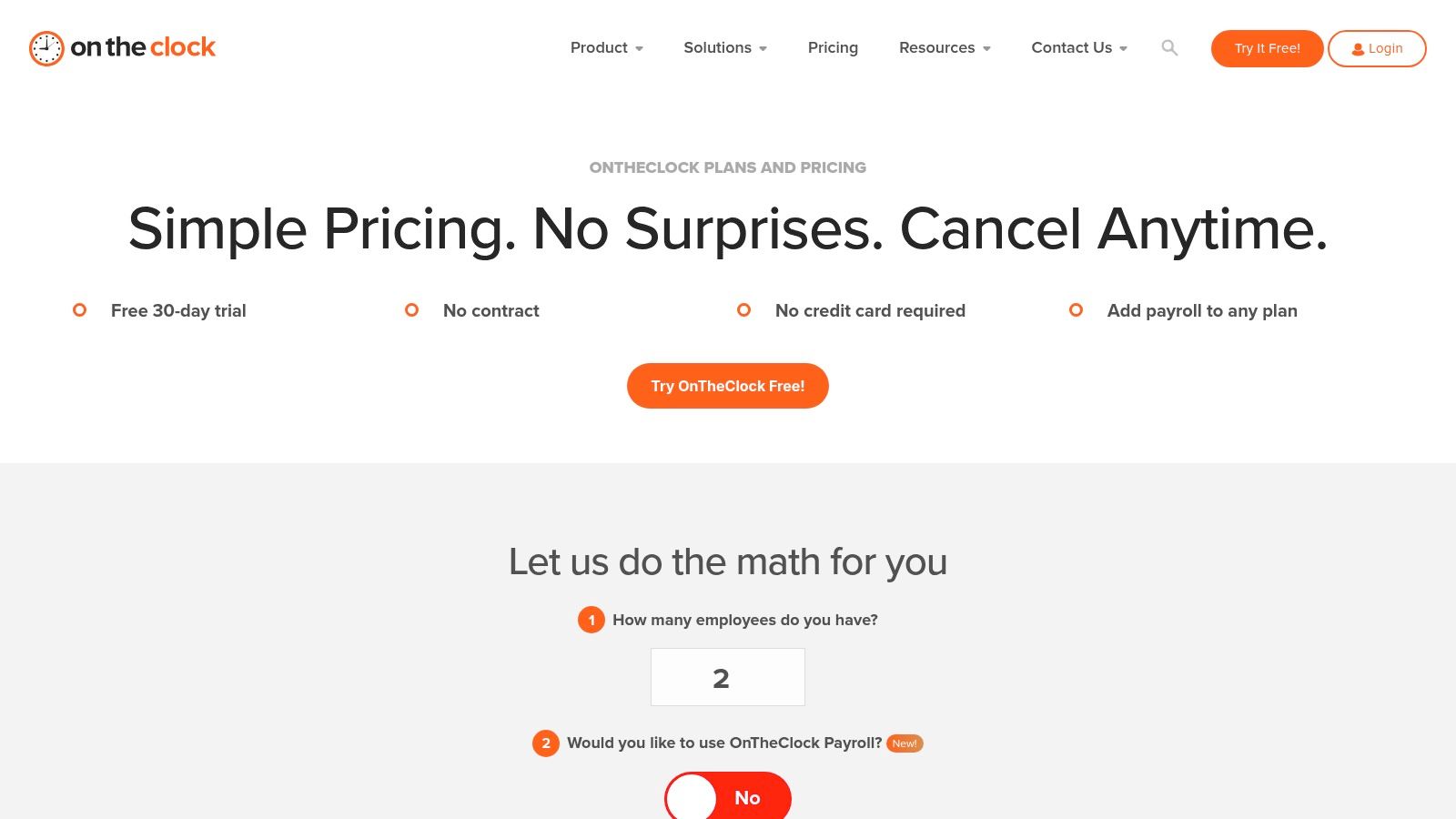
The platform’s strength is its simplicity and value. It offers mobile clock-ins with GPS tracking, an essential feature for verifying cleaners are at the correct residential or commercial site. It also supports tablet-based kiosk mode for office staff and provides scheduling and PTO management, all within an easy-to-navigate interface. While it may not have the extensive third-party integrations of larger platforms, its optional payroll add-on creates a nearly all-in-one system for small businesses that want to manage time and pay from a single dashboard.
OnTheClock is free for up to two employees. For teams of three or more, the price is a flat $3.50 per employee per month. There are no base fees or long-term contracts. The optional payroll service is an additional fee. SMS notifications may also incur minor pass-through carrier fees.
Pro Tip: Use OnTheClock as a low-cost entry into GPS time tracking. Its simple, per-employee pricing model is ideal for cleaning businesses with fluctuating team sizes, as you only pay for what you use each month. This makes it a financially safe way to professionalize your timekeeping.
Hubstaff expands the definition of a clock in app by combining robust time tracking with optional productivity monitoring, making it a unique solution for cleaning businesses that manage both field crews and office or remote staff. It allows you to track hours, locations, and activity levels, providing a full picture of your team's workday. For a cleaning company, this means you can confirm a crew's arrival at a client site via GPS while also managing the time your office admin spends on scheduling and client communication.
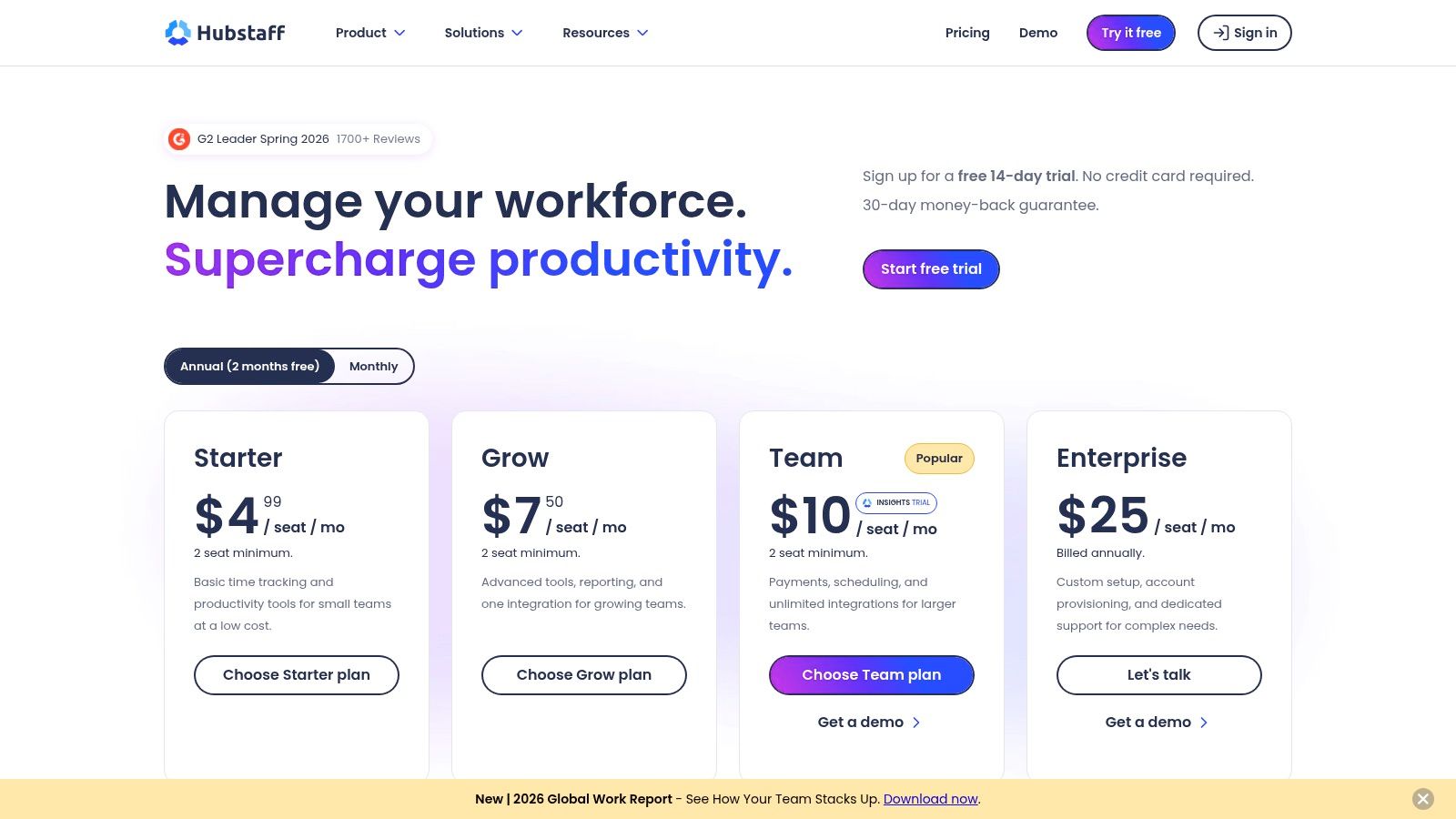
The platform’s power comes from its dual focus on field and desk work. While features like geofenced time clocks are perfect for mobile cleaning teams, its desktop app can track app usage, URLs visited, and take optional screenshots. This level of detail is ideal for billing clients by the hour for specialized cleaning projects or for managing a virtual assistant who handles your booking and estimates. Its deep integration with payroll and accounting software also simplifies the administrative back-end.
Hubstaff offers a free plan for a single user. Paid plans start with "Desk Starter" at $4.99/user/mo and "Field Pro" at $10/user/mo, both with a two-user minimum. The more feature-rich "Desk & Field" plan combines all functionalities for $12.50/user/mo. Annual billing offers a discount.
Pro Tip: Use Hubstaff's "Field Pro" plan to manage your cleaning crews with precise GPS tracking. If you also employ a remote admin or want to bill specific commercial clients based on exact hours, the "Desk & Field" plan provides the invoicing and activity tools needed for transparent billing.
Jobber goes beyond being a simple clock in app; it's a complete field service management platform built for home service businesses, including residential and commercial cleaning. It embeds time tracking directly into its job workflow, allowing cleaners to start a job-specific timer the moment they arrive. This approach is ideal for cleaning companies wanting to connect every operational step, from the initial estimate and scheduling to job completion and final invoicing, all within a single system.
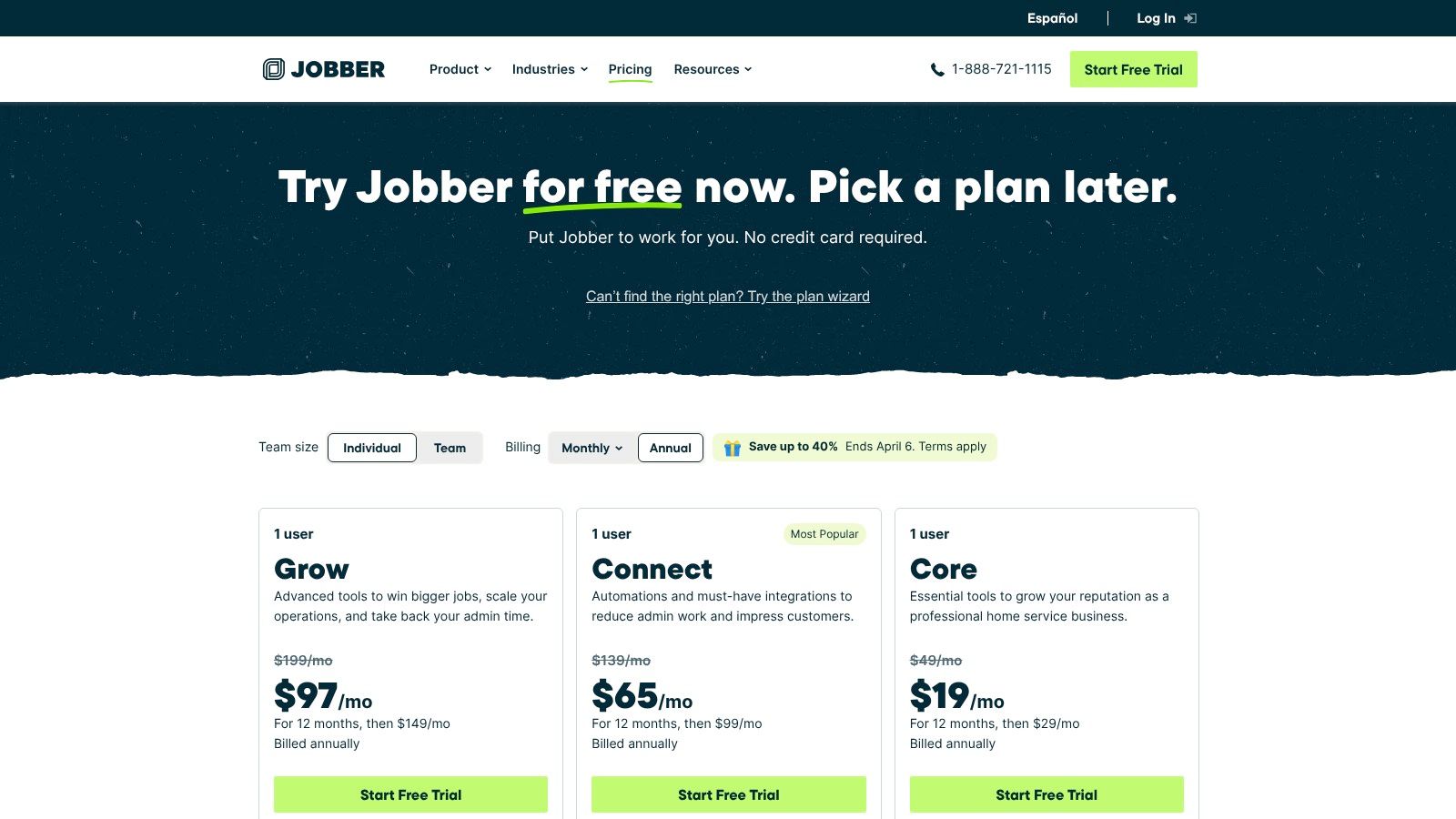
The platform’s real power comes from its end-to-end operational view. Instead of just logging hours, you're tracking time against specific jobs, which gives you precise job costing data. You can see exactly how much labor time a particular cleaning contract requires, helping you refine future estimates and improve profitability. While it offers powerful CRM capabilities, you can discover more options by reviewing the best CRM for cleaning business to see how they compare and fit your specific needs. Jobber's design focuses on making field service workflows smooth and automated.
Jobber's pricing is user and feature-based. The Core plan starts at $69/mo for one user, with additional plans like Connect ($169/mo for up to 5 users) and Grow ($349/mo for up to 15 users) offering more features and user seats. Time tracking is included in all plans.
Pro Tip: Jobber is an excellent choice if your biggest pain point is a disconnected workflow. If you're constantly moving information between your scheduling app, your clock in app, and your invoicing software, Jobber consolidates it all. It is heavier than a standalone time tracker, so it delivers the most value when you use its full suite of features.
Swept is a purpose-built clock in app designed specifically for the janitorial industry, making it an ideal choice for commercial cleaning companies managing multiple sites and distributed teams. Unlike general-purpose time trackers, its entire workflow is built around the unique challenges of janitorial services, such as supervisor oversight, client communication, and location-specific tasks. For businesses that need more than just a punch clock, Swept provides a communication and management layer that connects cleaners, supervisors, and clients.
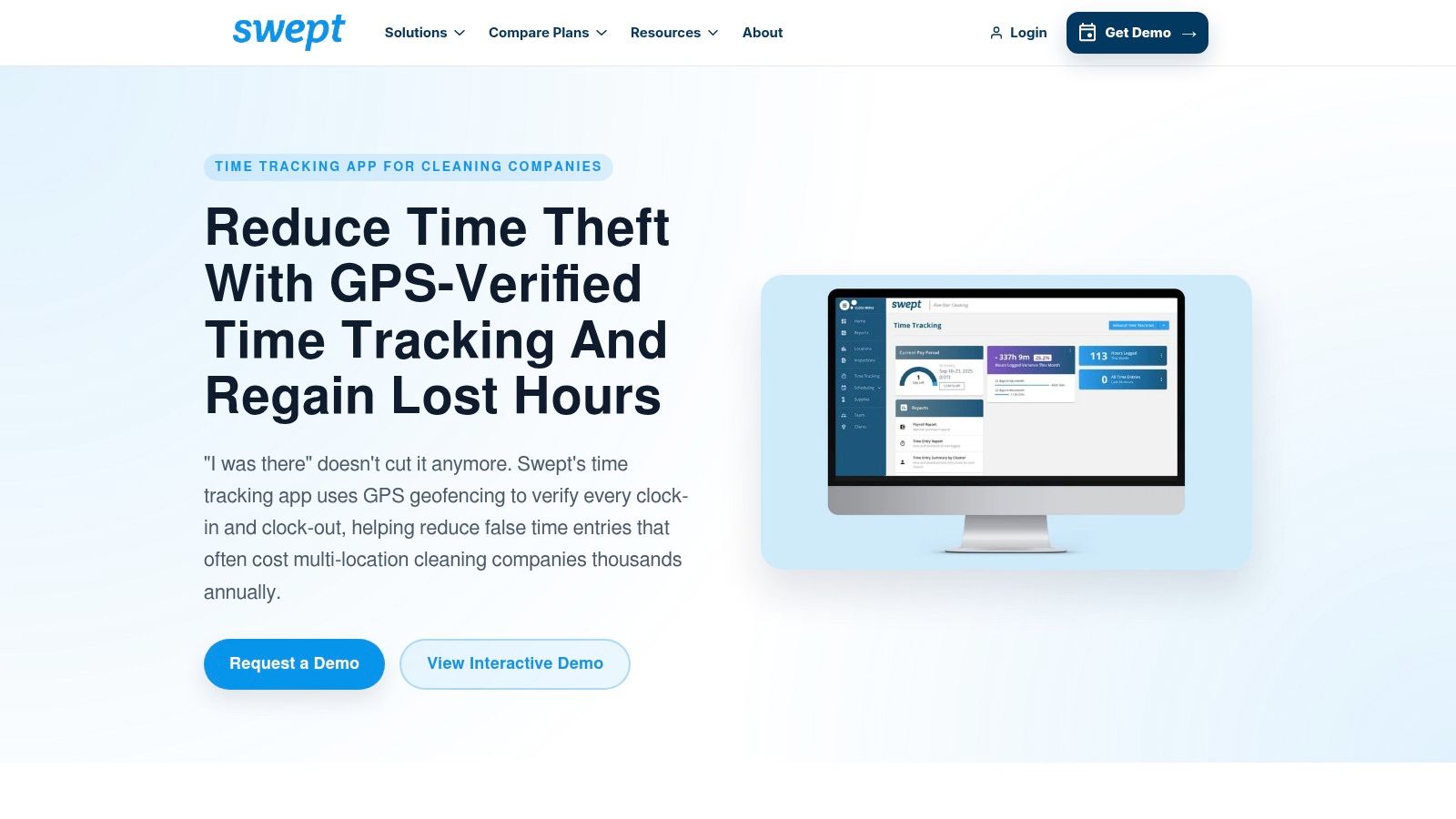
The platform's core strength is its focus on janitorial operations. Cleaners can use one-tap mobile punches with GPS verification to confirm they are on-site, while supervisors get a real-time dashboard view of who is clocked in and where. This is particularly useful for managing after-hours shifts and ensuring all contracted locations are serviced correctly. Swept's emphasis on audit-ready logs and compliance prompts helps protect your business by documenting breaks and other work-related acknowledgements directly within the app.
Swept's pricing is customized based on business needs and is typically provided through a sales consultation rather than being publicly listed. You will need to contact their sales team for a personalized estimate based on the number of locations and employees you have.
Pro Tip: Use Swept to standardize your quality control and compliance processes across all janitorial contracts. The built-in communication and problem-reporting features can turn your cleaning staff into proactive site managers, improving client satisfaction and retention.
| Solution | Core features | UX & reliability | Best suited for | Price / Key benefit |
|---|---|---|---|---|
| Homebase | Mobile/tablet time clocks, scheduling, timesheets, payroll integrations | Fast rollout, strong compliance helpers (breaks, OT) | Small cleaning teams needing kiosk/mobile clock-in | Predictable per-location pricing; basic free/paid tiers |
| When I Work | Shift scheduling, mobile time clock, geofencing, payroll exports | Very quick to set up and learn, good forecasting | Shift-based crews moving between homes/buildings | Per-user pricing scales; strong multi-location scheduling |
| QuickBooks Time | GPS tracking, kiosk mode, scheduling, QuickBooks sync | Tight payroll sync, mature GPS & job costing | Cleaners already using QuickBooks for payroll | Base + per-employee pricing; best for QuickBooks users |
| Clockify | Free unlimited users, kiosk mode; paid GPS/approvals | Generous free tier, flexible deployment (mobile/kiosk/web) | Budget-conscious teams wanting basic time tracking | Free plan strong; affordable per-user upgrades |
| Deputy | Biometric/face kiosk, geofencing, auto-scheduling, compliance checks | Robust labor compliance and forecasting, scalable | Multi-site janitorial teams with strict labor rules | Enterprise features for forecasting; per-user cost can be high |
| Connecteam | GPS time clock, scheduling, tasks, forms, fixed tiers up to 30 users | Predictable cost, broad ops toolkit reduces apps | Small crews wanting an all-in-one ops + time tool | Fixed-price tiers (up to 30 users); fast onboarding |
| Timeero | GPS tracking, mileage capture, route replay, payroll exports | Strong mileage/location history, DOL-friendly audit trails | Mobile crews tracking drive-time between jobs | Purpose-built mileage tracking; pricing via sales |
| Buddy Punch | Mobile/kiosk punch, PIN/QR, webcam capture, GPS | Easy to deploy, multiple verification options | Crews rotating among sites needing anti-buddy-punching | Transparent pricing + 14-day trial; base fee + per-user |
| OnTheClock | Mobile/kiosk time, GPS/geofence, PTO, optional payroll add-on | Very simple pricing and setup, helpful support | Owner-operators and very small cleaning teams | Low-cost; optional unlimited payroll runs (add-on) |
| Hubstaff | Mobile/desktop time, GPS, activity monitoring, invoicing | Broad feature set for field & remote roles | Teams managing both field crews and remote staff | Many integrations; monitoring features may concern staff |
| Jobber | Location-based timers, scheduling/dispatch, estimates, invoicing, CRM | End-to-end workflow from estimate to invoice | Home service cleaners needing full field service suite | Built for home services; can be heavier and pricier |
| Swept | GPS-verified clock-ins, compliance prompts, multi-location dashboards | Audit-ready logs and janitorial workflows out of box | Multi-location cleaning companies and supervisors | Janitorial-specific compliance tooling; pricing via sales |
Selecting a clock in app is more than just a tech upgrade; it's a fundamental shift in how you manage your cleaning business's most valuable asset: your team's time. We've explored a dozen powerful tools, from the SMB-friendly interface of Homebase and the robust scheduling of Deputy to the all-in-one field service power of Jobber. The common thread is clear: manual timesheets and guesswork are relics of the past. Modern, profitable cleaning companies run on accurate, verifiable data.
The true power of a dedicated clock in app is unlocked when it stops being an isolated tool and becomes the central gear in your operational machine. The data you gather isn't just for payroll. It’s for smarter business decisions. When you know precisely how long a three-bedroom, two-bath deep clean takes with two technicians versus three, you can refine your estimates with surgical precision. This data directly fuels the accuracy of your proposals, ensuring you’re profitable on every single job.
Making the right choice hinges on a clear understanding of your business’s unique pain points and growth stage. Don't be swayed by the app with the most features; focus on the one that solves your biggest problems today while offering room to grow tomorrow.
Here’s a simplified decision-making framework:
Remember, the tool is only as good as its implementation. A poorly rolled-out clock in app can create more confusion than it solves. Before you commit, consider the human element. Is the app easy for your cleaning staff to use on their phones? Does it work offline in areas with poor reception? A successful rollout involves clear communication, proper training, and demonstrating the benefits to your team, such as fair and accurate pay.
Furthermore, think about the bigger picture. To truly streamline operations and achieve automated growth, it's crucial to connect your accurate time data with robust financial systems, such as the best free accounting software for small business. When your time tracking app "talks" to your accounting and payroll software, you eliminate hours of manual data entry and reduce the risk of costly errors. This integration is the bridge from simply tracking time to building a self-sustaining, automated growth engine for your cleaning business.
Now that you've mastered tracking your team's time, the next step is to perfect how you price your jobs. Estimatty uses your actual cleaning times to create data-driven, profitable estimates in seconds, turning the precise data from your clock in app into a powerful sales tool. See how Estimatty can help you stop guessing and start growing with smarter estimates.