October 20, 2026
How to Follow Up on a Quote and Close More Cleaning Sales
Learn how to follow up on a quote with timing, templates, and tactics that turn estimates into booked cleaning jobs. Practical advice for cleaning businesses.

Monday, July 20, 2026
Set up Zapier CRM integration to sync AI estimates from Estimatty into your CRM. Learn triggers, field mapping, testing, & best practices for 2026.
.png)
Friday night is when a lot of cleaning leads disappear.
A homeowner submits an estimate request after dinner. A property manager calls from the road and wants pricing before Monday. Someone chats on your site, gets what feels like a real buying answer, then waits because the data never reaches your CRM until a human catches up. By the time your team replies, the prospect has already booked with the company that moved first.
That gap is exactly why Zapier sits in so many service businesses' stack. It connects apps, moves data immediately, and keeps lead records from living in inboxes, texts, call notes, and browser tabs. For cleaning companies, the overlooked part isn't basic lead capture. It's getting structured AI estimate data into the right CRM fields, in the right format, without custom code and without filling the CRM with duplicates.
A cleaning lead comes in at 8:47 p.m. The customer wants a price tonight, not a callback tomorrow, and the quote details need to reach the CRM while the intent is still high.
That is the core function of Zapier CRM integration in a cleaning business. It moves estimate data out of forms, chat tools, call workflows, and AI quoting steps, then puts it into the CRM quickly enough for the sales process to stay intact.
The part many tutorials miss is structure. Basic lead capture is easy. The harder problem is taking AI-generated quote details such as service type, square footage, frequency, add-ons, and price range, then writing that data into the correct CRM fields without custom code and without creating duplicate records. That is where a well-built Zap earns its keep.
Speed matters, but data quality matters just as much.
If the workflow only dumps a contact name and a note into the CRM, the team still has to read, interpret, and re-enter the estimate before they can follow up properly. A better setup creates a usable record from the start, with clean fields, clear ownership, and enough context for sales or office staff to act immediately.
If you're comparing options for that kind of workflow, Estimatty's CRM and automation integrations page shows how a no-code quote-to-CRM handoff typically fits into the stack.
Fast follow-up depends on a clean handoff. An instant quote loses value if the CRM record arrives incomplete, delayed, or attached to the wrong contact.
A clean build starts before the first Zap.
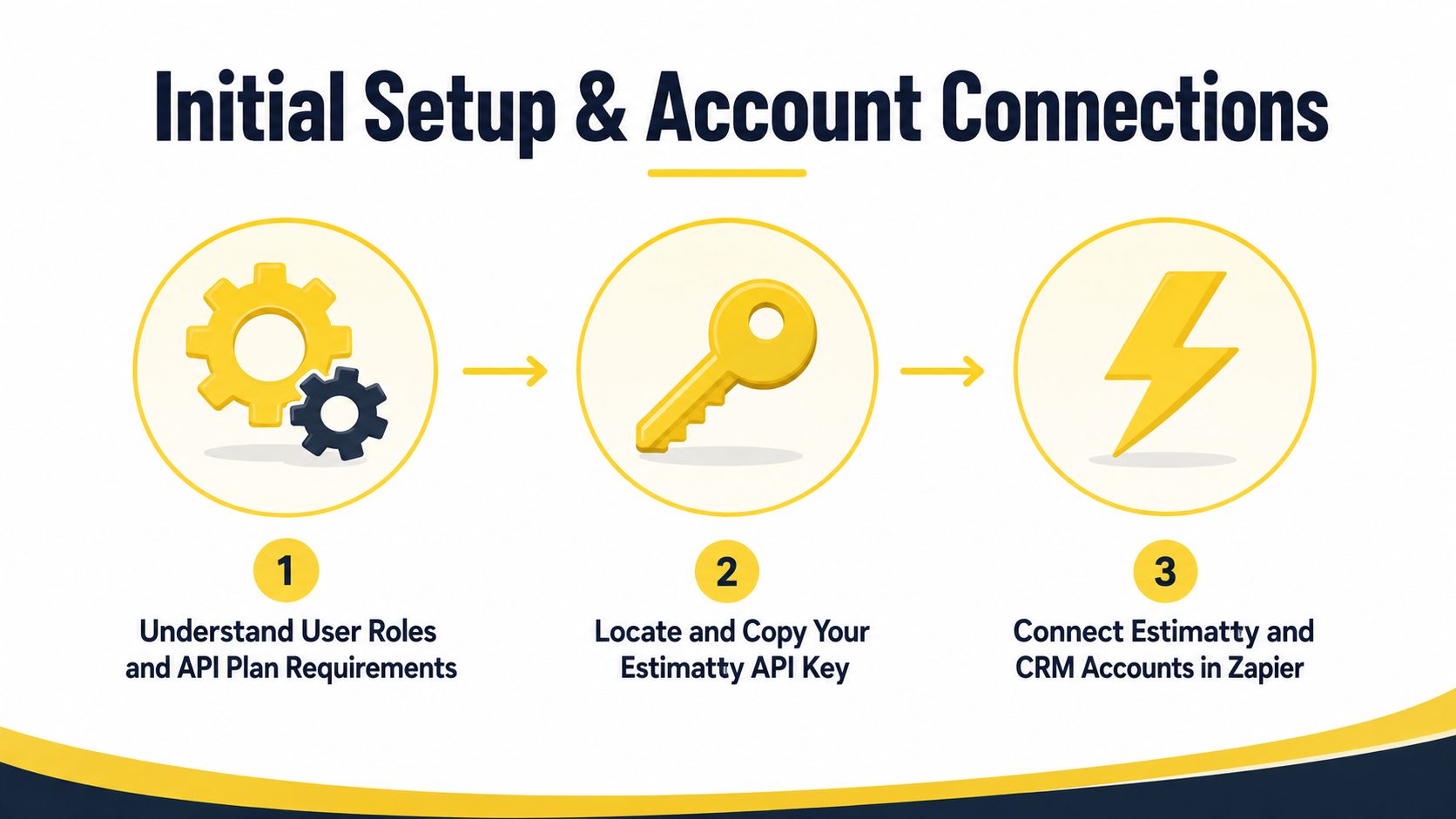
For AI-to-CRM quote workflows, setup errors usually show up later as bad records. A quote gets generated, but the square footage lands in a notes field, the service frequency gets dropped, or Zapier creates a second contact because the connection was made with the wrong account and the wrong matching rules.
Set ownership first. One person should control app connections, field definitions, and naming conventions. Shared responsibility sounds collaborative, but in practice it makes troubleshooting slower because nobody knows which credential, field, or test record changed the behavior.
Check these prerequisites before connecting apps:
That field plan matters more than teams expect. In cleaning businesses, the lead record is only half the job. Value comes from getting structured estimate data into fields your office staff can filter, assign, and follow up on without reading through a transcript or pasted summary.
The connection step is simple. The decisions behind it are not.
A typical sequence looks like this:
For quote-to-CRM automation, I recommend connecting the source app and CRM in a test environment first if the CRM supports it. That adds a few minutes up front, but it prevents a common cleanup problem. Early test runs can create junk contacts, empty opportunities, or malformed custom field values that stay in reporting long after the automation is fixed.
If you are still deciding how your pipeline and records should be organized, this service industry CRM guide gives a useful model for field structure and workflow design.
Connection failures are rarely dramatic. They are usually small configuration mistakes that block the workflow at the worst time, right after a customer finishes an estimate.
| Setup risk | What causes it | Better approach |
|---|---|---|
| Expired auth | Personal logins or old tokens | Use a managed business account and document who owns renewal |
| Wrong CRM environment | Test and live accounts have similar names | Label every connection clearly inside Zapier |
| Missing permissions | The connector user cannot edit required fields or objects | Confirm object and field access before testing |
| Confusing app roles | The team has not defined the source of truth | Decide whether the CRM stores the master customer record, quote record, or both |
One more practical point. If your AI quoting tool outputs structured fields, keep those field names consistent before they ever reach Zapier. Clean labels upstream make connection setup easier, field mapping faster, and duplicate prevention more reliable.
Practical rule: Treat account connections like infrastructure. If the credentials, permissions, and field ownership are messy, the CRM data will be messy too.
This is the point where a Zapier CRM integration stops being theoretical and starts doing real work.
The trigger should reflect the moment you consider a lead ready for CRM entry. For cleaning companies using AI-driven estimate intake, that's usually the completion of a structured estimate, not just a page visit or an abandoned interaction.

A weak trigger creates noise. A strong trigger gives you enough structured fields to create or update a meaningful CRM record.
For AI estimate workflows, inspect the payload before mapping anything. You want to identify fields such as:
Most general CRM tutorials still don't handle the AI-to-CRM estimate workflow well. Zapier's broader integration guidance leaves a gap around parsing structured AI outputs like square footage, surface type, urgency, and estimated price into custom CRM fields without code, as noted in this discussion of CRM integration patterns.
If you're building for Jobber specifically, this Jobber integration page shows the type of handoff most operators want.
Don't automatically choose "Create Lead" because that's the default in many demos. The right action depends on how your team books work.
Use these common patterns:
A residential team using HubSpot may want a contact plus a deal. A commercial operator in Salesforce may create an opportunity tied to an account. A field service workflow may prefer a customer record and a pending job.
Experienced builders differentiate useful automations from noisy ones.
Use filters and paths when:
For teams that want a visual walkthrough of multi-step app logic, this short demo is a solid reference:
| Workflow | Trigger | Action sequence | Why it works |
|---|---|---|---|
| Voice estimate intake | New completed estimate | Find contact, update contact, create deal | Keeps phone leads from staying in notes |
| Large property routing | New completed estimate with size criteria | Filter, assign owner, create opportunity in priority pipeline | Sends high-value estimates to the right rep immediately |
If the trigger fires too early, your CRM fills with half-finished records. If it fires too late, follow-up loses momentum.
Monday morning is where bad mapping shows up. A cleaning company gets the same lead three ways over one weekend: an AI quote request, a missed call callback, and a website form. If those inputs land in different CRM fields, the team ends up with duplicate contacts, split notes, and an estimate no one trusts.
Field mapping decides whether your AI-to-CRM quote workflow produces a usable record or a cleanup project. For cleaning businesses, that matters more than in a standard web form setup because estimate data is usually richer and messier at the same time. Room count, property size, service type, urgency, and quote amount all need a clear destination before the first live Zap runs.
I recommend drafting the field map in a shared doc or spreadsheet first. It gives sales, operations, and whoever owns the CRM one place to agree on names, formats, and required fields. It also prevents the common problem where the Zap works technically but writes the wrong values into the wrong places.
Here is a practical starter template.
Cleaning Business Field Mapping Template
| CRM Field | Estimatty Variable | Data Type | Notes |
|---|---|---|---|
| Contact Name | {{customer.name}} | Text | Use full name if available |
| Phone | {{customer.phone}} | Phone | Normalize formatting before update |
| {{customer.email}} | Leave blank if not supplied | ||
| Property Size | {{job.size}} | Number/Text | Match CRM field type exactly |
| Service Scope | {{job.scope}} | Text | Good candidate for custom field |
| Estimated Price | {{job.estimate}} | Number/Currency | Use a dedicated estimate field |
| Urgency | {{job.urgency}} | Text | Useful for routing and priority |
| Lead Source | {{job.source}} | Text | Keep source naming consistent |
| Notes | {{conversation.summary}} | Long text | Store context, not raw clutter |
The teams that get this right usually standardize estimate-specific fields early. A structured quote intake only helps if the CRM is ready to receive structured data. This guide to AI estimates software for cleaning businesses shows the kind of quote fields that are worth defining before you automate.
Good mapping is not just field-to-field. It is format-to-format and meaning-to-meaning.
For example, "3 bed / 2 bath deep clean" should not be dumped into a generic notes field if your sales team later wants to filter by service type or property profile. Estimated price should go into a currency field, not text. Urgency should use a controlled set of values such as "standard," "rush," or "same-week" so reporting stays usable.
Often, many no-code builds drift off course. The trigger payload contains clean estimate data, but the CRM ends up with half of it buried in notes because nobody created the custom fields first.
The safer pattern is Search-then-Update. Add a Find Record or lookup step before any create action, using the best identifier your workflow has available. In cleaning businesses, that is usually email first, then normalized phone, then a secondary check if the CRM allows it.
A solid sequence looks like this:
That order reduces duplicate records and keeps quote history attached to the right person. It also makes reporting more accurate because revenue, follow-up, and service history stay tied to one record instead of three partial ones.
Cleaning leads rarely arrive with perfect identifiers. A homeowner may request a quote with an email address, then call later from a spouse's phone, then reply to a follow-up text using a nickname. Single-key matching breaks down fast in that situation.
Use the strongest matching logic your CRM and Zap setup can support:
One practical rule helps a lot. If the incoming quote lacks a reliable identifier, create the record with a visible tag such as "needs review" instead of pretending the match is certain.
Your CRM needs fewer, better records.
That is the purpose of field mapping templates. They turn AI-generated estimate details into structured CRM data your team can route, report on, and follow up on without custom code or manual cleanup later.
A cleaning company launches AI-powered estimate forms on Friday, runs ads over the weekend, and wakes up Monday to a CRM full of half-created contacts, missed deal records, and owner assignments that never fired. That is the true test of a Zapier CRM integration. Not whether one sample record passed in setup, but whether messy quote data still lands cleanly in the CRM when nobody is watching.
That matters even more in the AI-to-CRM quote workflow. AI can extract service type, square footage, frequency, add-ons, and urgency without custom code, but only if the Zap is tested against the kind of inconsistent inputs cleaning leads submit.
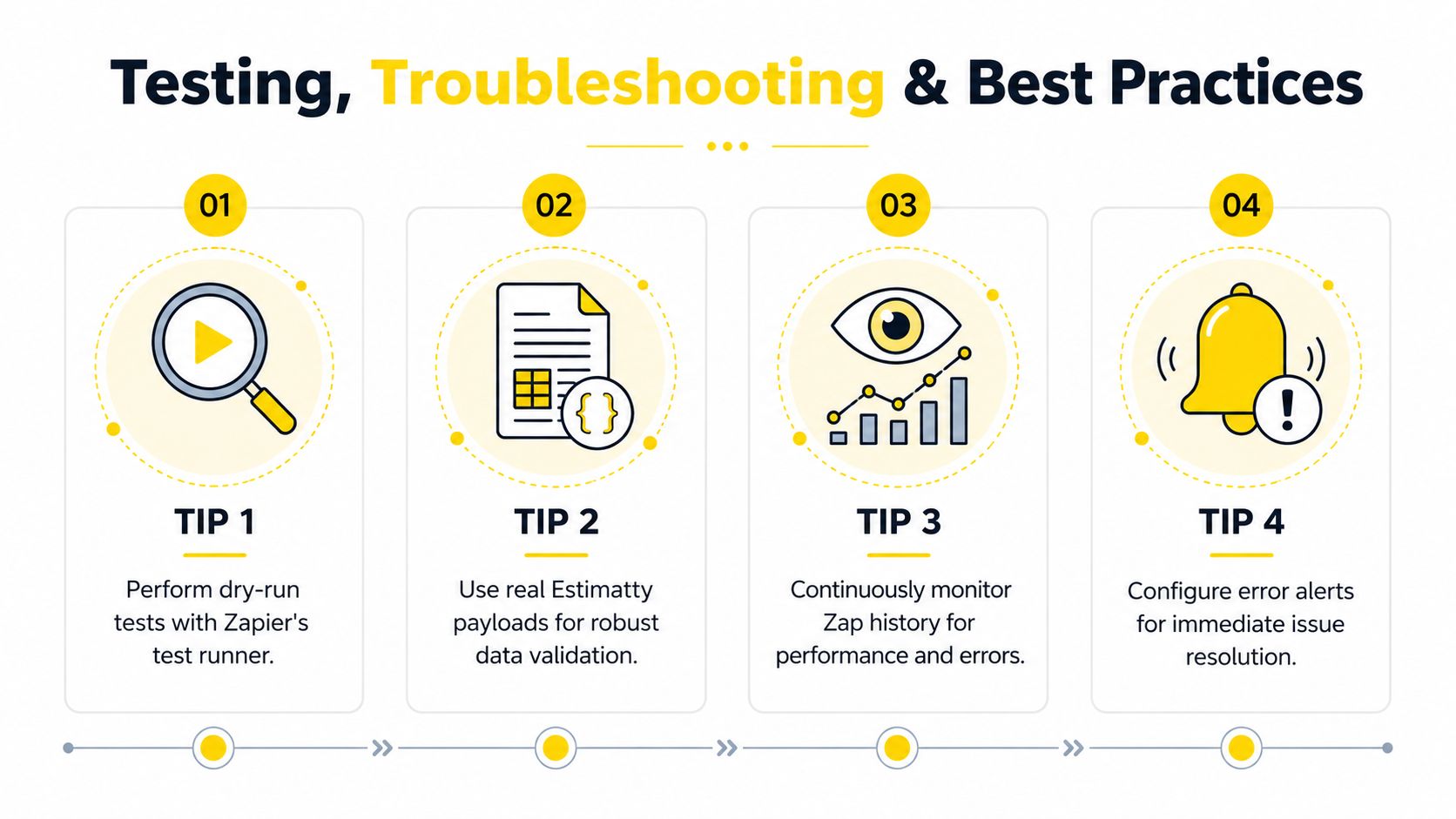
Use live samples pulled from real estimates, not the polished example Zapier generates.
Start with the records most likely to break your workflow:
I usually test five to ten bad-case submissions before calling a quote-to-CRM automation ready. If the workflow can handle those, the happy path is already covered.
Rebuilding the Zap is usually the slowest fix. Check the failure in order.
Trigger payload
Confirm the source app sent the fields your later steps depend on.
Formatter or AI output
Check whether parsed estimate data was cleaned correctly before it reached the CRM step.
Search step
Review whether the lookup found the right contact, found none, or matched the wrong record.
Create or update actions
Inspect required CRM fields, dropdown values, and owner assignments.
Filters and paths
Make sure valid quote requests are not being blocked by narrow conditions.
App permissions
Expired auth and changed field permissions still cause a large share of avoidable failures.
| Common problem | Usual cause | Fastest fix |
|---|---|---|
| Quote created no contact | Search or create step used the wrong identifier | Recheck lookup field and fallback logic |
| Contact created no deal | Later action depends on a missing contact ID | Map the search/create output directly into the deal step |
| AI fields missing in CRM | Parser output not mapped or field names changed | Re-test with a fresh payload and update mappings |
| Duplicate records | Match rules too loose or too strict | Add review tags and tighten fallback matching |
| CRM rejects the record | Required field, format, or picklist mismatch | Align field type and allowed values |
Good automation still needs operating rules.
Zapier's CRM implementation guidance makes the point clearly. Teams get better adoption when the process is documented, ownership is clear, and staff know how to handle edge cases. That matches what I see in production. The technical build is often the easy part. The failures usually happen after launch, when someone edits a field, bypasses the process, or assumes the Zap will fix bad input automatically.
Make sure reps and office staff know:
If you want a practical example of why response speed and clean routing matter, this case study on doubling sales after instant estimates shows how fast handoff affects conversion.
The strongest setups are usually simple and monitored.
The goal is not clever automation. The goal is a quote workflow your team trusts on a busy Saturday, with AI-structured estimate data landing in the CRM correctly, consistently, and with as little cleanup as possible.
A common cleaning-business scenario looks like this. An estimate comes in after hours, AI extracts the job details, and the lead sits untouched until morning because nobody routed it into the CRM with the right context. By then, the customer may have already booked elsewhere.
The best Zap workflows fix that gap. They move structured estimate data into the CRM fast enough to support sales, and they preserve the details that matter for quoting, routing, and follow-up. For cleaning companies, speed matters, but context matters just as much.
Use this workflow when the estimate suggests high intent and a rep should respond right away.
Trigger: New completed estimate
Filter: Urgency, short requested timeline, high-value service, or commercial scope
Actions: Send SMS alert to salesperson, create or update contact, create opportunity, assign owner
This workflow works best when the AI-to-CRM handoff is structured. Instead of passing a blob of notes into the CRM, send usable fields such as service type, property size, requested date, ZIP code, and urgency flag. That gives the rep enough information to call with a relevant opening instead of spending the first few minutes re-qualifying the lead.
If you want a practical companion resource for SMS handoff logic, this guide on Growform to SMS integration is useful because it shows how teams use Zapier to get form-driven notifications into text workflows quickly.
Some estimates deserve a different sales path from the start.
Trigger: New completed estimate
Filter: Add-ons selected, premium service requested, recurring service interest, or special surface care noted
Actions: Update contact tags, create opportunity in upsell pipeline, notify rep or marketing owner
This is one of the most overlooked uses of Zapier CRM integration. The estimate already tells you what the customer values. If the AI extracted requests for deep cleaning, move-out cleaning, appliance add-ons, or recurring visits, those details should shape the follow-up automatically. Sales teams close more consistently when the CRM reflects buying signals before the first call.
Teams with multiple crews, territories, or franchise locations need routing logic at intake, not later.
| Workflow | Key filter | Main action | Best fit |
|---|---|---|---|
| Instant follow-up | High-intent estimate signals | SMS alert plus opportunity creation | Small teams handling inbound leads directly |
| Add-on upsell | Premium or recurring service indicators | Tag, segment, and route to upsell pipeline | Operators focused on average ticket growth |
| Multi-location routing | ZIP code, city, service area, or branch | Assign to correct user, pipeline, or location | Franchises and multi-location cleaning brands |
For AI-driven quote workflows, multi-location routing is where field structure pays off. If the estimate data arrives with clean location fields, Zapier can assign the lead correctly without custom code or manual sorting. If the location is buried in free text, someone on your team ends up fixing it by hand.
For a real example of what faster estimate response can do for sales, this case study on doubling sales after instant estimates is worth reviewing.
The strongest workflow is usually the one a busy team can read quickly, trust, and use without second-guessing the CRM record.
A strong Zapier CRM integration does three things well. It captures estimate data immediately, maps that data into useful CRM fields, and prevents duplicate records from undermining follow-up.
Organizations don't need custom code to get there. They need a clean trigger, disciplined field mapping, real testing, and a simple ownership model. Start with one workflow that moves completed estimates into your CRM correctly. Then review the results, tighten the routing, and expand only after the first automation is stable.
If you want a faster way to turn website and phone inquiries into structured estimates that can flow into your CRM, Estimatty is built for cleaning businesses that need round-the-clock lead capture without adding admin work.