
integration
Integration Jobber
Streamline your estimating → scheduling flow. Let Estimatty capture the lead + price instantly… then pass everything to Jobber.
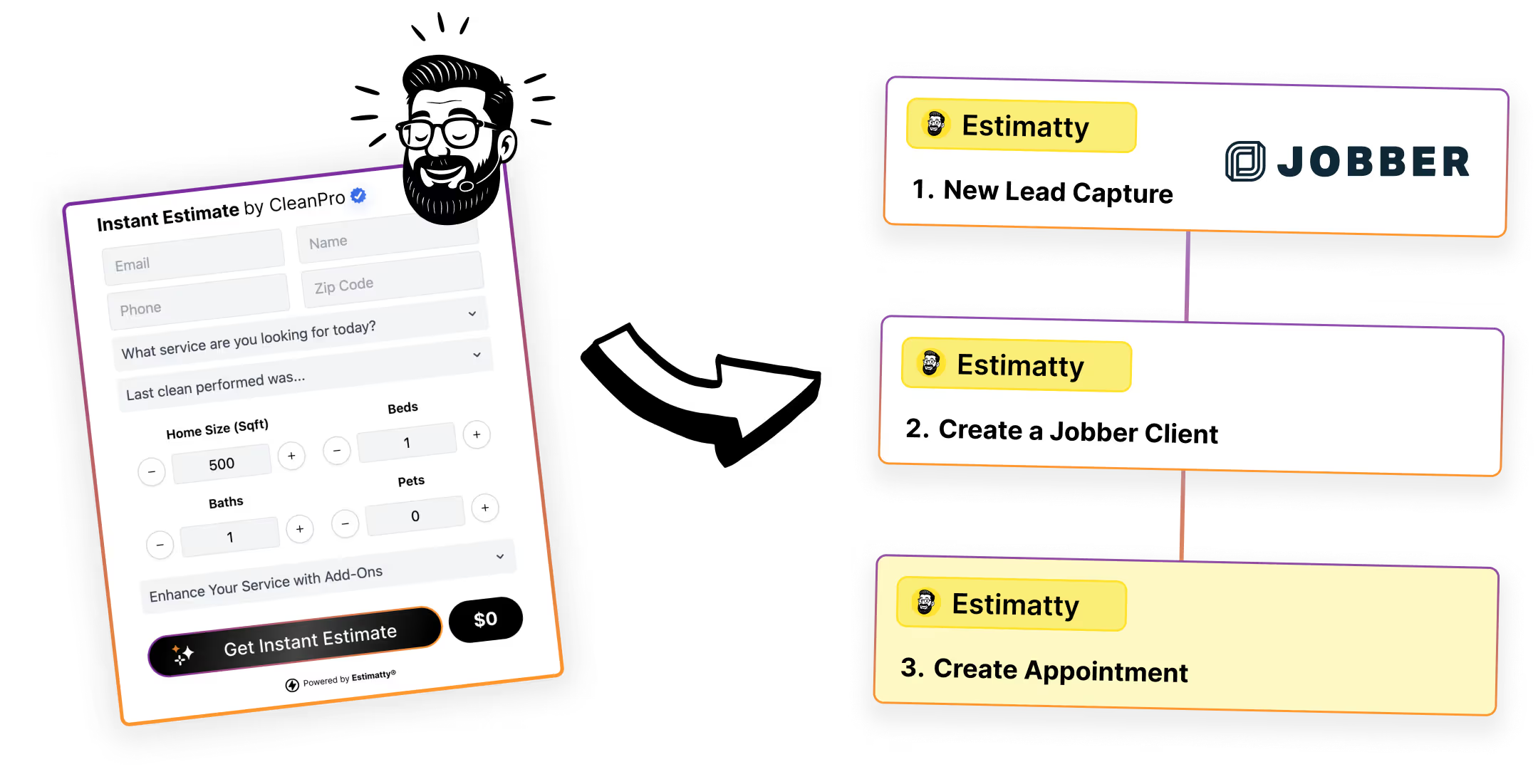
Overview
Jobber is where home service businesses run the day-to-day: clients, scheduling, jobs, and payments.
Estimatty is where website visitors get an instant estimate—so your sales team stops doing the slow stuff (creating requests, rewriting details, and manually sending estimates).
With Zapier, you can connect Estimatty and Jobber so your workflow doesn’t depend on copy/paste (or someone remembering to do it later).That means: when a customer requests an estimate (or Estimatty generates one), you can automatically send key details into Jobber.
Key features:
- Auto-create Jobber clients from Estimatty leads New lead comes in → Jobber client record is created with name, phone, email, address and important details.
- Send estimate details to Jobber instantly Pass key fields like service type, bedrooms/bathrooms, square footage, notes, and the estimated price—so your team has context, not guesses.
- Keep your ops team in Jobber (where they live) Estimatty handles pricing + lead capture. Jobber handles scheduling + job management. Everyone stays in their lane.
How it works
With Zapier, you build automations (“Zaps”) that run when something happens in Estimatty, then take action in Jobber. Example workflow:
- Trigger: New lead captured in Estimatty → Action: Create a Jobber client + add a note (“Estimate: $___, SqFt: ___”).
Benefits of integrating Jobber with Estimatty
- Save time (and brain cells): No more retyping leads, addresses, and job details.
- Faster booking: The handoff to scheduling happens immediately—when the lead is hottest.
- Cleaner operations: Jobber stays your source of truth for jobs—Estimatty stays your source of truth for pricing + lead intake.
- More consistency: Your team follows the same process every time, even when you’re busy.
Connect to your favorite tools
Estimatty plays nicely with Jobber (and thousands of other apps) through Zapier—so you can build a workflow that fits your business instead of changing your business to fit the workflow.






Frequently asked questions
For any unanswered questions, reach out to our support team via email. We'll respond as soon as possible to assist you.