October 23, 2026
How to Start Commercial Cleaning in 2026
Learn how to start commercial cleaning in 2026 with proven steps for pricing, staffing, licensing, and automation that win recurring contracts.

Thursday, August 27, 2026
Compare the best lead generation tools for cleaning businesses, including estimators, CRMs, chat, ads, prospecting, and call tracking.

A homeowner fills out your cleaning form at 10:47 p.m. and hears nothing until morning. A facilities manager calls during business hours, reaches voicemail, and contacts the next janitorial provider instead. The difference isn't lead volume. It's whether your business responds with a useful answer while the prospect is ready to act.
For residential cleaning companies, a valuable lead-generation tool captures service details, answers questions, sends an estimate, and makes booking easy. For commercial cleaners, it must also identify companies, reach property and facilities decision-makers, route inquiries to the right person, and track which campaigns produce worthwhile opportunities. The strongest systems support the full journey, from acquisition and capture to follow-up, attribution, estimates, and booked jobs.
That matters because websites remain the most widely used lead source. A 2026 compilation reports that 90.7% of marketers use websites to generate leads and sales, while email marketing, organic social, and PPC trail behind it in usage (lead-generation channel benchmarks). But a website alone won't answer a phone call, qualify square footage, identify a commercial account, or follow up by text.
This list compares the best lead generation tools for cleaning businesses by workflow fit. It includes software for instant estimates, inbound nurturing, commercial prospecting, conversion optimization, call attribution, and text-led booking. If you're targeting companies beyond your local inbound traffic, start with these outside sales targeting routes.
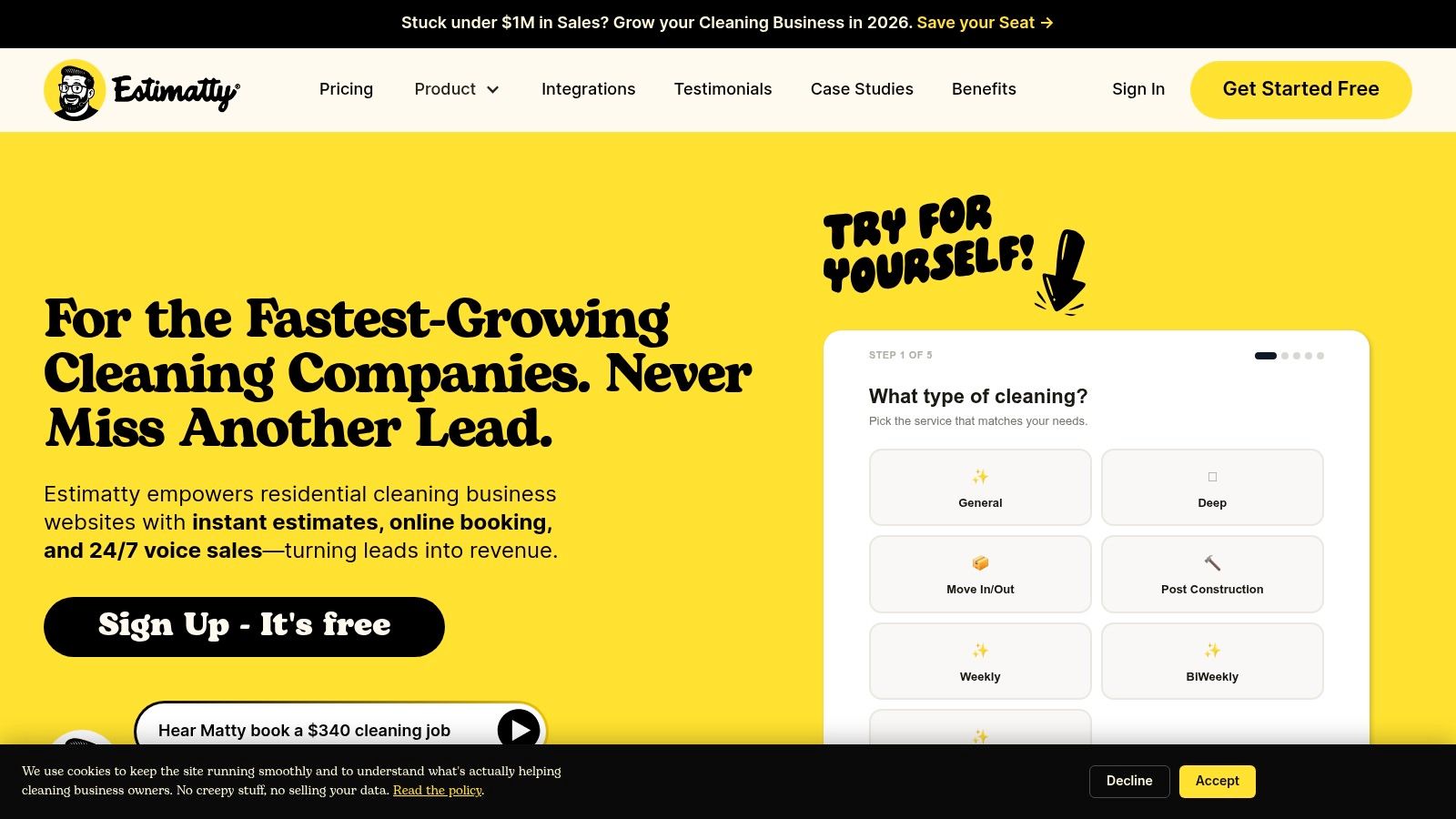
A cleaning prospect visits your site after hours, calls while the team is on a job, or submits a form without enough detail to price the work. If nobody responds promptly, that inquiry can disappear. Estimatty addresses this gap with an AI web and voice sales estimator for residential and commercial cleaning businesses. Its workflow moves from inquiry to estimate and booking, rather than stopping at lead capture.
The Matty agent handles website visitors and phone calls around the clock. It collects square footage, surfaces, urgency, and other job details, then returns a standardized price in under a minute. Prospects receive estimates by SMS and email, and your team gets real-time notifications for follow-up. That gives staff a consistent response process when they are busy or unavailable.
Setup is no-code. Operators can customize a pricebook, add FAQs, select a voice, offer bilingual options, place the widget on a website, and connect leads to Zapier or a CRM. Estimatty also supports add-ons such as oven and refrigerator cleaning. If a prospect needs personal assistance, the AI can transfer the call to U.S.-based receptionists who continue the conversation under your brand.
The product site cites 15–35% more leads and reports that 74% of users get new customers within 30 days (Estimatty's cleaning estimate software guide). These are vendor-reported figures, so compare them with your own estimate-completion rate, booked-job rate, and response-time records. The practical value is immediate: the business can answer, collect details, and price inquiries even when employees are not available.
Pros
Cons
Estimatty suits solo cleaners, growing residential teams, commercial operators, and multi-location brands. Choose it first when the lead source already works, but slow response, incomplete job details, or inconsistent estimates prevent inquiries from becoming booked work.
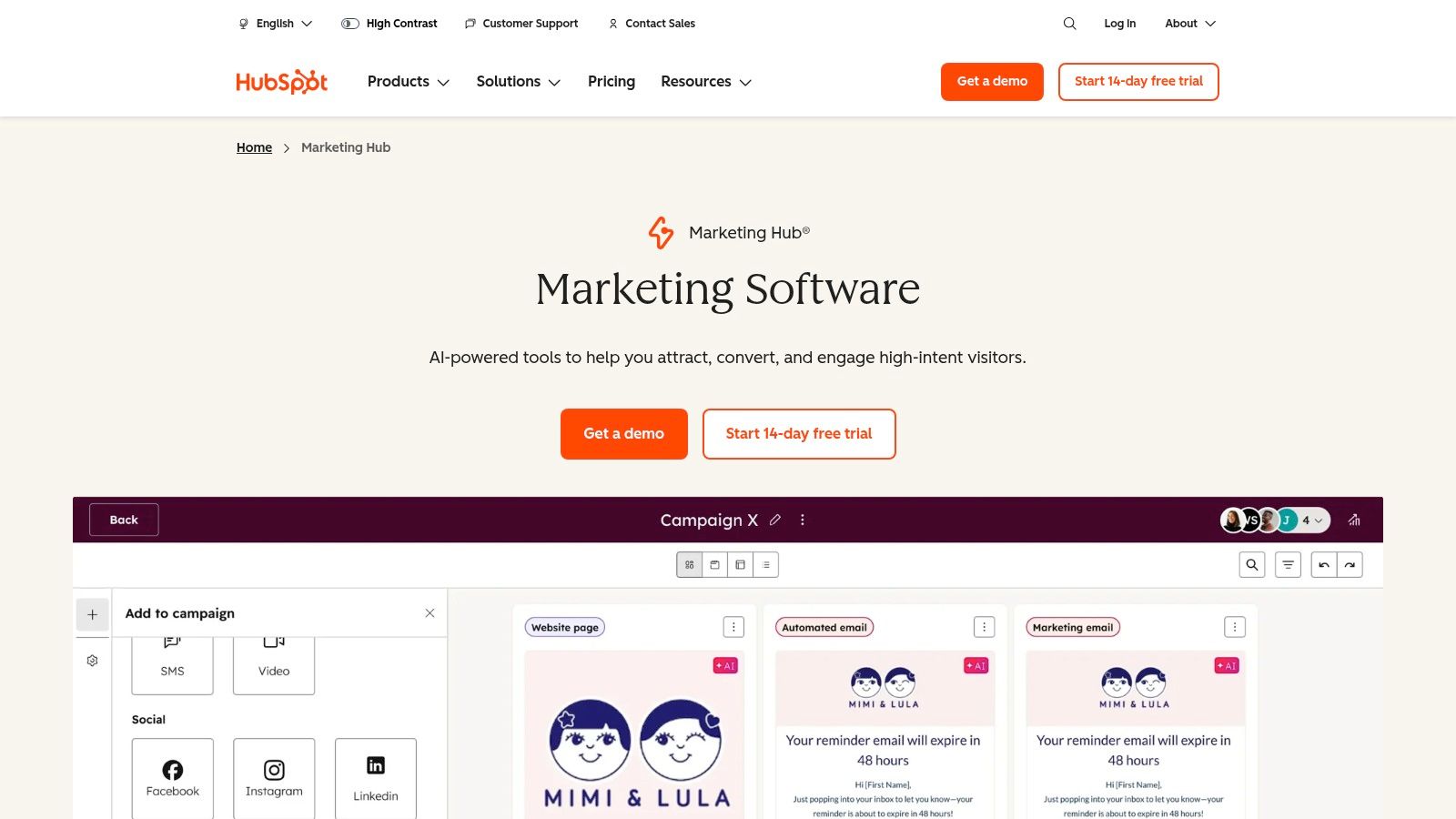
A cleaning company that receives inquiries from several channels needs one place to track what happened next. HubSpot Marketing Hub fits that job. It brings forms, chat, email, advertising activity, and sales records into a shared CRM, making it a practical choice for multi-location operators and commercial teams with enough volume to require clear ownership and follow-up stages.
Set up the system to capture the source, requested service, property type, urgency, and assigned salesperson. A residential cleaner can trigger follow-up after a service request. A commercial operator can separate office-cleaning opportunities from facility-management prospects, assign each inquiry to the right person, and continue nurturing contacts that are not ready for a walkthrough.
HubSpot's free tier covers basic forms, email, and CRM functions. Starter, Professional, and Enterprise plans add automation and reporting. Budget carefully, because contacts, seats, onboarding, and feature access can change the total cost.
HubSpot is strongest after traffic reaches your website. Its forms and chat tools capture inquiries, workflows route them, and lifecycle stages show whether a contact is new, qualified, estimated, or booked. Advertising and attribution features can help connect campaigns with requests, while lead scoring can rank prospects using the information they submit.
The CRM becomes more useful when staff record operational details instead of storing a vague “contact us” message. Pair HubSpot with a cleaning estimator or phone system when those functions need faster, more specialized handling. The service-industry CRM guidance explains why service companies need records that support follow-up, scheduling, and handoffs.
Pros
Cons
Choose HubSpot when centralized nurturing, attribution, and pipeline control are the main gaps. Add dedicated phone, texting, or estimating tools when speed of response and quote accuracy determine whether inquiries become booked work.
[
Apollo.io suits commercial cleaning companies that need to identify property managers, office administrators, homeowners association contacts, and facilities prospects, then organize outbound follow-up in one workspace. It is a practical choice for a small sales team pursuing office portfolios or recurring janitorial contracts.
The platform combines a B2B contact and company database with email and SMS sequences, a dialer, inbox tools, a Chrome extension, enrichment, and a lightweight CRM. Filters narrow searches by role, location, company characteristics, technology, and intent-related signals. A representative can select an account, find likely contacts, start outreach, and sync activity without repeatedly exporting spreadsheets.
That workflow fits commercial prospecting better than residential acquisition. A house-cleaning company that depends on local search and phone calls will gain little from a large business-contact database. A commercial operator can use Apollo to build account lists, reach several stakeholders, and create consistent follow-up after a prospect shows interest.
Apollo reduces the handoffs between list building and outreach. Its free tier gives a small team a lower-risk way to test targeting, data quality, and sequence setup before expanding usage.
Data still needs review. Records can be outdated by region or job role, and credits or fair-use rules can make costs harder to forecast. Verify contacts before larger campaigns, keep messages relevant, and follow applicable communication laws.
Apollo lets a small commercial sales team move from account selection to outreach without juggling multiple tools. The trade-off is that outbound prospecting does not replace the systems needed to capture website inquiries, answer calls, qualify requests, and produce estimates. Pair Apollo with a fast inbound estimator and phone process so awareness and outreach can lead to booked walkthroughs. This sales engagement platform comparison helps clarify whether your team needs prospecting, sequencing, or both.
Pros
Cons
Choose Apollo when commercial outbound is the priority. A residential cleaner focused on local website traffic and phone conversion should put its budget into those response and attribution systems first.
ZoomInfo SalesOS suits cleaning companies pursuing larger facilities, campuses, multi-site organizations, and enterprise janitorial contracts. It combines business records, mobile coverage, intent signals, technographic information, segmentation, routing, and CRM integrations, giving sales teams more than a basic contact list.
Its value appears after a company has chosen commercial prospecting as a defined growth channel. A facilities director at one location may not control every vendor decision. ZoomInfo helps teams map accounts, find additional stakeholders, and route opportunities by territory or segment.
Start with the account, not the contact. Sales managers can identify organizations showing relevant research activity, then give representatives a clearer reason to prioritize one account over another. CRM connections support handoffs between marketing, business development, and account executives, provided someone owns the data and follow-up.
That operating model fits a team with defined territories and multiple representatives. It does not fix weak lead capture, unanswered calls, slow text responses, or estimates that take too long to reach the prospect. A cleaning business still needs a fast inbound estimator, phone process, attribution tracking, and booking workflow to turn interest into revenue.
Cost and coverage require scrutiny. Pricing is quote-based, and the product may include annual commitments, export credits, and seat minimums. Smaller operators can pay for more data capacity than their representatives use. Test regional coverage before committing to a global or highly localized rollout.
Pros
Cons
Choose ZoomInfo only after your commercial sales process, CRM ownership, and follow-up discipline work consistently. For a residential cleaner still losing inquiries by phone or web form, conversion infrastructure deserves the budget first.
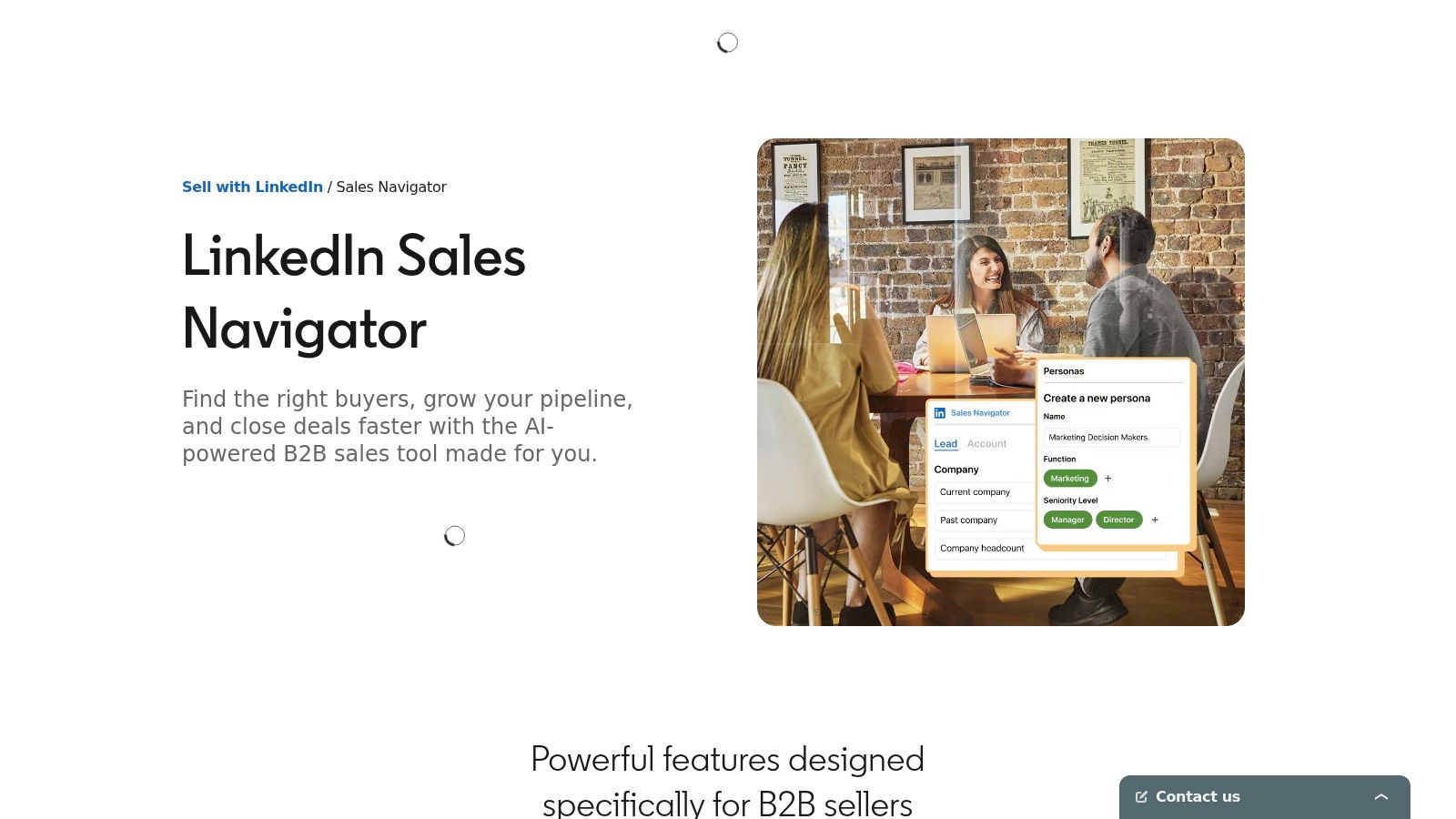
Commercial cleaning sales often stall before the first conversation because the company is known, but the decision-maker is not. LinkedIn Sales Navigator helps owners and sales representatives identify property managers, facilities directors, office managers, and other people involved in vendor selection.
Search filters cover accounts, roles, geography, and professional background. Saved lead and account lists keep a territory organized, while alerts surface job changes, company activity, and posts. InMail availability depends on the plan, and CRM integrations can connect research with ownership and follow-up records.
A new facility, expansion, hiring push, or operational change gives a representative a specific opening. The outreach can reference that event and offer a walkthrough or service assessment instead of repeating a generic cleaning pitch. This approach suits commercial prospecting where trust and timing matter more than sending the largest possible volume.
The workflow demands human attention. Sales Navigator is not a bulk email database, and message limits make it unsuitable for mass campaigns. Representatives must research accounts, personalize messages, and follow up consistently.
Pros
Cons
Choose Sales Navigator for a cleaning business with a defined commercial territory and someone responsible for account research. Pair it with Apollo for contact and sequence support, or with a CRM that records ownership and follow-up. Smaller residential operators should fund inbound capture and response workflows first.
Clearbit gives commercial cleaning companies visibility into website visitors before they submit a form. Its Reveal and enrichment capabilities can identify visiting businesses, add firmographic details, reduce form fields, and trigger alerts or personalization through integrations such as HubSpot, Segment, and advertising platforms.
Its value depends on traffic quality. A B2B cleaning site attracting facilities teams, property managers, or office administrators can use company identification to investigate an otherwise anonymous visit. Sales staff can then decide whether the account belongs in outbound outreach, nurturing, or a service-specific follow-up.
Form enrichment keeps business context while asking prospects to type less. That matters because visitors often leave before submitting an inquiry. One 2026 benchmark reports an average abandonment rate of 67.9%, with the average abandoned session ending after 1 minute 43 seconds (form abandonment benchmarks).
Clearbit supports the identification and routing stage of the cleaning-business lead journey. It does not answer the phone, send texts, schedule an estimate, or prove which channel produced a booked job. Your CRM, call tracking, and response workflow still have to handle those steps.
The commercial model also requires scrutiny. The free platform was sunset, while many offerings are credit-based and quote-only. That makes Clearbit a poor fit for a residential operator whose visitors are usually homeowners and whose main conversion is a call, text, or estimate request.
Pros
Cons
Choose Clearbit when commercial website traffic is substantial enough to justify account identification. For residential cleaning companies, invest first in inquiry capture, fast phone or text response, and estimate-to-booking follow-up.
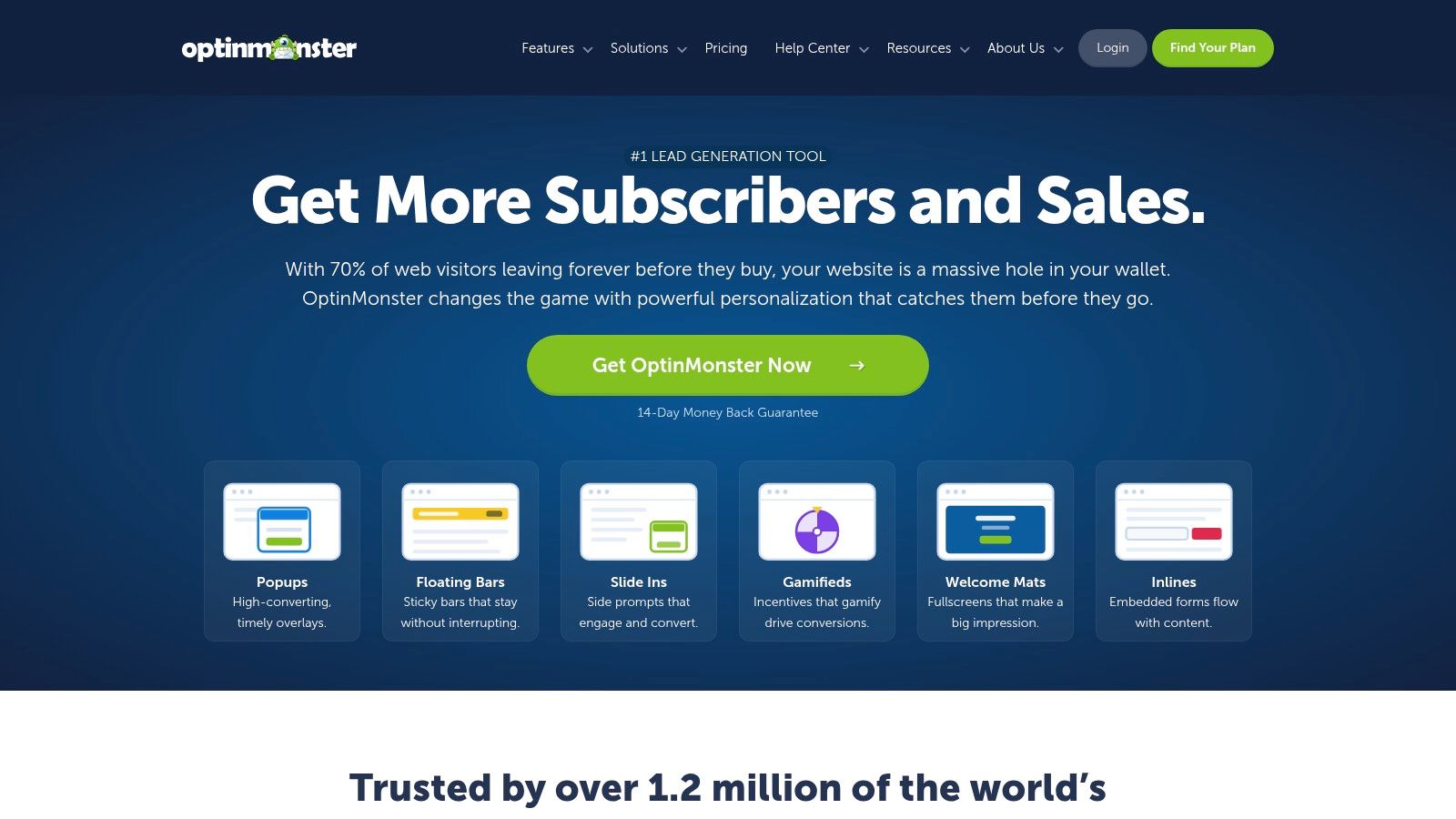
Website traffic is wasted if visitors leave without calling, texting, or requesting an estimate. OptinMonster adds a conversion layer without requiring a site rebuild, using pop-ups, slide-ins, exit-intent messages, sticky bars, targeting rules, templates, and A/B testing.
For a cleaning company, the offer should match the visitor's intent. Promote an instant estimate, move-out cleaning request, seasonal service, or recurring-service consultation. Targeting can vary by page, device, location, referral source, time on page, scroll behavior, and exit intent. A janitorial-services page can present a commercial inquiry, while a residential page directs homeowners to a shorter request path.
Opt-in software works best when it supports the main conversion path. A carefully timed message can send a hesitant visitor to an estimate or callback request. A poorly timed overlay can interrupt someone who was ready to call and make the site harder to use.
Email-provider and CRM integrations support follow-up after capture. Higher tiers offer more attribution options, but impression caps can limit campaign reach. Judge performance by completed estimates and booked jobs, not email captures alone.
Pros
Cons
Choose OptinMonster when the cleaning business already attracts visitors but converts too few into inquiries. Send each campaign to a clear next step, preferably a short request flow or instant estimate.
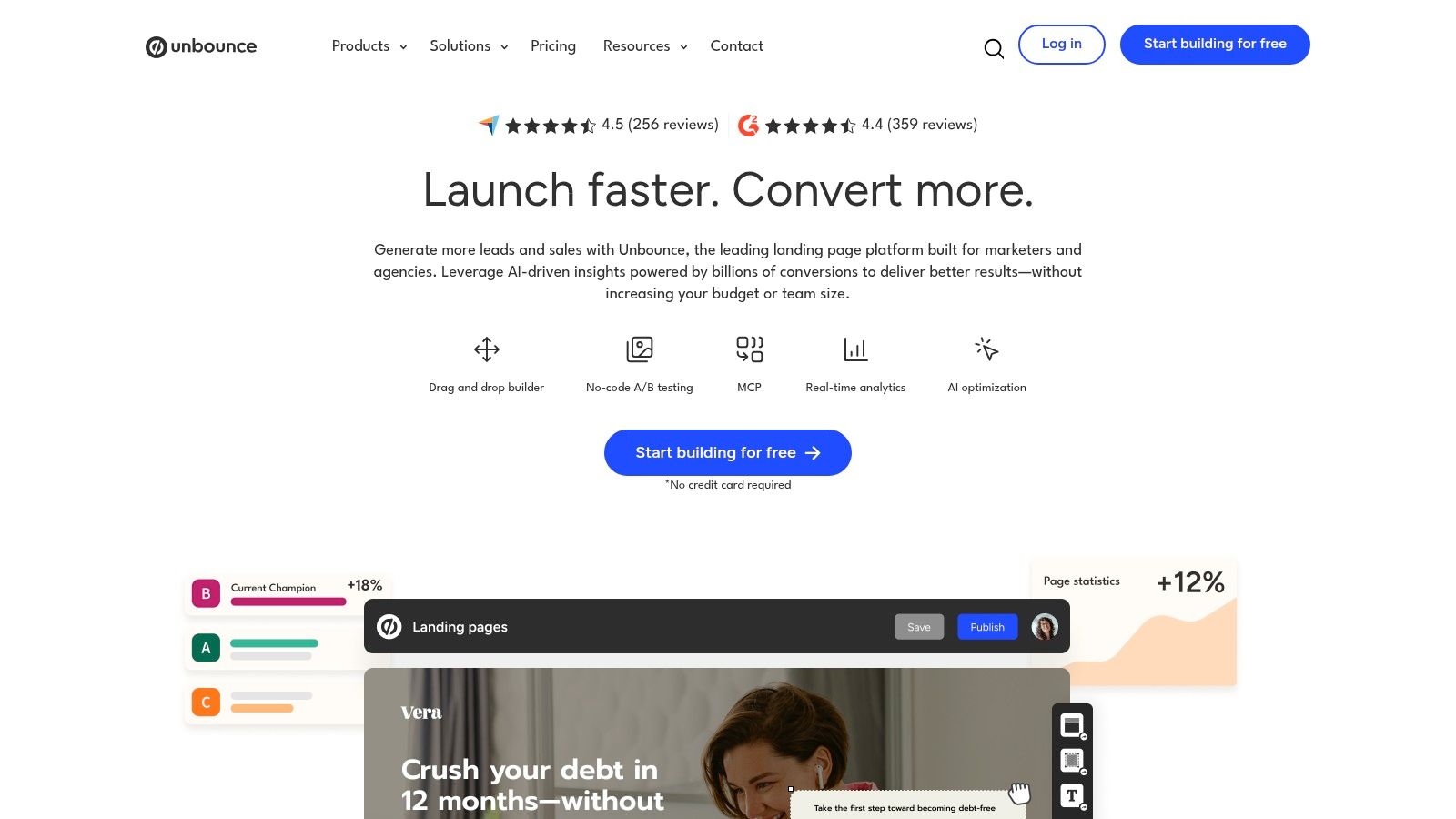
A paid search campaign for move-out cleaning should not send visitors to a generic homepage. Unbounce lets cleaning businesses create dedicated landing pages for each city, service, or customer intent, including post-construction cleaning, office cleaning, recurring house cleaning, and property-management services.
The platform includes landing pages, pop-ups, sticky bars, A/B testing, and Smart Traffic. Smart Traffic routes visitors toward the page variant most likely to convert, helping a small marketing team compare offers without manually reviewing every visitor path. The tool improves the capture stage, but it does not handle phone response, text follow-up, estimating, or booking by itself.
Someone searching for post-construction cleaning needs different proof and questions than someone seeking weekly home cleaning. A focused page can address the property type, service scope, urgency, service area, and next step. It can also send visitors directly into an estimate workflow instead of a general contact form.
Unbounce uses usage-based plans with traffic and user limits, and the company promotes a 14-day free trial (conversion rate optimization tool guidance). Monitor usage and possible overage charges as campaigns grow. Exact pricing may require starting a trial or speaking with sales, making budget planning less predictable.
Pros
Cons
Choose Unbounce when paid traffic reaches the site but produces too few inquiries. Pair it with Estimatty or another fast response system so landing-page leads move quickly from request to estimate and booking instead of waiting in an inbox.
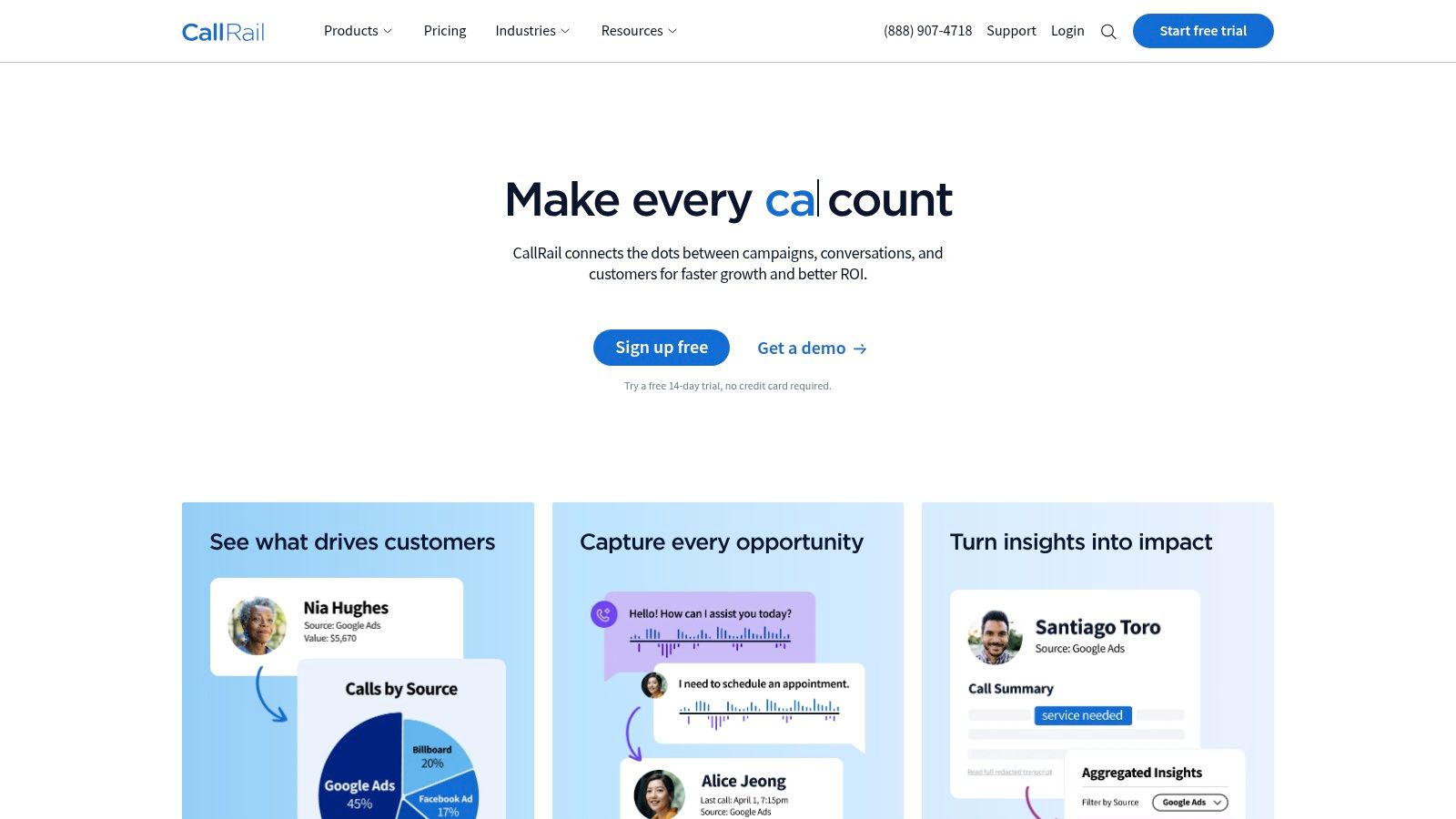
CallRail fits local cleaning businesses that win inquiries by phone and need to connect those conversations to marketing activity. It tracks calls, forms, and customer journeys, linking inquiries with campaigns, pages, keywords, and other sources.
Dynamic number insertion displays different tracking numbers according to a visitor's source. Call recording and transcription let managers review how staff handle inquiries. Keyword-level attribution, plus integrations with Google Ads, GA4, HubSpot, and CRMs, helps separate busy channels from those producing qualified opportunities.
A campaign can generate plenty of calls while attracting poor-fit requests. CallRail lets managers inspect what callers wanted, whether the response matched the opportunity, and which channel deserves more budget. Form tracking fills the gap when a prospect submits a request before calling or switches between both actions.
Reviewing conversations also supports coaching. Mark outcomes such as estimate sent, walkthrough scheduled, or job booked, then compare those results with the original source. The lead source tracking guide explains how attribution connects with follow-up operations.
CallRail does not find commercial prospects or build account lists. It measures leads created by your website, advertising, and other acquisition channels. Plan for possible costs tied to minutes, number allocations, and API usage as tracking expands, and cover the campaigns that matter most first.
Pros
Cons
Choose CallRail when your marketing decisions rely on incomplete phone data. It strengthens the attribution stage of the cleaning-business lead journey, but it will not improve response speed, estimating, or booking on its own. Connect it to the workflow your team already uses for those steps.
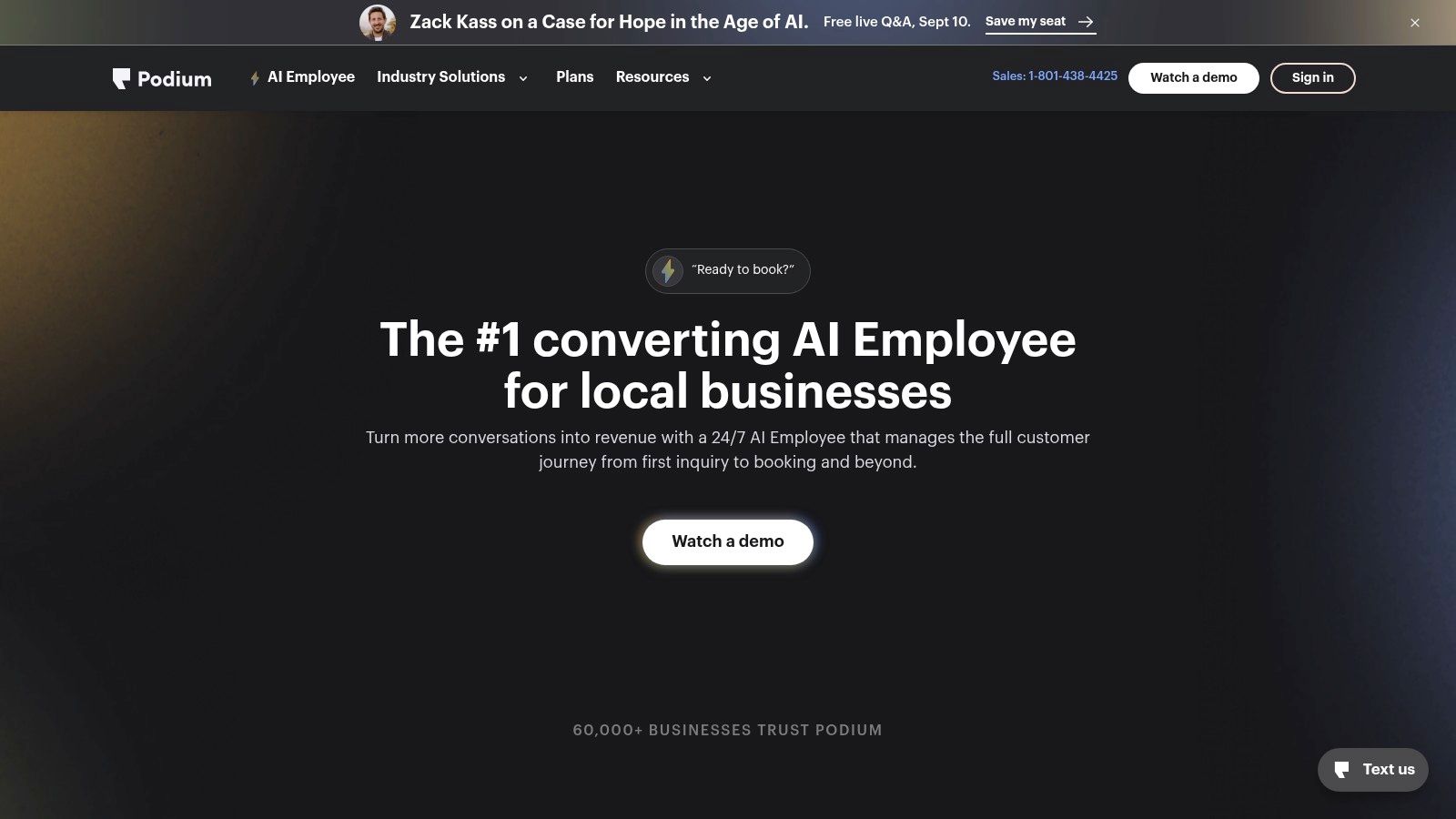
Podium fits residential cleaning companies whose customers prefer texting over phone calls. Its webchat can move a website conversation into an ongoing SMS thread, while the shared inbox combines text, webchat, Google, Facebook, and other lead sources.
The value is continuity. A prospect can ask about availability, answer a follow-up question, receive reminders, and continue toward booking without repeating the conversation in another channel. Podium also offers AI responses, reputation management, reminders, and text-to-pay, so the platform supports parts of the journey after lead capture.
Podium is strongest after a prospect starts an inquiry. Text reminders can keep appointments from being forgotten, and review tools help operators request and manage reputation feedback. Text-to-pay extends the workflow after service delivery by giving customers a payment option inside the same communication system.
The trade-off is cost and configuration. Pricing is quote-based and may exceed the cost of a basic chat widget, particularly for a solo operator. AI responses require review against your tone, service details, and availability rules. If automation promises an incorrect service window, staff must repair the conversation and reset expectations.
Use Podium when SMS is a primary response channel and missed conversations are costing bookings. It is not a prospecting database, attribution platform, or estimating system, so connect it to the tools handling traffic, commercial account discovery, source tracking, and pricing.
Pros
Cons
Pair Podium with an estimator when prospects need immediate, standardized pricing before they book.
| Product | Core features | Best for | Unique selling points | Pricing & setup |
|---|---|---|---|---|
| Estimatty (Recommended) | AI web + voice estimator; instant SMS/email quotes; captures sqft, surfaces, urgency; upsells; real‑time team alerts | Residential & commercial cleaning businesses wanting instant, standardized estimates and bookings 24/7 | Industry‑specific logic; hybrid AI + U.S. receptionists; no‑code widget; proven lead uplift (15–35%) | Ultra‑low hourly coverage model; free/no‑card trial; quick no‑code setup; CRM/Zapier integrations |
| HubSpot Marketing Hub + CRM | Forms, pop‑ups, live chat/bots, email, workflows, CRM | Businesses needing an all‑in‑one marketing + CRM stack | Unified platform with strong ecosystem, reporting and education resources | Free tier available; paid tiers scale by contacts/seats; moderate setup/onboarding |
| Apollo.io | 250M+ contacts, sequencing, dialer, CRM sync, enrichment | Commercial prospecting (property managers, offices, HOAs) | Large contact database with built‑in outreach sequences and prospecting workflows | Free tier + paid credits/add‑ons; straightforward setup; credit/fair‑use limits |
| ZoomInfo SalesOS | Deep B2B contact data, intent signals, mobile numbers, account routing | Mid‑market/enterprise facilities & multi‑site janitorial bids | Extensive U.S. coverage and intent/technographic insights for prioritization | Quote‑based enterprise pricing; often high cost and onboarding |
| LinkedIn Sales Navigator | Advanced lead/account search, saved lists, alerts, InMail | Relationship‑led outreach to named decision‑makers (property managers, facilities) | High‑signal prospecting via LinkedIn graph and job/activity alerts | Subscription tiers (Core/Advanced); requires manual personalized outreach |
| Clearbit (Reveal, Enrichment) | Visitor Reveal, form enrichment, firmographic data, integrations | Commercial teams that want to ID business visitors and shorten forms | De‑anonymizes business visitors for alerts/personalization and richer leads | Credit/quote‑based pricing; integration effort; best for B2B use cases |
| OptinMonster | Pop‑ups, slide‑ins, exit‑intent, targeting, A/B testing | Quickly converting site traffic into quote requests or coupons | Fast deployment, strong targeting rules, template library | Subscription plans with impression caps on some tiers; easy setup |
| Unbounce | Landing pages, popups, sticky bars, Smart Traffic AI, A/B testing | City/service‑targeted campaigns (move‑out, post‑construction, office cleaning) | AI routing to highest‑performing page variant; fast campaign pages | Usage‑based pricing; 14‑day trial; moderate setup |
| CallRail | Dynamic number insertion, call recording/transcripts, attribution, form tracking | Phone‑heavy local campaigns needing clear ad-to-call attribution | Keyword‑level attribution and conversation intelligence for ROI optimization | Subscription with minutes/number limits; moderate setup and integrations |
| Podium | Webchat → SMS threads, centralized inbox, reviews, payments, reminders | Residential cleaning teams prioritizing SMS follow‑up and payments | Text‑first conversations, text‑to‑pay and reputation management | Quote‑based pricing; typically higher cost; vendor setup and training |
The best lead generation tools don't all solve the same problem. A cleaning business needs to decide whether its main leak is traffic, commercial targeting, form conversion, response speed, attribution, estimate completion, or booking follow-up. Buying a database when calls sit unanswered won't fix the business. Adding pop-ups when prospects receive inconsistent pricing won't fix it either.
For immediate web and phone estimates, choose Estimatty. It handles the moment when a residential homeowner or commercial buyer raises a hand, gathers service details, delivers an estimate, and alerts your team. That makes it the clearest first purchase for operators dealing with after-hours inquiries, slow callbacks, or pricing inconsistency.
For centralized inbound nurturing, choose HubSpot Marketing Hub and CRM. It gives growing teams one place to manage forms, chat, email, pipeline stages, ownership, and attribution. Connect your estimator or booking workflow so the CRM receives structured lead data instead of vague contact records.
For commercial outreach, choose Apollo.io when you want an accessible prospecting and sequence workflow. Choose LinkedIn Sales Navigator when the sale depends on researching named facilities or property decision-makers and building relationships. Move to ZoomInfo SalesOS only when your commercial operation has the contract economics, territories, and sales discipline to use enterprise data effectively.
For conversion improvements, choose Unbounce when paid campaigns need dedicated city and service landing pages. Choose OptinMonster when existing website traffic needs better calls to action without a full redesign. Both tools perform better when the next step is specific, such as an instant estimate, a service assessment, or a callback request.
For attribution, choose CallRail if phone leads drive your local acquisition. For text-led follow-up, reviews, reminders, and payments, choose Podium. Residential cleaners often benefit from Podium's conversation workflow, while commercial teams may get more value from CRM routing and structured sales stages.
Start with one measurable bottleneck. Connect the selected tool to your CRM or Zapier where supported, then review lead quality, response time, estimate completion, booked jobs, and acquisition cost. Marketing automation has been a core lead-generation category for more than a decade, and The Annuitas Group benchmark commonly cited by the industry reports a 451% increase in qualified leads for companies using automation for nurturing compared with non-automated approaches (marketing automation benchmark context). Treat that as a benchmark, not a promise. Your own booked-job data should decide whether the workflow earns a larger budget.
Speed deserves its own review. Companies that contact leads within 5 minutes are 21 times more likely to qualify them than companies waiting 30 minutes, while firms contacting within an hour were nearly 7 times as likely to qualify as firms waiting 60 minutes, according to the cited response-time research (lead response time benchmarks). Another summary reports that 57.1% of first call attempts happen after more than a week (InsideSales response-time analysis). Build the stack around the delay your team can remove.
Use this guide alongside other essential tech tools for business, but don't build a complicated system before proving one workflow. Capture the inquiry, respond immediately, send the estimate, record the source, and measure the booking. Then add the next tool only when the numbers show a real operational gap.
Estimatty gives residential and commercial cleaning businesses 24/7 web and voice responses, standardized estimates in under a minute, SMS and email delivery, real-time team alerts, and CRM or Zapier connections. Visit Estimatty to turn more cleaning inquiries into estimates and booked jobs without leaving after-hours prospects in voicemail.