September 8, 2026
How Much Should a House Cleaning Cost in 2026
How Much Should a House Cleaning Cost. Learn how much a house cleaning should cost in 2026, with real pricing ranges by home size, service type, and tips

Sunday, May 3, 2026
Discover the top 10 apps for small business, from accounting to marketing. A practical guide for cleaning companies to automate and grow.
.png)
It’s 9 PM. You’ve finished the last job, your phone shows missed calls, two estimate requests are buried in email, and payroll still isn’t done. That’s the part of running a cleaning company most “apps for small business” articles miss. The problem usually isn’t lack of effort. It’s that too much work still depends on you replying, checking, forwarding, pricing, confirming, and following up by hand.
That setup breaks fast once leads start coming in at odd hours. It also breaks when you’ve got cleaners in the field, customers asking for add-ons, and admin bouncing between payments, scheduling, and hiring. You don’t need more random software. You need a stack that closes gaps. One tool for estimates, one for money, one for payroll, one for CRM, one for scheduling, and one layer that makes them talk to each other.
Small business owners already know this direction matters. The U.S. Chamber reports that 93% of small business owners in the U.S. use at least one technology platform, and the average owner uses three. In cleaning, that tracks with reality. The owners who scale cleanly are rarely doing everything inside text threads and a notebook.
What follows is the stack I’d build for a modern cleaning business. Not because every app is flashy, but because each one solves a real operational bottleneck. Some are excellent. Some are useful with caveats. A few only work if they’re connected properly. That’s the difference between adding software and building a business that runs tighter every month.

If your biggest leak is slow follow-up, Estimatty is the first app I’d put in place. It’s built for cleaning companies, not generic service businesses, and that matters. A cleaning estimate usually depends on square footage, condition, frequency, surfaces, extras, urgency, and whether the customer wants recurring service or a one-time deep clean. Most general chat widgets don’t handle that well.
Estimatty works like a 24/7 sales estimator on your website and over voice. A prospect lands on your site or calls after hours, the AI collects the job details, delivers a consistent estimate by SMS and email, and alerts your team. That solves two expensive problems at once. You stop relying on voicemail, and you stop pricing from memory.
The strongest part is standardization. If you’ve ever had one office person estimate one way, another person estimate another way, and you estimate a third way when you’re in the van, you already know why margins drift. Estimatty gives you one pricing logic and one intake flow.
It’s also practical for upsells. Oven cleaning, fridge cleaning, interior windows, move-in or move-out work, and other add-ons can be built into the flow so you’re not depending on staff to remember every revenue opportunity.
Practical rule: If customers regularly ask for pricing outside business hours, you don’t have a lead problem. You have a response-time problem.
Another reason this belongs at the top of a list of apps for small business is that it doesn’t require a heavy technical setup. You can customize pricing, choose a voice, add FAQs, place the widget on your site, and connect it into the rest of your stack through automations and CRM workflows.
Estimatty is strongest for solo cleaners, small teams, and growing brands that need consistent estimating without hiring more admin. It’s also a strong fit for multi-location businesses that want one intake system instead of every branch handling leads differently.
What it won’t do perfectly is replace judgment on unusual jobs. Large commercial walkthroughs, restoration-style cleaning, or heavily customized scopes may still need a manual review or on-site visit. That’s normal. A good estimator should automate standard work first, then hand off edge cases cleanly.
Here’s the short version.
For a cleaning company, this is the app that turns “we’ll call you tomorrow” into “the customer already has an estimate.”
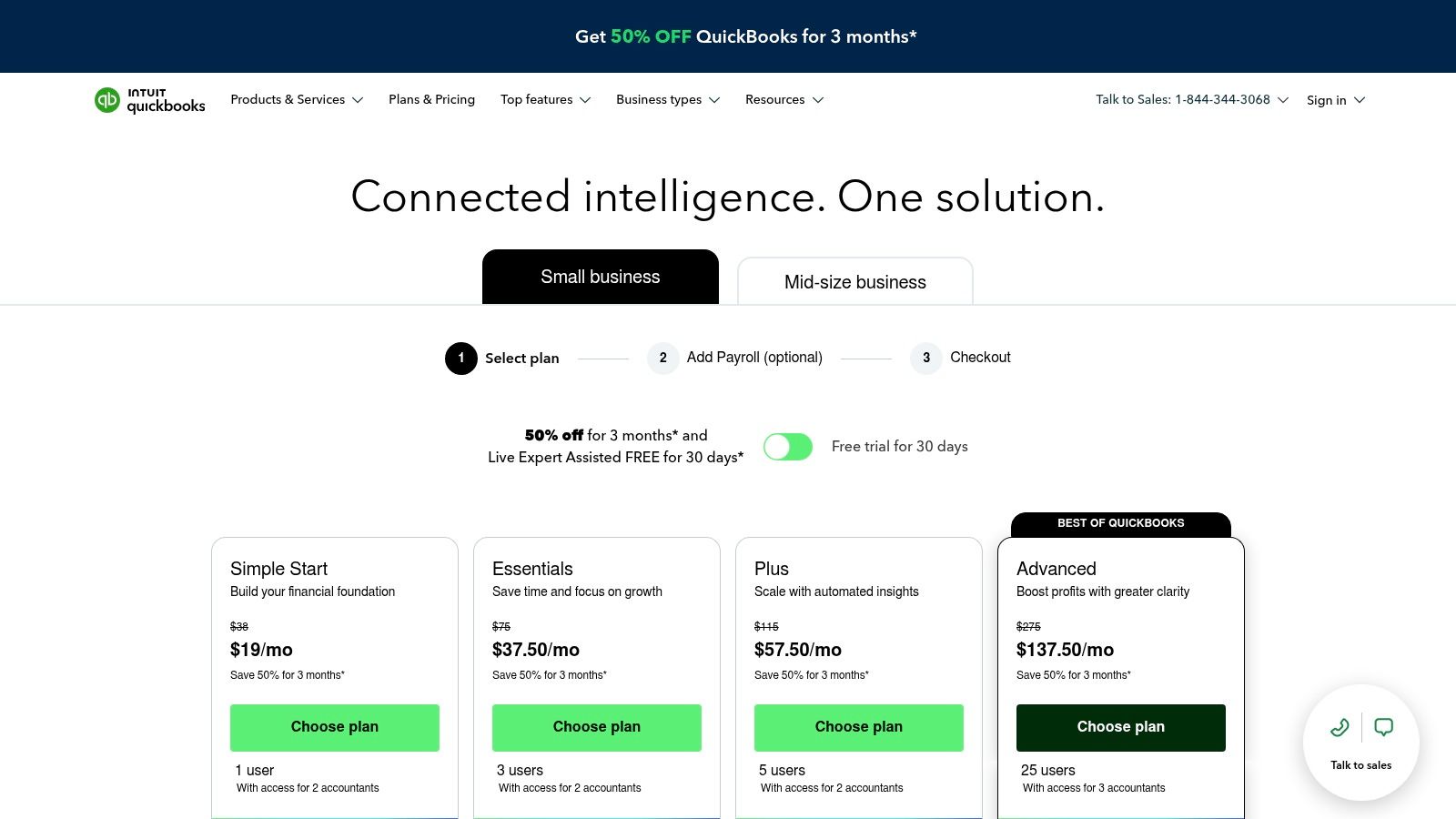
QuickBooks Online is the accounting backbone most small businesses end up around, whether they planned to or not. That’s not because it’s perfect. It’s because bookkeepers, CPAs, payroll services, and other apps already know how to work with it.
For cleaning companies, that familiarity matters more than flashy features. You need invoicing, expense tracking, bank feeds, recurring billing, and basic visibility into what jobs and customers are making you money.
QuickBooks is strongest when you want one source of truth for the books. Field teams can collect payment, office staff can issue invoices, and your accountant doesn’t need a custom decoder ring at tax time. If you’re comparing accounting tools, this QuickBooks vs FreshBooks breakdown for cleaning businesses is a useful place to start.
The mobile side is also practical. If you buy supplies on the go, collect receipts in the field, or send invoices before leaving a job site, the app keeps admin from piling up at night.
QuickBooks isn’t the app that wins you jobs. It’s the app that tells you whether those jobs were worth taking.
The downside is plan sprawl. Limits, add-ons, payroll connections, and higher-tier features can get confusing fast. If your setup becomes messy, people start working outside the system again, which defeats the point.
I also wouldn’t treat QuickBooks like a CRM. It’s not built to manage lead follow-up, estimate nurturing, or sales conversations well. Use it for accounting, not everything.
A cleaner finishes a deep clean, the client asks to pay on the spot, and your tech sends the invoice before getting back in the van. Square fits that kind of operation well. It gets money collected fast, without forcing a small cleaning company into a complicated payment setup.
Square works best for owners who need flexibility at the point of payment. One-time residential jobs, post-construction cleans, small office accounts, and move-out work all create slightly different payment moments. Some customers want a card reader. Some want a texted invoice. Some want a checkout link before service starts. Square handles those common scenarios under one system.
In a cleaning business, payment speed affects more than cash flow. It affects whether office staff spend the evening chasing balances, whether crews leave a site with the job fully closed out, and whether customers rebook without friction.
That is Square’s real value.
It gives field teams a practical way to collect payment where the work happens, and it keeps the process simple enough that people use it. Owners can also create and send Square invoices for customers who prefer to pay after the job instead of at the door.
Square can also cover a few adjacent tasks, such as basic appointments and customer reminders. That matters early on, when adding five separate tools creates more admin than it saves. For a newer cleaning company, using one app for payments plus light scheduling can be a reasonable choice.
I would treat Square as the payment layer, not the operating system for the whole business. It does the collection piece well. It does not replace estimating, deeper job workflow, team management, payroll, or serious follow-up.
That distinction matters if you are building an automated cleaning business instead of just patching together apps. Square should connect to the rest of the stack, not try to carry it. Use it to collect deposits, close out one-time jobs, and speed up field payments. Let other tools handle books, recurring billing logic, and back-office operations.
Square is easy to start and easy to keep using. The downside shows up later if your transaction volume grows or your payment mix changes. At that point, convenience fees can become a real line item, and owners should compare costs instead of staying with the default setup out of habit.
It is also stronger for in-person and simple invoice collection than for advanced recurring payment workflows. Cleaning companies with a lot of membership plans or online-first billing often outgrow it.
If Square is easier for in-person collection, Stripe is stronger for online payment workflows. I like Stripe best for cleaning companies that push recurring plans, saved cards, hosted invoices, and embedded checkout experiences.
That matters if you’re selling recurring home cleaning. The smoother it is for a customer to authorize payment and stay on file, the less chasing your team does later.
Stripe gives you cleaner online checkout options and stronger recurring billing infrastructure. If a customer books regular service, you can build around that instead of recreating each transaction manually.
It also integrates well with the rest of a modern stack. If you’re already using automations, CRM, and accounting software, Stripe usually fits without much friction. Teams that currently create and send Square invoices often move to Stripe when they want a more online-first flow.
Customers rarely complain about a payment system that’s fast, clear, and already on file.
Stripe isn’t the best answer for every cleaning company. If most of your payments happen on-site and your team wants native hardware, Square is usually the easier fit. Stripe is better when the customer journey starts online and stays online through payment.
The other caution is that transaction-based systems need periodic review. If you set it and forget it, you may keep convenience but miss chances to tighten your margins.
Payroll is where a lot of cleaning businesses lose hours they never account for. New hires, seasonal changes, different job schedules, reimbursements, multi-state issues, and contractor confusion all pile up. Gusto is one of the cleaner ways to keep that organized.
It handles payroll, tax filings, onboarding, year-end forms, and employee self-service in a way that’s approachable even if you’re not an HR person.
For cleaning companies with growing teams, the biggest win is reducing manual follow-up. New team members can complete onboarding steps, get set up faster, and access their own payroll information without constant office intervention.
That matters because hiring and retention usually strain the same people already handling operations. If staffing is a pain point, pairing payroll software with hiring guidance from places like Pipehire’s cleaning business hiring blog can save a lot of avoidable admin.
Another operational layer is time tracking. If you’re evaluating attendance tools alongside payroll, this clock-in app guide for cleaning businesses is worth reviewing before you lock in your process.
Gusto is easiest to justify once you have active headcount and regular payroll runs. For very small owner-operator setups, it can feel like more system than you need at first. But once you’re juggling several cleaners, the structure pays for itself in reduced confusion.
The caution is cost growth with headcount. Payroll apps feel manageable early, then expand as your team expands. That doesn’t make them bad. It just means you should view payroll software as an operating system, not a cheap utility.
A common cleaning company problem looks like this. A prospect fills out a form on Tuesday, asks for weekly service, gets an estimate, then disappears into someone’s inbox. Two weeks later, the owner remembers the lead after a slow day. By then, the job is gone.
HubSpot CRM fixes that kind of leak. It gives you one place to track contacts, estimates, conversations, and deal stages without forcing a complicated setup from the start.
For cleaning businesses, the value is simple. You stop relying on memory.
HubSpot makes follow-up visible. You can see who asked for a quote, who received pricing, who needs a callback, who booked, and who should get a repeat-service offer in 30 or 60 days. That matters in cleaning because a lot of revenue is won or lost between the first inquiry and the second follow-up, not at the moment a lead comes in.
It also works well as part of a connected operating stack. Estimatty can handle the estimating side, HubSpot can hold the lead and pipeline history, and your payment and payroll tools can take over once the work is sold. That division of labor usually works better than trying to force one app to do everything.
If you want a more detailed breakdown of CRM options for cleaning businesses, start there before you commit.
HubSpot is also a better fit once you have more than one person touching leads. Owners, office managers, and sales staff can all see the same record, which cuts down on duplicate follow-ups, missed callbacks, and the usual “I thought someone handled that” problem. If you want to compare CRM for UK trade businesses, that guide is useful for seeing how different teams weigh simplicity against customization.
HubSpot gets expensive fast if you add paid hubs, larger contact volumes, or advanced automation before your process is stable. The free version covers a lot. The problem starts when owners buy features to compensate for a messy sales process.
Set the pipeline first. For most cleaning companies, that means stages like new lead, quote requested, estimate sent, follow-up due, booked, recurring customer, and inactive. Once those stages match how your business sells, automation starts saving time instead of creating confusion.
Google Workspace isn’t exciting, but it’s the glue behind a lot of healthy small-business operations. Custom email, shared calendars, Drive, Docs, Sheets, and Meet cover a huge amount of daily work in a cleaning company.
If your SOPs live in one person’s head, your route notes are in text messages, and your checklists are scattered across screenshots, Workspace fixes basic operational sloppiness fast.
Shared drives for training docs, recurring cleaning checklists, quality-control forms, customer notes, supply lists, and branch-specific procedures matter more than owners think. The less your business depends on verbal handoff, the easier it is to scale.
This is also where many teams standardize templates. Estimate follow-up scripts, issue escalation notes, onboarding docs, and inspection forms are easier to manage when they’re all in one place.
If you’re weighing operational systems more broadly, this comparison of CRM options for UK trade businesses is useful because it shows how often communication and admin tools shape the CRM decision too.
Workspace isn’t a field-service platform. It won’t handle estimating logic, route optimization, or payroll for you. It supports the business. It doesn’t run the business.
Still, for apps for small business, I’d put this high on the list because the basics matter. A professional domain email and shared operating documents make every other app easier to use well.
Most app stacks fail for one reason. The tools don’t talk to each other. That’s where Zapier comes in. It’s the layer that moves data from one app to another without custom development.
In a cleaning business, that means a lead doesn’t die inside one system while the rest of your team never sees it.
A good example is this flow. Estimatty collects the customer’s details and estimate request. Zapier sends that into your CRM, alerts your team, and can trigger downstream admin. That’s what turns software into a process.
If you want to map those connections, Estimatty’s integrations page is the right place to start. The goal isn’t to build something fancy. It’s to remove retyping, missed notifications, and manual copy-paste work.
A broader software trend supports this direction. SMBs hold 47.82% of the global SMB software market, and that market is projected to grow at a 12.60% CAGR through 2030. For operators, the takeaway is simple. Connected systems are becoming standard, not advanced.
Field note: If staff are copying customer details from one app into another, the workflow is unfinished.
Zapier is easy to start and easy to overcomplicate. A few clean workflows save time. A tangled mess of conditional logic creates silent failures that nobody notices until a lead disappears.
Use it for high-friction handoffs first. New estimate request. New booking. Payment received. Follow-up reminder. Keep those stable before automating edge cases.
Calendly earns its place when your phone keeps turning simple scheduling into admin work. A prospect wants a commercial walkthrough. Your estimator is in the field. The office sends two texts, misses the call, and the appointment gets pushed a day. That delay costs jobs.
Calendly fixes that specific bottleneck. Customers can book a callback, site visit, or estimate meeting from a live calendar instead of waiting on manual coordination.
I would not use Calendly as the front door for every lead. For standard residential quotes, instant pricing or a structured request form is usually faster. Calendly makes more sense for commercial accounts, post-construction cleans, specialty work, and any job where someone needs to see the site before pricing it correctly.
It also helps with routing. You can create separate booking links for sales calls, walkthroughs, and recruiting screens, then send each one to the right person. That matters in cleaning businesses because the owner often wears too many hats for too long.
If scheduling is starting to slow down response time, this guide to scheduling software for cleaning business operations shows where a booking tool fits and where it does not.
Calendly removes friction after a lead is already interested. It does not qualify the job, build the quote, or collect the details your team needs to avoid wasted visits. In a cleaning company, that distinction matters. A full schedule is not helpful if half the appointments are poor-fit jobs or incomplete inquiries.
Setup decides whether Calendly saves time or creates more work. Use buffers between appointments. Limit booking windows so your team is not zigzagging across town. Keep customer-facing availability separate from internal calendars, and set appointment types with clear instructions on what the client should prepare before the call or walkthrough.
Mailchimp is one of the easier ways to keep revenue coming from customers you already paid to acquire. For cleaning businesses, that usually means win-back campaigns, recurring service reminders, seasonal promotions, and add-on offers.
Most owners underuse email because they think of it as a retail tool. It’s not. It’s a follow-up tool.
Mailchimp works well for simple campaigns like reminding inactive customers to book again, promoting deep cleaning before holidays, or offering upsells to recurring clients. If your customer list is sitting idle in a CRM, email gives it another job.
It’s also approachable. Templates, segmentation, and automations are manageable without a dedicated marketer, which is important for smaller operators.
There’s a bigger adoption trend behind this too. A global small-business AI adoption guide says about 68% of small businesses regularly use AI tools in 2025, with marketing and customer service showing the highest ROI. Even without going deep into AI, that trend points to the same operational truth. Follow-up systems matter.
Mailchimp only works if your list is clean and your offers are relevant. If you dump every contact into one audience and blast generic messages, you’ll get poor results and assume email doesn’t work.
The right move is smaller and simpler. Separate recurring customers from one-time customers. Separate residential from commercial. Send fewer, better-timed campaigns.
Email isn’t a magic growth channel for cleaners. It’s a retention channel that keeps existing demand from going cold.
| Product | Core function / Key features | UX & performance metrics | Best for (target audience) | Unique selling points / Value | Pricing notes |
|---|---|---|---|---|---|
| Estimatty (Recommended) | AI web + voice sales estimator for cleaning, instant estimates, SMS/email delivery, real‑time alerts, no‑code widget | 24/7 coverage; estimates <1 min; site claims 15–35% more leads, 74% get new customers in 30 days | Solo cleaners, small teams, franchises, ops/sales managers seeking consistent quoting and 24/7 lead capture | Cleaning‑specific pricing logic, upsells/add‑ons baked in, bilingual voices, Zapier/CRM integrations, optional U.S. receptionist handoff | Free trial; marketing cites ultra‑low hourly cost (example < $0.54/hr); full pricing via sales |
| QuickBooks Online (Intuit) | Cloud accounting: invoicing, estimates, bank feeds, basic job costing, reporting | Widely used by US accountants; reliable bookkeeping UX and reporting | Small businesses needing accounting/bookkeeping and tax prep | Large ecosystem (650+ integrations), common “source of truth” for books | Tiered subscription; promotions change often |
| Square | Payments + POS, invoices, appointments, online checkout, hardware | Fast setup; strong mobile/hardware UX; pay‑as‑you‑process model | Businesses needing in‑person/field payments and simple booking | Integrated hardware, appointments, eGift & marketing add‑ons under one account | No core monthly fee; per‑transaction fees; paid add‑ons |
| Stripe | Online payments, subscriptions, invoicing, payment links, APIs | Best‑in‑class checkout UX; strong recurring billing & dunning | Businesses charging mainly online or needing saved cards/subscriptions | Developer‑first APIs, global scale, deep integrations | Per‑transaction pricing; volume discounts available |
| Gusto | Full‑service US payroll, tax filing, onboarding, benefits | Approachable payroll UX; strong multi‑state compliance | Teams with employees needing compliant payroll & HR basics | Automated tax filings, onboarding, 1099 support | Per‑employee pricing; costs scale with headcount |
| HubSpot CRM | Contact/deal tracking, free core CRM, optional Sales/Service/Marketing hubs | Intuitive UI; free tier to get started; scales into powerful automation | Teams organizing leads, pipeline and customer interactions | Free core CRM + extensible paid hubs and marketplace apps | Free core; paid hubs with complex tiered pricing |
| Google Workspace | Email (@domain), Docs, Sheets, Drive, Calendar, Meet | Familiar collaboration UX; admin & security controls for teams | Teams needing templates, proposals, SOPs and domain email | Integrated productivity suite with admin controls and many integrations | Per‑user subscription tiers; storage varies by plan |
| Zapier | No‑code automation connecting apps (multi‑step workflows, webhooks) | Fast to deploy automations; scales to complex flows | Teams wanting to connect Estimatty → CRM → accounting without devs | 6,000+ integrations, filters/paths, scheduled triggers | Task‑based pricing; costs grow with usage |
| Calendly | Self‑serve scheduling, booking links, reminders, routing | Reduces back‑and‑forth; simple booking UX; prevents no‑shows | Scheduling estimates, site visits and team routing | Round‑robin, pooled availability, routing forms | Freemium; advanced routing and branding on paid plans |
| Mailchimp | Email marketing, templates, automations, landing pages | Easy to start; good deliverability and templates | Win‑backs, upsells, seasonal promotions and list growth | Drag‑and‑drop builder, Journey Builder automations | Contact‑based pricing; costs rise as lists grow |
The best apps for small business don’t help much if they live in silos. A modern cleaning company needs a stack that matches the actual way work moves. Lead comes in. Estimate gets sent. Customer books. Payment gets collected. Team gets paid. Customer gets followed up with. If one of those handoffs is manual, that’s usually where time gets burned and revenue leaks out.
I wouldn’t start with the biggest stack. I’d start with the biggest bottleneck. For most cleaning companies, that’s lead capture and estimating. If people are calling after hours, landing on your site at night, or asking for pricing while you’re on another job, you need that fixed before you worry about polishing internal dashboards.
That’s why Estimatty belongs at the front of this blueprint. It handles the task that owners and office staff often fail to cover consistently. Fast response, standardized estimates, captured job details, and a clean handoff into the rest of your tools. Once that part is stable, everything else gets easier. Your CRM has better data. Your scheduling is cleaner. Your invoicing starts from qualified jobs instead of messy intake.
From there, build in layers. Use QuickBooks Online for your books. Use Square or Stripe based on how your customers pay. Use Gusto when payroll and onboarding start draining time. Use HubSpot CRM to stop losing track of leads and repeat customers. Use Google Workspace to organize the internal chaos nobody sees from the outside. Use Zapier to connect the stack. Use Calendly when site visits and call scheduling start creating friction. Use Mailchimp when you’re ready to drive more revenue from the customers already in your database.
The bigger point is this. You don’t scale a cleaning business by staying available every minute. You scale it by putting the right systems in place so customers get a fast, professional experience whether you’re awake, driving, cleaning, or off the clock. Technology adoption has grown across small business for a reason. It helps owners operate with more consistency and less waste.
If you want more practical ideas on using software, AI, and automation in a cleaning company, spend time with the articles on the Estimatty blog for cleaning business growth. And if you want the broader business case for streamlining repetitive work, this overview of AI automation benefits for professional services is a useful companion read.
If your cleaning business is still relying on callbacks, manual pricing, and after-hours voicemail, Estimatty is the fastest upgrade I’d make. It gives you a 24/7 web and voice sales estimator built for cleaning companies, sends consistent estimates by SMS and email, and helps you capture jobs while competitors are still waiting to reply the next morning.