October 22, 2026
How Do You Professionally Clean a House? a Room Guide
Learn how do you professionally clean a house with a room-by-room process, safety standards, quality checks, and team training tips.

Thursday, April 23, 2026
Find the best free field service management software for your cleaning business. We review 10 options, detailing limits, features, and setup tips. Start today!
.png)
At 6:15 a.m., the day can already be off the rails. A cleaner calls out. A recurring client wants to swap to Friday. Someone in the field cannot find the alarm instructions, and the office is checking three places for the same job note. That is how cleaning companies end up running the business from memory, group texts, and a spreadsheet nobody trusts.
I have seen that setup hold together longer than it should. Then the crew grows, recurring jobs stack up, and small mistakes start costing real money. A missed key note turns into a lockout. An old frequency in the schedule creates an unnecessary visit. A client asks for proof the checklist was completed, and nobody can pull it up fast.
Free field service management software helps put one operating system around that chaos. For a cleaning business, the value is not the label. It is whether the tool can handle recurring service, keep site notes attached to the job, track who did the work, and give the crew a mobile workflow they will use.
That is the lens for this guide.
These are not just free FSM tools listed by feature count. They are reviewed like a cleaning operator would review them. Can the software handle recurring homes and commercial accounts without constant manual cleanup? Can you build quality checklists so supervisors are not chasing the same issues every week? Can it fit into the rest of the business, including sales tools like estimating software for contractors and hiring systems such as pipehirehrm.com when you need to staff up fast?
That last part matters more than software companies admit. Operations and sales break down together. If the office gets leads in but cannot turn them into scheduled work cleanly, growth stalls. If your local visibility is part of the problem, this guide on Local SEO for Service Area Businesses is worth reading too.
The tools below vary a lot. Some are strong on crew management but weak on invoicing. Some give you scheduling and dispatch, but recurring-job logic is clunky. Some are free only for very small teams or one app module. The point is to help you choose based on the way a cleaning company runs, not how a software homepage describes itself.
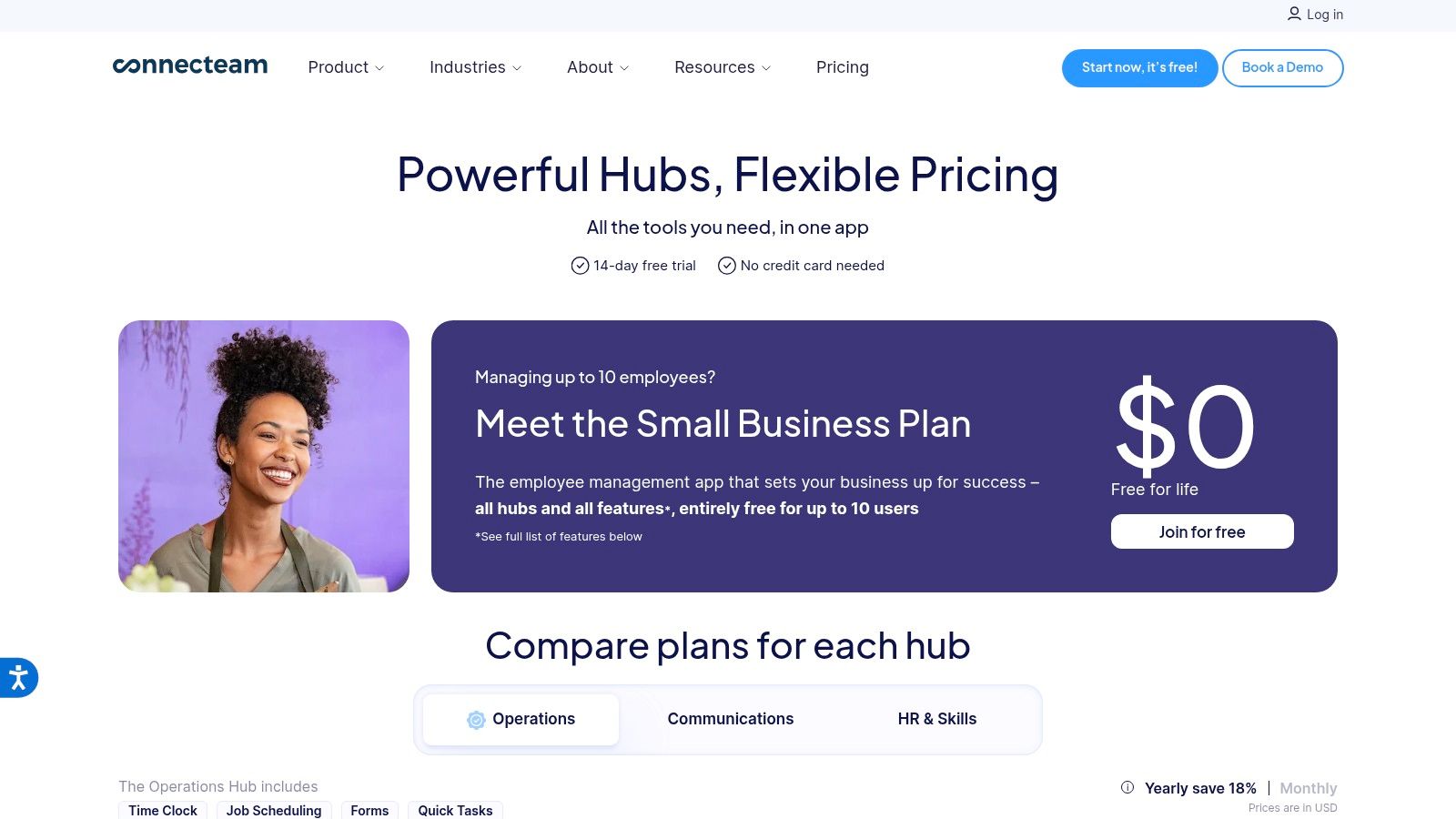
A cleaner calls out at 6:15 a.m. The replacement tech is new, the client has special instructions, and the supervisor is already driving to another site. Connecteam handles that kind of morning better than a lot of “free FSM” tools because its strength is crew execution, not sales or accounting.
That distinction matters for cleaning companies. If your biggest problem is missed instructions, weak accountability, and constant texting between the office and the field, Connecteam can tighten operations fast. The free plan is attractive for small teams, and in practice it gives you enough to test whether your crew will use a mobile app every day.
Connecteam works best after the job is already sold and scheduled. You assign the visit, attach notes, track time, and push the checklist to the cleaner’s phone. For recurring residential and commercial work, that helps keep standards consistent even when you rotate staff between accounts.
I like it for quality control. You can set up opening and closing checklists, flag photo requirements, and keep location-specific notes attached to the job. In a cleaning business, that prevents the small errors that create expensive callbacks. Wrong chemical on stone. Missed trash room. Forgot alarm procedure.
It also gives supervisors a cleaner way to verify attendance and job completion than relying on group chats and handwritten logs. For owners trying to get out of the middle of every shift, that is a real upgrade.
The trade-off is clear. Connecteam does not give you a strong front-office workflow for quoting, customer follow-up, or invoicing. If leads are coming in and you need a tighter handoff from estimate to schedule, pair it with software built for that side of the business. A good place to compare options is this guide to scheduling software for cleaning businesses, especially if you are trying to connect office scheduling with field execution.
Practical rule: Choose Connecteam when service delivery is the mess, not lead management. It is a crew operations tool that can support a cleaning company well, but it should not be your only system once the business starts growing.
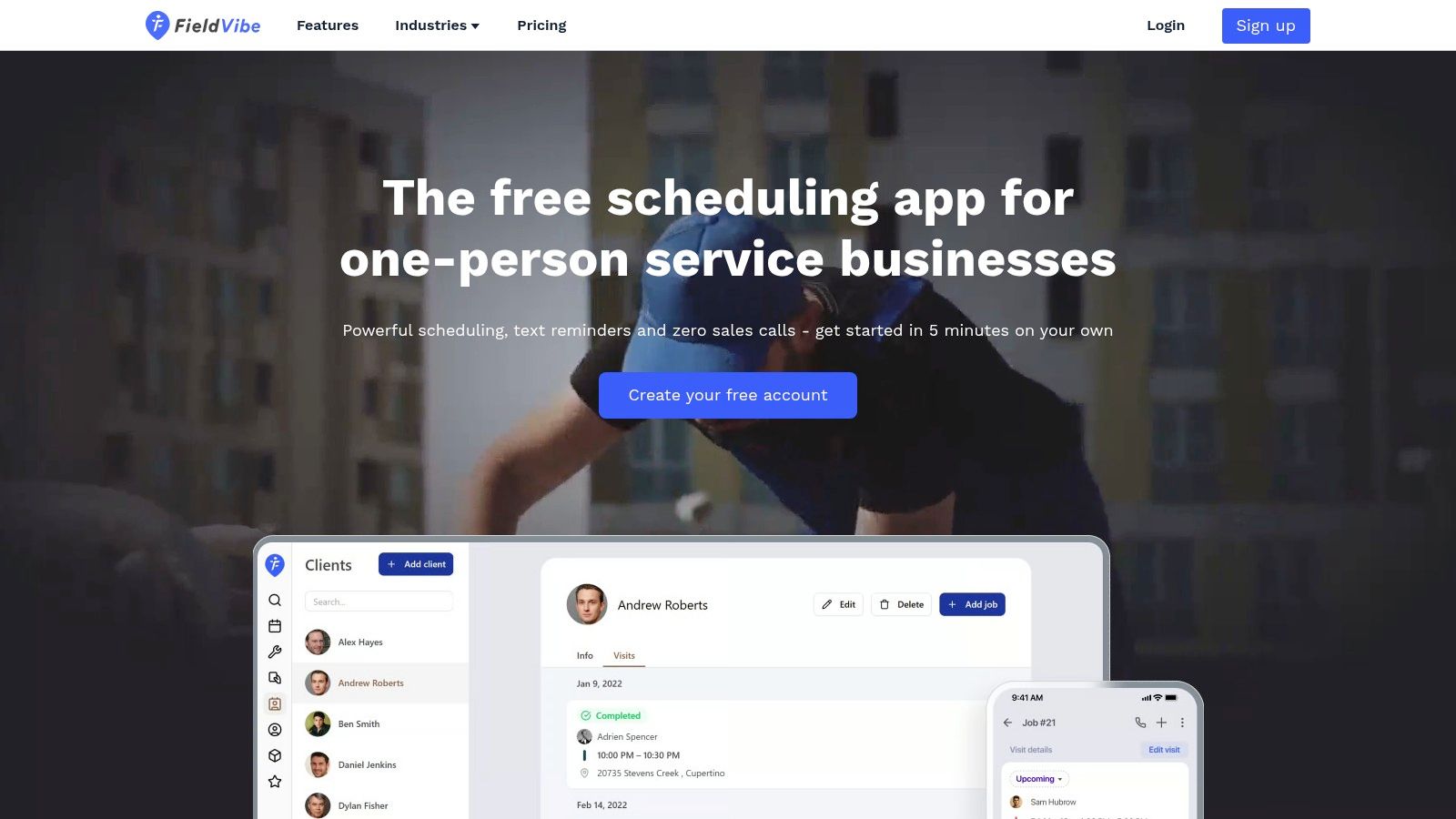
FieldVibe feels like the digital version of finally putting away the paper planner. It’s simple, light, and built for the owner-operator who just needs a clean calendar, customer list, and reminders that go out. If you’re still solo, that simplicity is a feature, not a weakness.
This is the type of free field service management software that helps you stop dropping follow-ups. For solo residential cleaners, a missed reminder often turns into a no-show, a schedule gap, or a client who assumes you forgot them.
FieldVibe is strongest when your business is still centered on one cleaner, one phone, and one decision-maker. You can schedule jobs quickly, track customer history, and keep the day moving without staring at a bloated dashboard. I like tools like this for owners who need momentum more than customization.
It starts falling apart once you have multiple crews or rotating team assignments. Cleaning companies with even a small mobile workforce usually need more control over who is going where and what happens when someone calls out.
FieldVibe is good at replacing chaos. It’s not good at replacing a real dispatch system.
A lot of owners outgrow this stage right when recurring jobs start stacking up and route planning gets messy. If that’s where you are, this article on scheduling software for cleaning business is a useful next step.
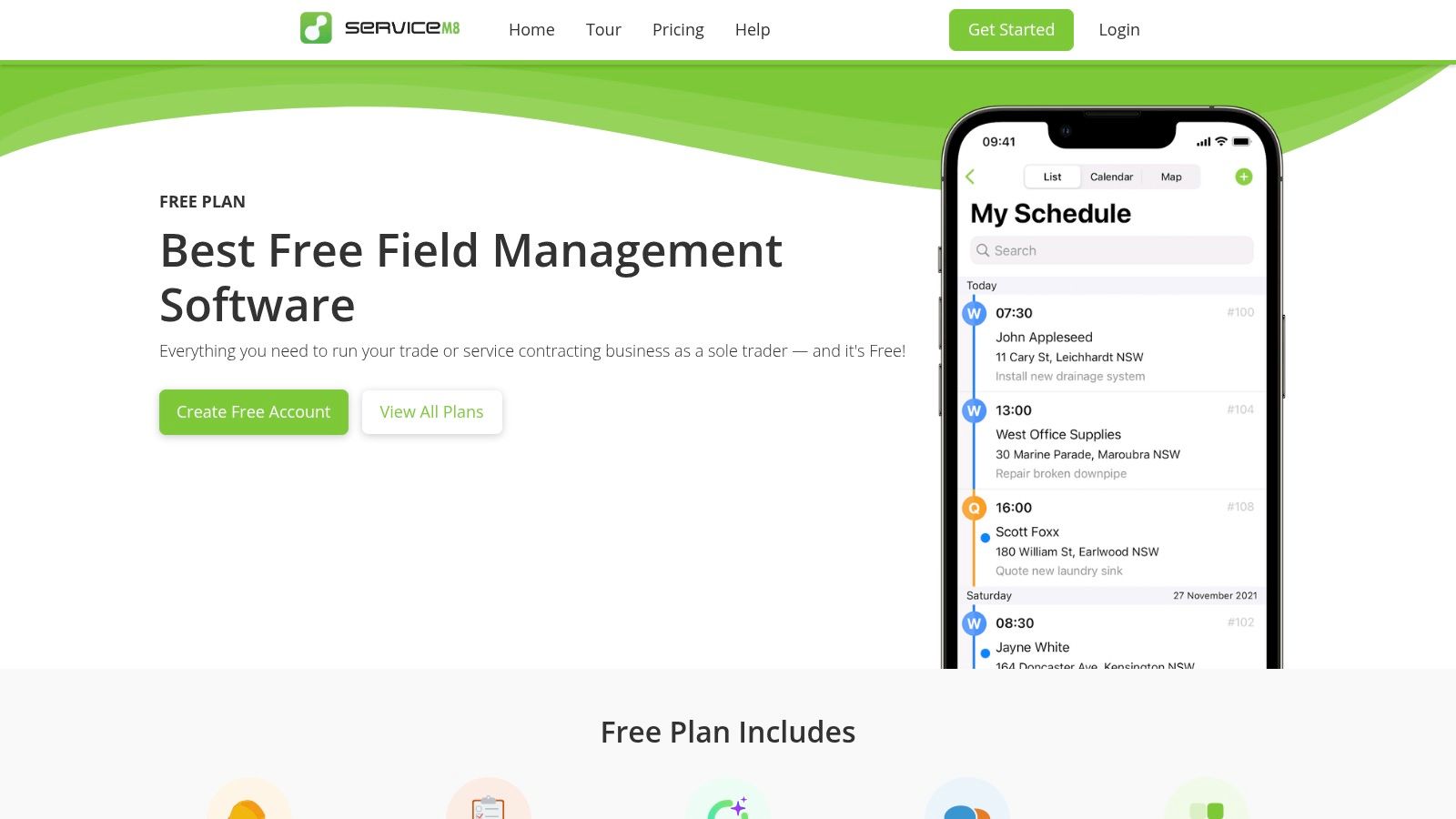
ServiceM8 is one of the few free tools on this list that feels like a proper FSM from the start. It handles the whole job journey better than most free options. You can create jobs, schedule them, send estimates, invoice, and keep client communication tied to the work.
For a solo cleaning owner who wants one app to run the day, it’s a strong pick. It feels more polished than many “free forever” tools that only cover one slice of the workflow.
The biggest win is that ServiceM8 doesn’t force you to stitch together three different apps just to get paid. If your business is still small enough that one person can manage estimates, scheduling, and follow-up, it gives you a professional client-facing process without much setup.
The catch is volume. Many free FSM products put pressure on busy solo operators through usage limits, and that’s the trade-off to watch with any free tier. Once your monthly job volume climbs, “free” can turn into “temporary.”
Cleaning owners also underestimate how much time gets lost in timesheets and attendance cleanup. If that’s becoming a back-office headache, this guide to time and attendance software helps connect the field side to payroll reality.
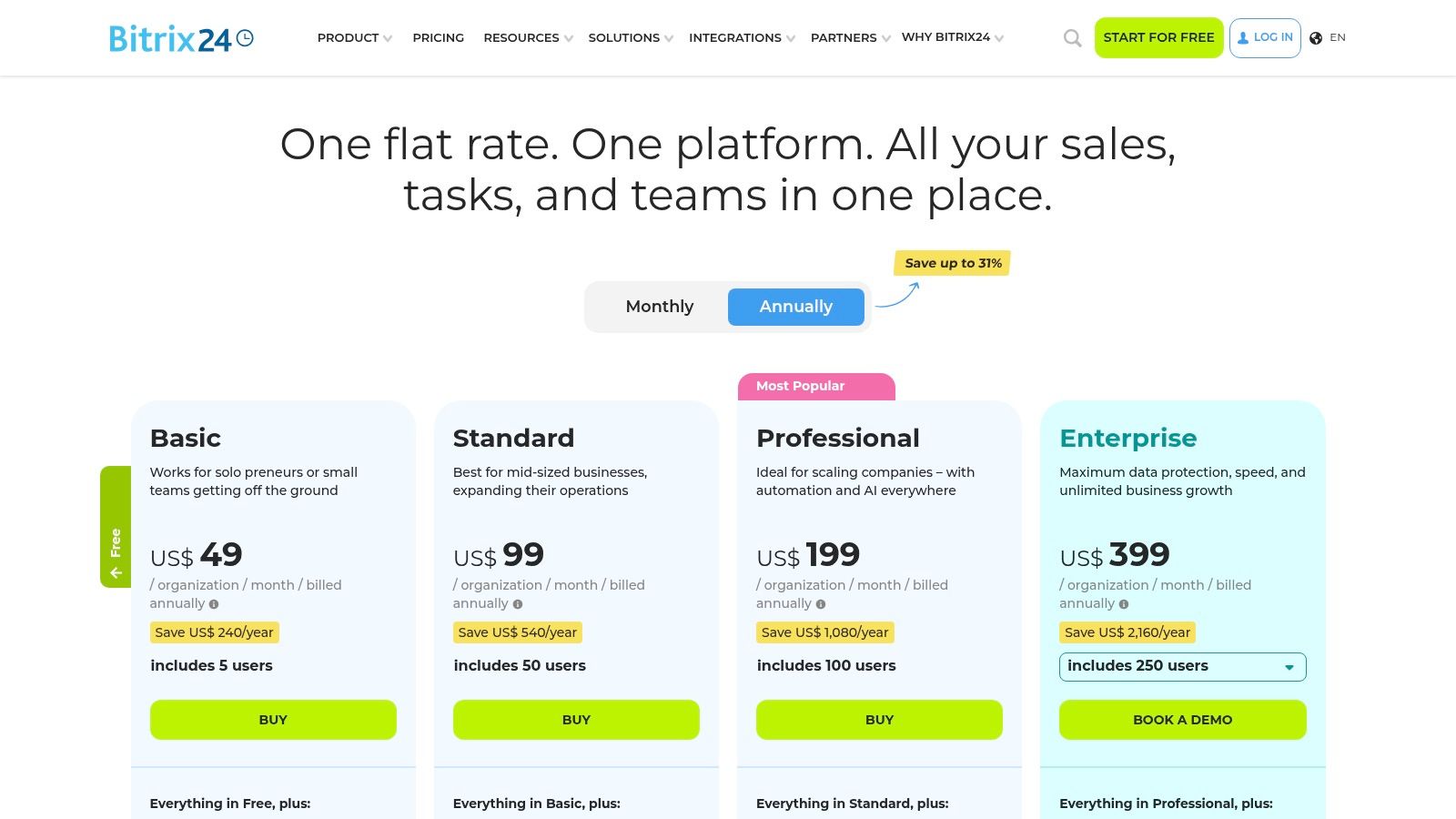
Bitrix24 is the free option for owners who want one system to hold customer conversations, tasks, calendars, and internal communication. It’s not purpose-built for field service, so you have to shape it into your workflow. Some people will hate that. Others will love the flexibility.
For cleaning businesses with an admin-heavy office, Bitrix24 can act like a command center. You can treat the CRM like your client database, use tasks as job sheets, and run team chat without bouncing between platforms.
Bitrix24 rewards patience. If you’re willing to build pipelines, task templates, and client stages, you can create a workable system for walkthroughs, recurring jobs, issue tracking, and follow-up. But it won’t feel intuitive out of the box the way a dedicated cleaning or FSM tool does.
That matters because field teams don’t want to click through a maze just to see the next appointment. Owners often overvalue flexibility and undervalue daily usability.
If your main bottleneck is customer tracking rather than dispatch, this breakdown of the best CRM for cleaning business can help you decide whether Bitrix24 is a fit or a workaround.
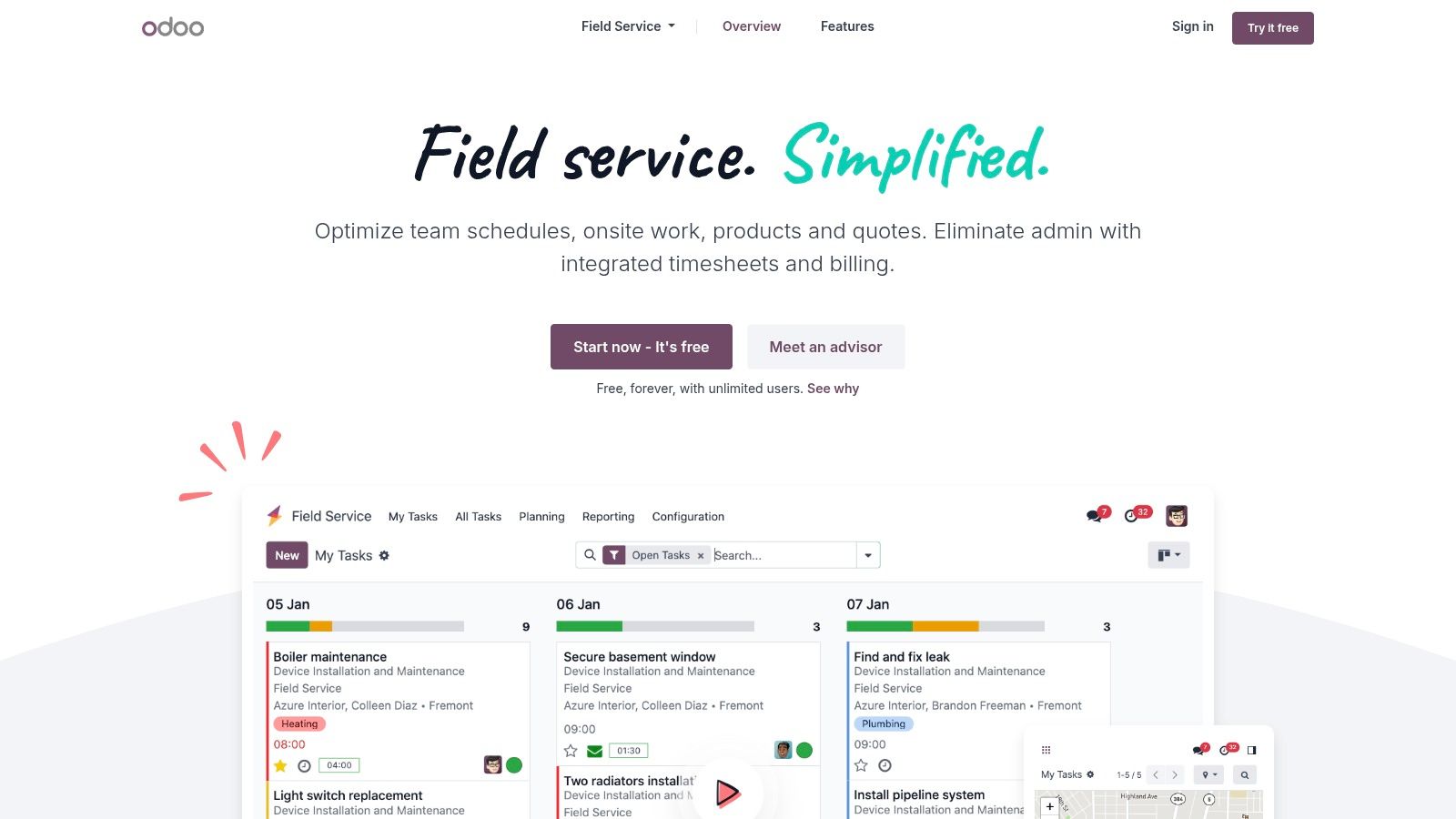
Odoo’s free model is unusual. You get one app free, with unlimited users, and that changes the math for a cleaning business that needs a real field operations module more than it needs a bundle of extras. If you choose the Field Service app, you get a serious scheduling and worksheet tool without paying for seats.
That makes Odoo one of the more interesting entries in free field service management software. It doesn’t feel lightweight. It feels like enterprise software with one carefully opened door.
For teams running recurring jobs, work orders, and mobile notes, Odoo’s field app is capable. You can organize assignments, update job status from the field, and structure the work more cleanly than in simple calendar apps. For operations managers, that’s useful.
The problem is right in the plan structure. Once you want CRM, invoicing, or other connected apps, the free setup stops being enough. So you have to be honest about whether you need a field operations engine or a full business stack.
Odoo is a strong choice when scheduling is your immediate pain. It’s a weaker choice if you expect a complete front-to-back cleaning software suite for free.
If you’re trying to map all your systems together, this guide to best cleaning business software shows where a field app fits versus where you still need sales and admin tools.
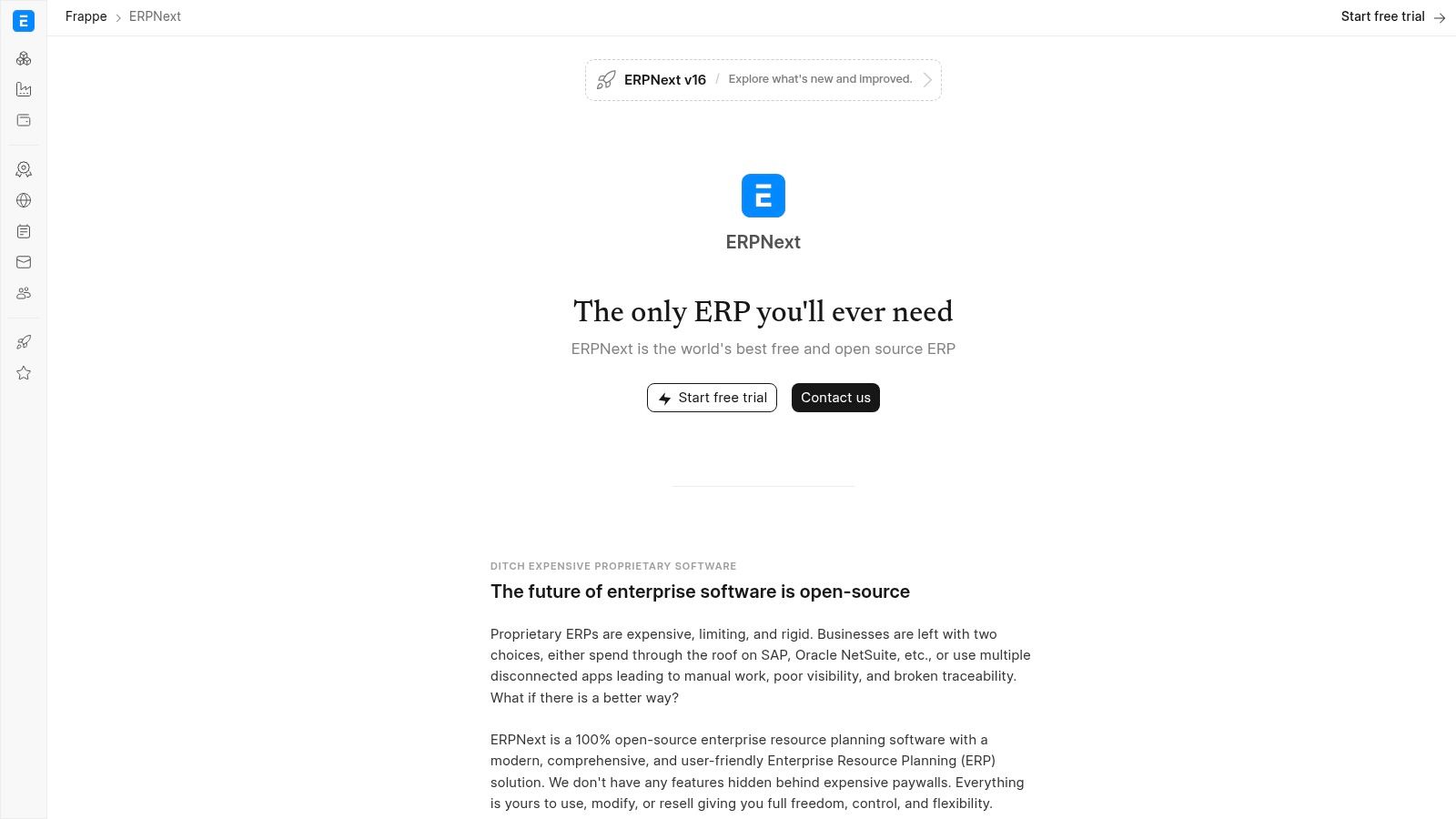
ERPNext is for the owner who wants control more than convenience. It’s open-source, broad, and configurable enough to run a cleaning company if you’re willing to put in the technical work. This isn’t a quick-start app. It’s a build-it-your-way system.
For some businesses, that’s exactly the appeal. You can shape CRM, recurring service schedules, work orders, estimates, invoicing, and internal processes inside one platform without paying license fees.
ERPNext fits best when someone on your side can handle setup, customization, and maintenance. That might be you, a technical ops manager, or an outside partner. Without that support, it can become shelfware fast.
The upside is depth. If your cleaning company has unusual workflows, franchise layers, inspection requirements, or custom approval steps, open-source software gives you room to create what commercial apps often won’t.
I wouldn’t recommend it to a brand-new solo cleaner. I would recommend it to a process-driven operator who’s tired of outgrowing simpler apps every year.
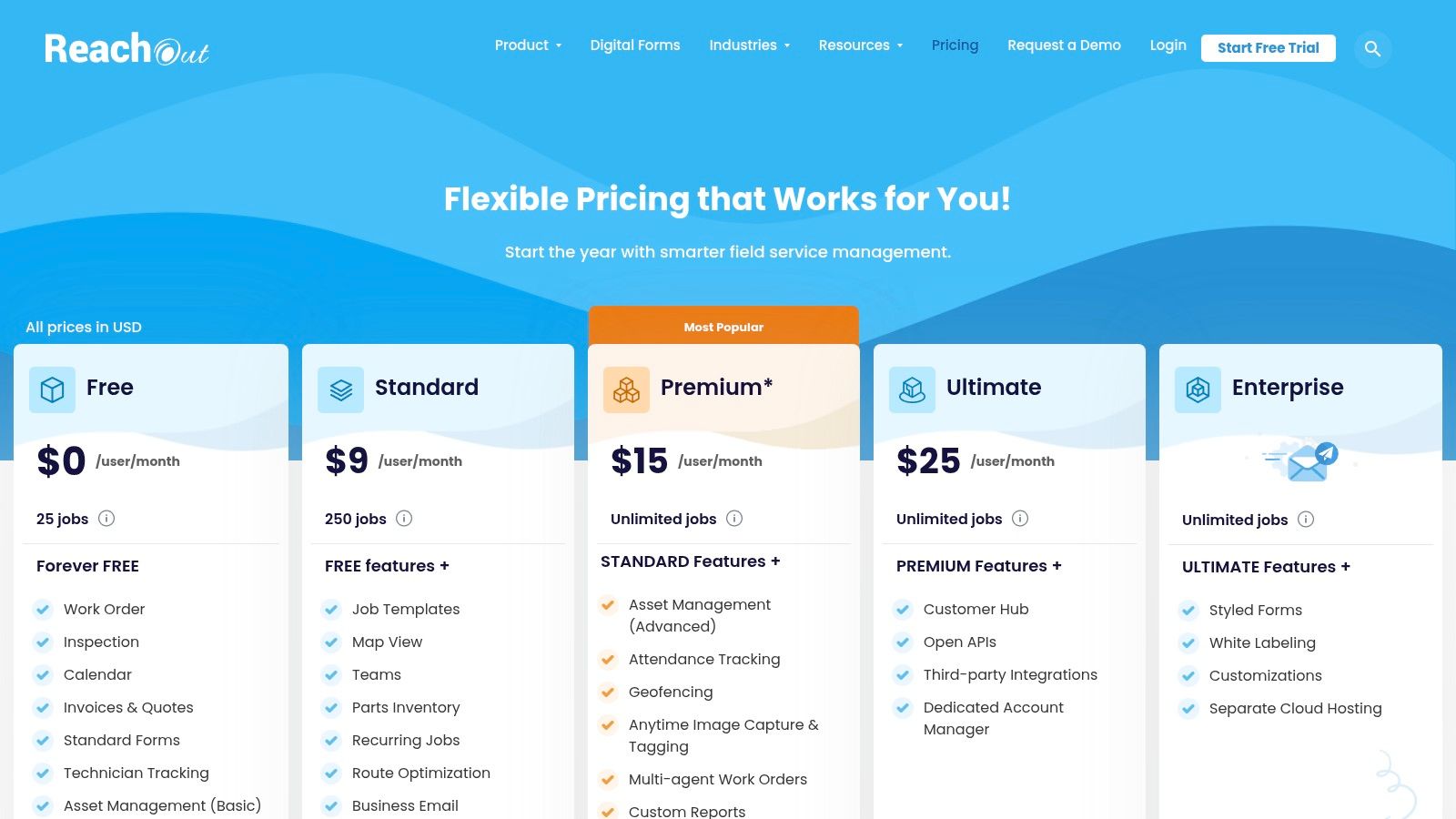
ReachOut Suite stands out because it leans into forms and inspections. For cleaning businesses, that matters more than vendors like to admit. A lot of client retention comes down to proving consistency. Did the team complete the checklist, document the issue, and leave notes that the office can act on? ReachOut is built closer to that style of work than many generic FSM tools.
It gives you a recognizable field service workflow, but the operational value for cleaners is in the inspection layer. Think move-out cleans, post-construction punch lists, commercial site audits, or supervisor walkthroughs.
If you manage crews that need quality assurance, ReachOut is a practical fit. You can adapt forms to room-by-room checks, supply issues, before-and-after notes, and client signoff. That’s useful when a customer claims something was missed and you need a record that isn’t buried in text messages.
Its free plan is best treated as a proving ground, not a permanent home for a growing business. Once job volume rises, advanced needs show up quickly.
The right cleaning software doesn’t just schedule work. It records what happened on site clearly enough that the office can defend quality and fix issues fast.
ReachOut is solid for that middle layer between dispatch and documentation.
ServiceFolder is one of the cleaner “full workflow” free options for a one-user setup. If you want to understand how a real FSM feels without adding a team yet, this is a good sandbox. It covers estimates, scheduling, invoicing, and timesheets in one place.
That’s useful for solo owners who know they eventually want a system, not just a calendar. You can start building habits around job stages now instead of waiting until operations get messy.
ServiceFolder works best as a transition tool. You’re not just tracking appointments. You’re learning how work should move from inquiry to estimate to scheduled job to invoice. That discipline matters later when you hire.
Where it falls short is depth and ecosystem. Compared with larger platforms, it has fewer known integrations and a smaller footprint. That’s not a dealbreaker for a solo cleaner. It is something to think about if you plan to connect scheduling to a wider tech stack.
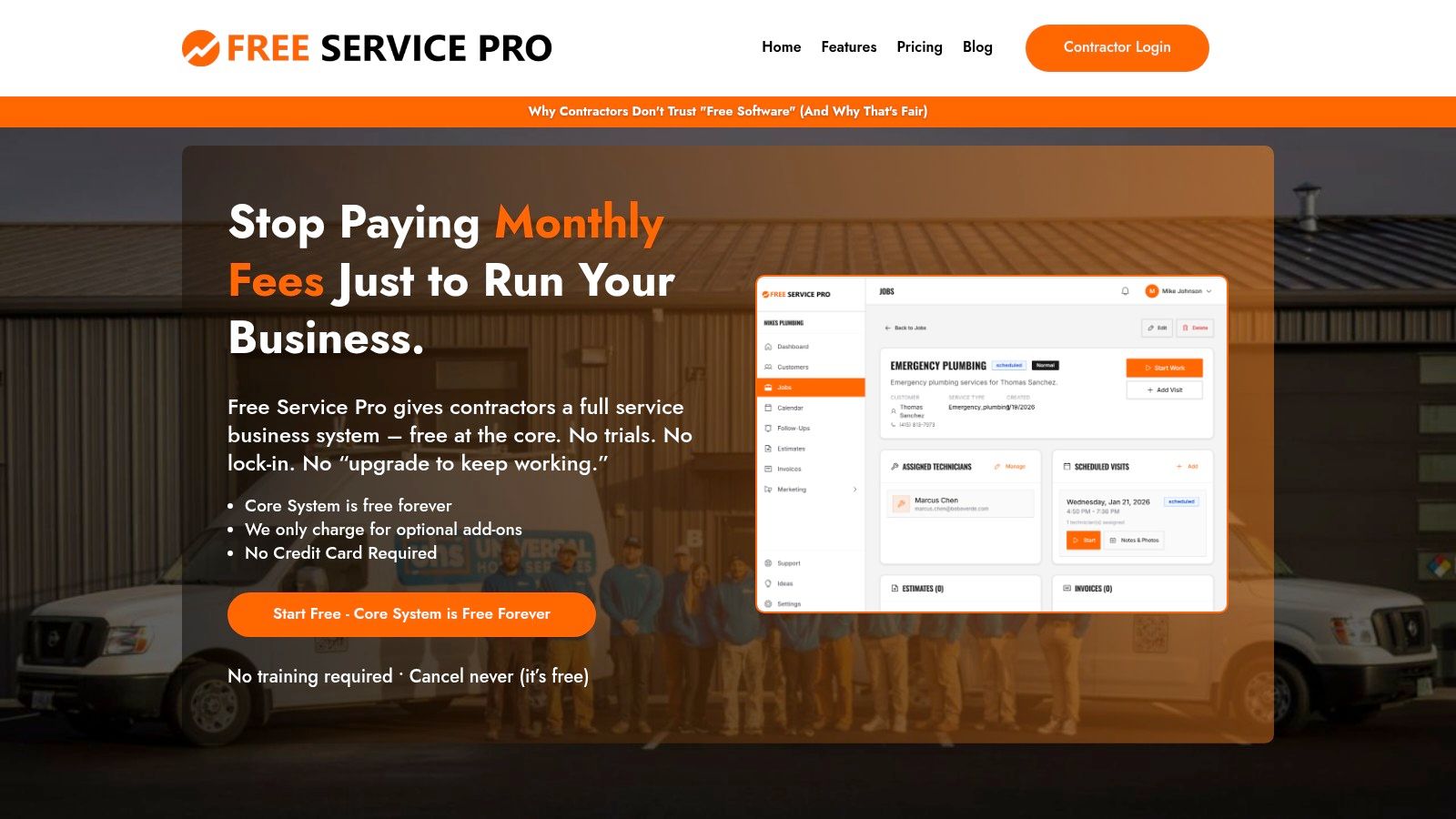
Free Service Pro is appealing for one simple reason. It tries to cover the basics without making you overthink the setup. CRM, scheduling, estimates, and invoicing are the core promise, and for a new cleaning company that’s often enough to get organized.
I’d put this in the “starter platform” category. It gives owner-operators a place to stop improvising and start documenting customers and jobs properly.
The feature set sounds right for a small service business, but smaller vendors always raise the same practical questions. How stable is the product? How much support will you get when something breaks? How easy is it to migrate later if you outgrow it? Those answers matter more than the marketing page.
That doesn’t mean you should avoid newer tools. It means you should use them with clear expectations.
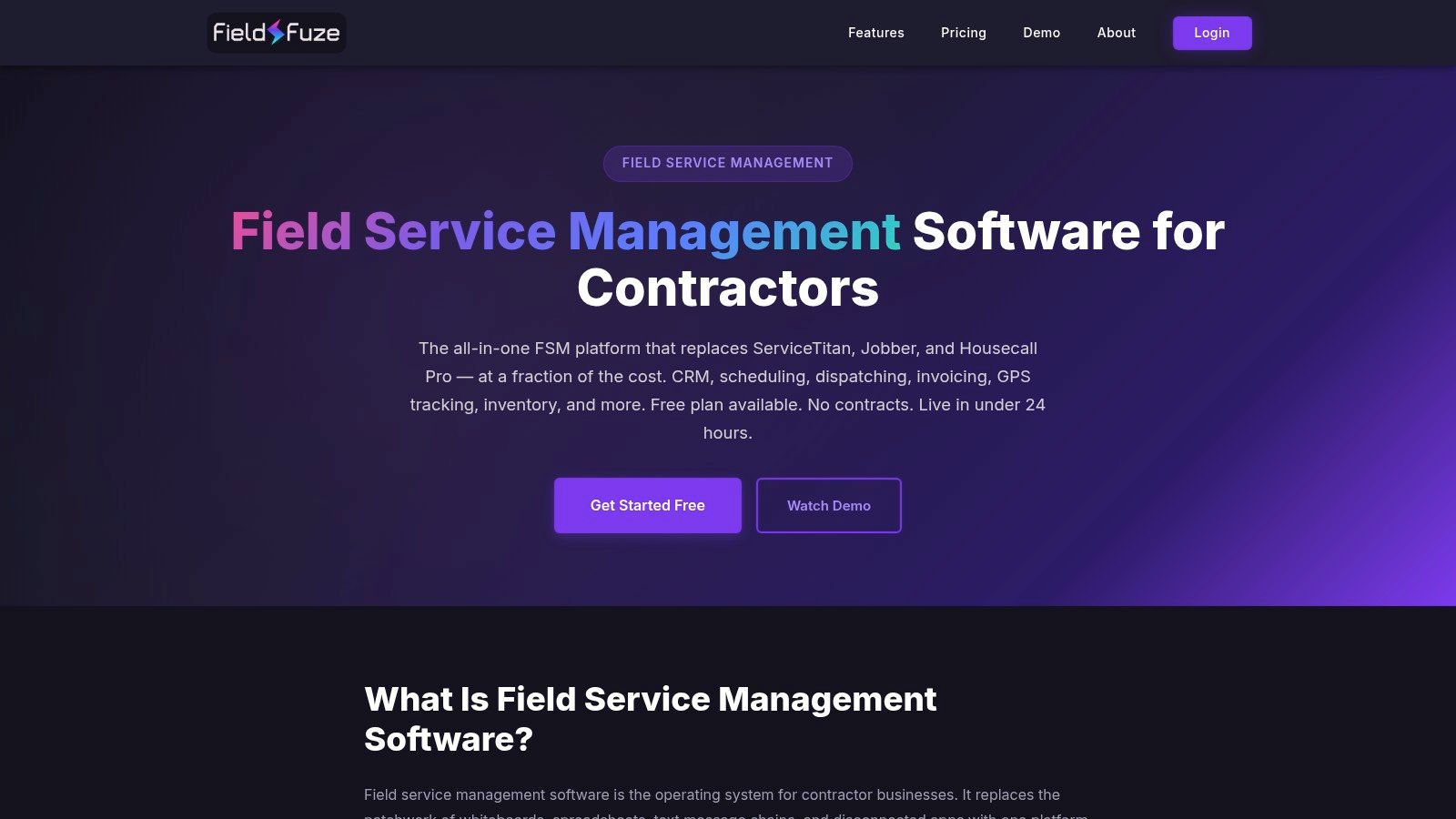
FieldFuze is the lightest tool on this list, and that’s exactly why some solo cleaners will prefer it. It doesn’t try to be a full operations suite. It acts more like a structured client notebook with scheduling attached.
That sounds small, but small can be good when your main problem is remembering details. Alarm code, pet instructions, preferred products, parking notes, gate issues, or “don’t start before the baby wakes up” type instructions are often what make or break service quality.
FieldFuze is best when the business is still centered on one person doing most of the work. You need a clean customer history, quick job logging, and a schedule that’s easier to trust than your memory. For that, it works.
It’s not designed for a crew-based cleaning company. There’s no serious estimate or invoicing layer, and team coordination is minimal.
If your business is still simple, don’t buy complexity just because software companies tell you to. Buy enough structure to stop forgetting things.
That’s the case for FieldFuze. It won’t run a scaling operation, but it can absolutely help a solo cleaner move out of notebook mode.
| Product | Core features | Ideal for | Free tier / Price point | Unique selling point (USP) | Main limitation |
|---|---|---|---|---|---|
| Connecteam | Scheduling, GPS time clock, mobile forms, team chat | Small cleaning teams (2–10 cleaners) | Free up to 10 users; paid for advanced features | Strong mobile-first team management and checklists | Not a full FSM, no native estimates or invoicing |
| FieldVibe | Job scheduling, client list, SMS reminders, basic reports | Solo cleaners who need a simple scheduler | Free for 1 user (forever) | Extremely fast setup; truly free for solo operators | Lacks estimates/invoicing and multi-user support |
| ServiceM8 | Job management, scheduling, estimates & invoices, SMS/email | Solo cleaner using iPhone/iPad | Free for single user, limited to ~30 jobs/month | Polished iOS app and professional estimates/invoices | Job limits; estimates are manual (not automated) |
| Bitrix24 | CRM, tasks/projects, quotes/invoices, team chat | Small but growing teams wanting a central hub | Unlimited users free, 5GB storage, limited automation | All-in-one CRM + collaboration with generous free plan | Complex to configure; not purpose-built FSM |
| Odoo (One App Free) | Scheduling, map/calendar, mobile worksheets, time tracking | Teams needing powerful free scheduling module | One app free with unlimited users; other apps paid | Enterprise-grade field service app available for free | Only one app free, no bundled CRM/invoicing |
| ERPNext | Maintenance schedules, work orders, CRM, invoicing (open-source) | Tech-savvy owners or businesses with IT resources | Software free; only hosting & maintenance costs apply | Fully customizable, no license fees | High setup/maintenance effort; steep learning curve |
| ReachOut Suite | Work orders, inspections/forms, dispatch calendar, mobile apps | Small ops that prioritize inspections and QA | Forever-free plan but with job/feature limits | Strong forms/inspection focus for cleaning QAs | Free limits hit quickly; advanced features paid |
| ServiceFolder | Scheduling, estimates & invoices, timesheets, mobile apps | Solo entrepreneurs wanting full FSM trial | 1-user free "Silver" edition | True 1-user free plan covering full workflow | Must upgrade when hiring; fewer integrations |
| Free Service Pro | CRM, scheduling, estimates & invoicing, mobile access | New or solo cleaning businesses on a budget | Core system marketed as permanently free; add-ons paid | Simple, all-in-one core system with no trial expiry | Smaller vendor, unclear scalability and integrations |
| FieldFuze | CRM/contact mgmt, job history logs, basic scheduling, clean UI | Solo cleaners who need a digital job notebook | Free for solo contractors | Ultra-simple, fast to adopt; focus on job history | Very basic feature set; no estimates/invoicing |
A free tool usually looks good on day one. Then Friday hits, two cleaners call out, a recurring office account wants a time change, three quote requests come in after hours, and the whole operation runs through texts, memory, and whoever answers the phone first. That is the point where software stops being a nice idea and starts becoming part of the job.
Free field service management software helps because it puts the basics in one place. You can schedule jobs, store client notes, assign recurring work, and stop losing instructions in text threads. For a cleaning business, that matters fast. Crews are mobile, supervisors are in the field, and the office often lives inside a phone.
The key question is not which free app has the longest feature list. The operative question is which one fixes the bottleneck that is costing you money right now.
If recurring residential cleans keep slipping, start with the tool that handles repeat scheduling cleanly. If callbacks and missed tasks are the problem, choose one with forms, checklists, and photo verification. If your issue starts before the job is even booked, field software alone will not solve it.
That trade-off gets missed all the time.
A lot of free FSM tools help after a lead becomes a job. They do not price work, respond to new inquiries at night, or keep estimate follow-up consistent. Cleaning owners feel that gap more than many trades because quote volume is high, job sizes vary, and speed matters. Pairing your FSM with Estimatty closes that front-end gap. It gives you a way to send fast, consistent estimates without waiting until the next morning, so the schedule fills with approved work instead of half-managed leads.
Hiring creates the next ceiling. A cleaner dispatch board does not help much if you cannot recruit, screen, and organize new hires without digging through email chains and spreadsheets. pipehirehrm.com helps clean that up, especially once you move past a solo operation and need a repeatable hiring process instead of owner improvisation.
The strongest setup usually looks like a stack, not a single platform. Estimatty handles incoming leads and estimates. Your FSM handles scheduling, dispatch, recurring jobs, team checklists, and job-status updates. pipehirehrm.com supports recruiting as the crew grows. That structure fits how cleaning companies operate, because sales, field execution, and hiring break in different places.
The cleaning-specific test is simple. Can the software manage recurring work without creating duplicate admin? Can it support quality control with checklists, notes, and photos? Can it connect to the tools you already need to sell and staff the business?
Some of the tools in this list pass one or two of those tests. Very few pass all three on a free plan.
That is why owners should treat free software as a starting system, not a forever decision. Connecteam and ReachOut Suite make sense when accountability and inspections are the main pain point. FieldVibe and FieldFuze work better for simple scheduling. ServiceM8, ServiceFolder, and Free Service Pro fit owners who want a tighter estimate-to-invoice workflow. Odoo and ERPNext give you more control if you have the time, patience, or technical help to set them up properly.
Analysts at MarketsandMarkets project continued growth in the FSM software market and note the strong share held by cloud-based tools, according to this field service management market report. For cleaning companies, that lines up with daily reality. Managers need access from the road, team leads need updates on-site, and office-only systems create delays.
Execution still decides whether growth feels profitable or chaotic. Fortune Business Insights links stronger field execution with better business performance in its FSM market analysis. In a cleaning business, that usually shows up in fewer missed tasks, fewer callbacks, better client retention, and less time spent fixing preventable mistakes.
Good software will not build the company for you. It will make the business easier to run if you choose based on the actual pressure points. Start with the bottleneck. Add tools only when they remove real friction. Keep the stack simple enough that your crew will use it consistently. If you want more practical growth advice, the articles on estimatty.com/blog and get.pipehirehrm.com/blog are worth bookmarking, and this Actionable Plan for Scaling Profitably is a good companion read.
If delayed callbacks, uneven pricing, and after-hours lead loss are still holding you back, Estimatty fills the gap your FSM does not cover. It helps cleaning businesses capture inquiries, answer questions, and send accurate estimates fast, so booked work does not depend on calling everyone back manually.