October 27, 2026
Electrical Service Contract: Key Clauses and Checklist
Learn what an electrical service contract covers, the clauses that matter, sample language for each, and a checklist to customize it before you sign.

Monday, April 20, 2026
Find the best attendance tracker app for your cleaning business. Compare top tools on features, pricing & payroll integrations. Boost team reliability!
.png)
It’s Friday afternoon, and instead of reviewing next week’s routes or following up on new jobs, you’re piecing together hours from texts, call logs, sticky notes, and half-finished timesheets. One cleaner forgot to clock out. Another says she was on-site on time, but the supervisor logged something different. Payroll is due, and now you’re doing detective work instead of running the business.
That mess costs more than admin time. When attendance is fuzzy, payroll gets disputed, crews arrive late, jobs start behind schedule, and clients notice. Reliable attendance tracking is part of company growth because it protects margins, keeps staff pay accurate, and gives you a clean record when something goes wrong.
A modern attendance tracker app fixes the root problem. The best ones give you mobile clock-ins, job-site verification, live records, and reports you can effectively use. In event operations, QR-based check-in systems have cut wait times by as much as 50% with Eventbrite and up to 70% with Whova compared to manual methods. The cleaning industry isn’t identical, but the lesson is the same. Manual attendance breaks first when volume rises.
I’ve seen the same pattern in cleaning. The businesses that stabilize fastest stop treating attendance like a side task. They build it into operations, then automate repetitive tasks around it so payroll, hiring, and follow-up stop depending on memory.
Cleaning teams work in the field, not behind a front desk. That changes what matters. You don’t need a fancy attendance dashboard that looks good in a demo if it fails when a crew member is standing outside a client’s house with gloves on and three minutes to get started.
The four features below matter most.
Practical rule: If an attendance tracker app is designed mainly for classrooms or office PTO requests, it usually won’t hold up for field cleaners moving between addresses all day.
PipehireHRM attendance tracking makes the most sense if you don’t want a standalone time tool. It’s designed with the understanding that cleaning companies almost always do two things at once: managing current staff and replacing turnover. That’s why I like it for owners who are tired of juggling one app for hiring, another for onboarding, and another for attendance.
The strongest part of PipehireHRM is that it treats attendance as part of the employee lifecycle. A new cleaner can move from applicant to onboarded team member inside the same system, then into active attendance tracking and time-off management. For a cleaning company, that reduces handoff mistakes, especially when you’re hiring quickly.
PipehireHRM is a good fit for owners who need operational stability more than feature sprawl. If you’re growing and constantly recruiting, keeping hiring and attendance together is cleaner than stitching several tools together after the fact. That’s especially true if you already read cleaning hiring guidance on PipehireHRM’s blog and want your team systems in one place.
A few trade-offs are worth saying plainly.
What works in cleaning is fewer disconnected tools. Every extra handoff creates one more place for hours, names, or start dates to get entered wrong.
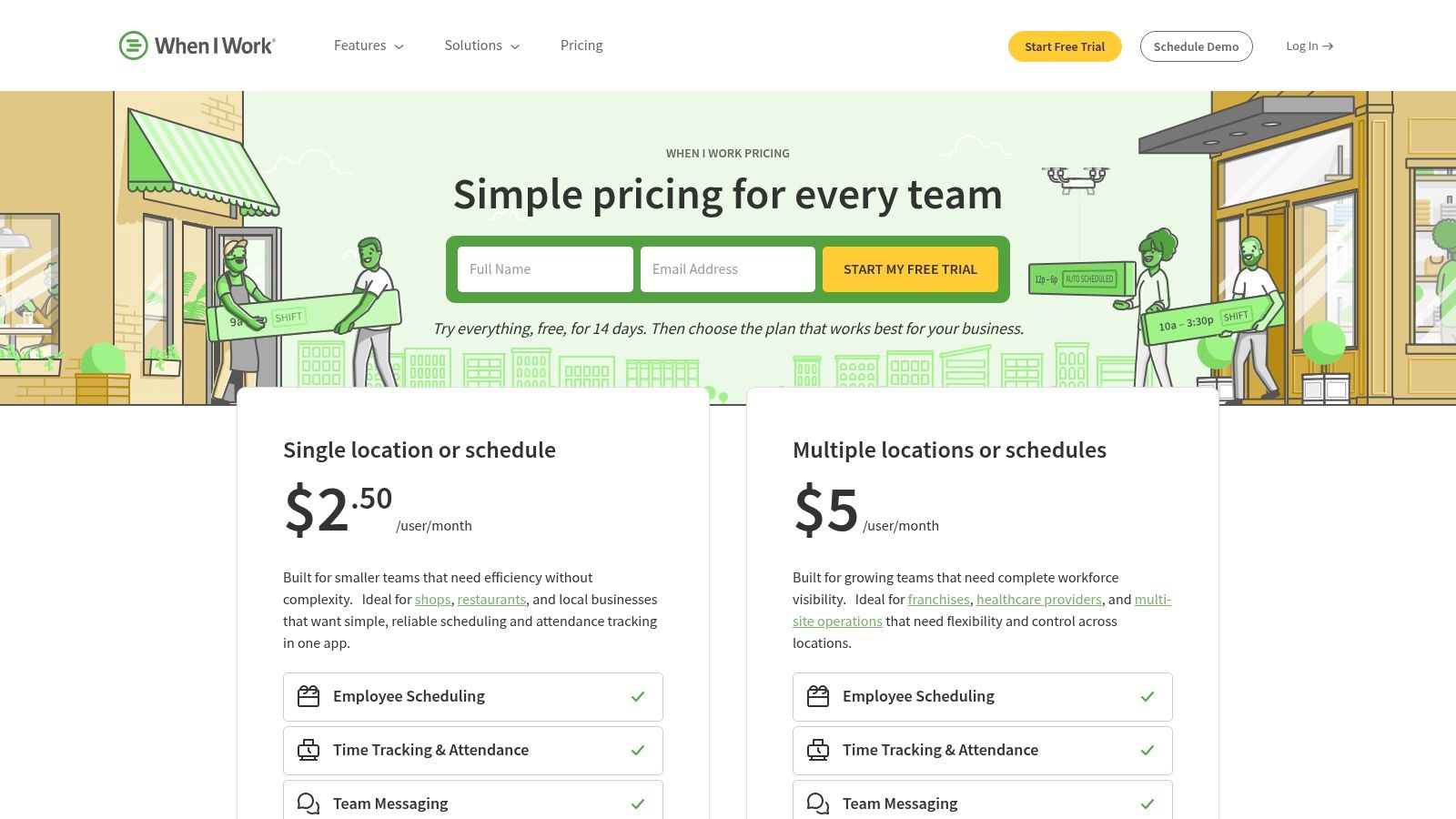
When I Work pricing and plans sits in a practical middle ground. It combines scheduling, attendance, and team messaging in one system, which is useful when your cleaning crews don’t just need to clock in. They also need to know where they’re going, when they’re starting, and what changed at the last minute.
For cleaning companies with hourly workers, that combination matters. A stand-alone attendance tracker app can record hours, but it won’t always solve no-shows or confusion around shift changes. When I Work is better when attendance problems are really scheduling problems in disguise.
I’d put this one on the shortlist for businesses with multiple crews or multiple recurring client slots each week. Mobile clock-ins, geofencing, and kiosk options cover the attendance side. The scheduling layer helps owners avoid app sprawl, which becomes a real issue once dispatch instructions start living in text threads.
The downside is that it isn’t trying to be a full HR suite. That’s fine for many operators. But if your real bottleneck is hiring and onboarding, not just scheduling and attendance, you may outgrow it.
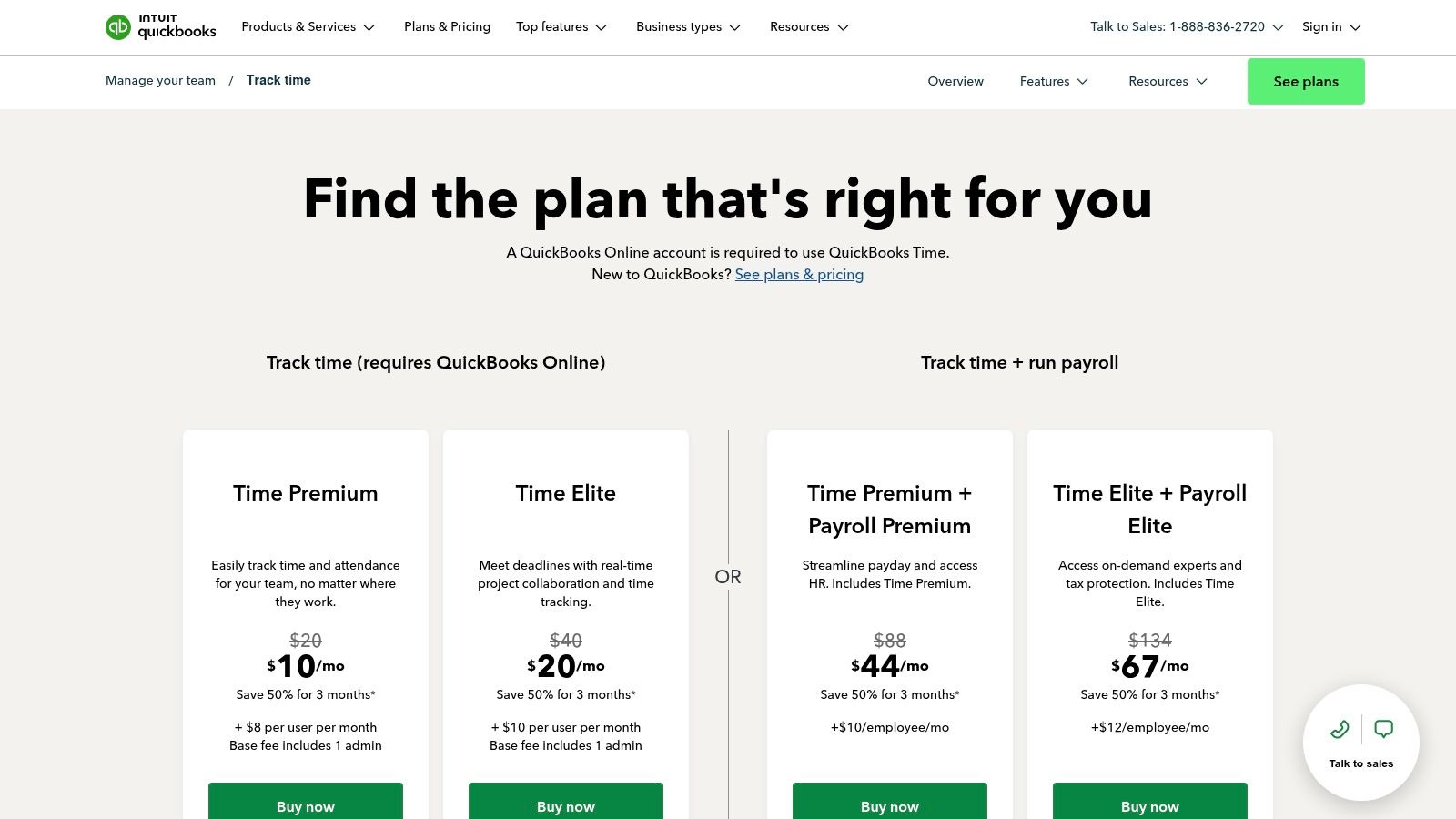
If your books already run through QuickBooks, QuickBooks Time is one of the easiest attendance decisions you can make. The value here isn’t novelty. It’s reduction of friction. GPS time tracking, mobile clock-ins, kiosk options, and payroll alignment are all more useful when they feed the accounting system you already trust.
For cleaning owners, that means fewer manual transfers from attendance logs into payroll and fewer end-of-week corrections. In my experience, accounting alignment beats flashy features almost every time.
A lot of attendance errors don’t start in the field. They happen in the re-entry step. Someone exports hours, edits a file, retypes totals, and then payroll gets approved with mistakes. QuickBooks Time lowers that risk because the attendance tracker app is close to where wages and job costing already live.
It also helps if you compare labor against job estimates later. That matters if you’re trying to tighten margins on recurring cleans, deep cleans, and commercial contracts.
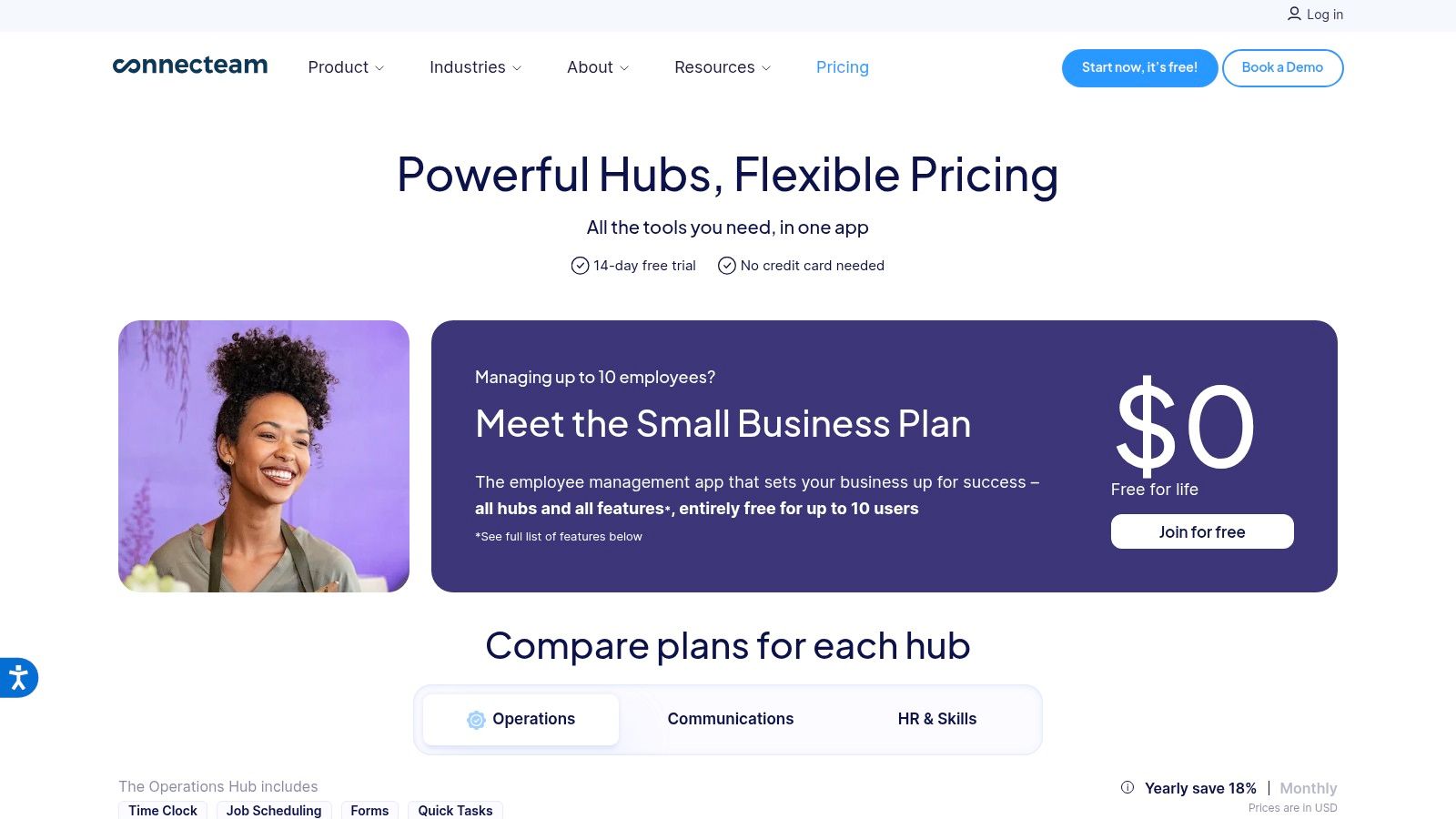
Connecteam pricing works well for cleaning companies that want more than attendance. It’s a mobile-first operations system. That means your time clock can sit next to checklists, internal chat, forms, and basic SOP execution instead of living by itself.
That broader setup is useful when attendance is only one part of the problem. If your crews also miss supply checklists, skip quality-control steps, or fail to relay job notes, Connecteam can help centralize daily operations.
I like Connecteam for teams that are trying to standardize service delivery as they grow. GPS and geofenced time tracking handle attendance. The forms and checklist side helps with opening procedures, lock-up instructions, and job completion notes. For cleaning, those little process controls often matter as much as the raw clock-in itself.
The trade-off is setup. A tool with broader operational coverage usually takes more configuration upfront. If you only need a basic attendance tracker app, this may feel heavier than necessary.
A bigger platform only helps if you’ll actually use the extra modules. If not, simple wins.
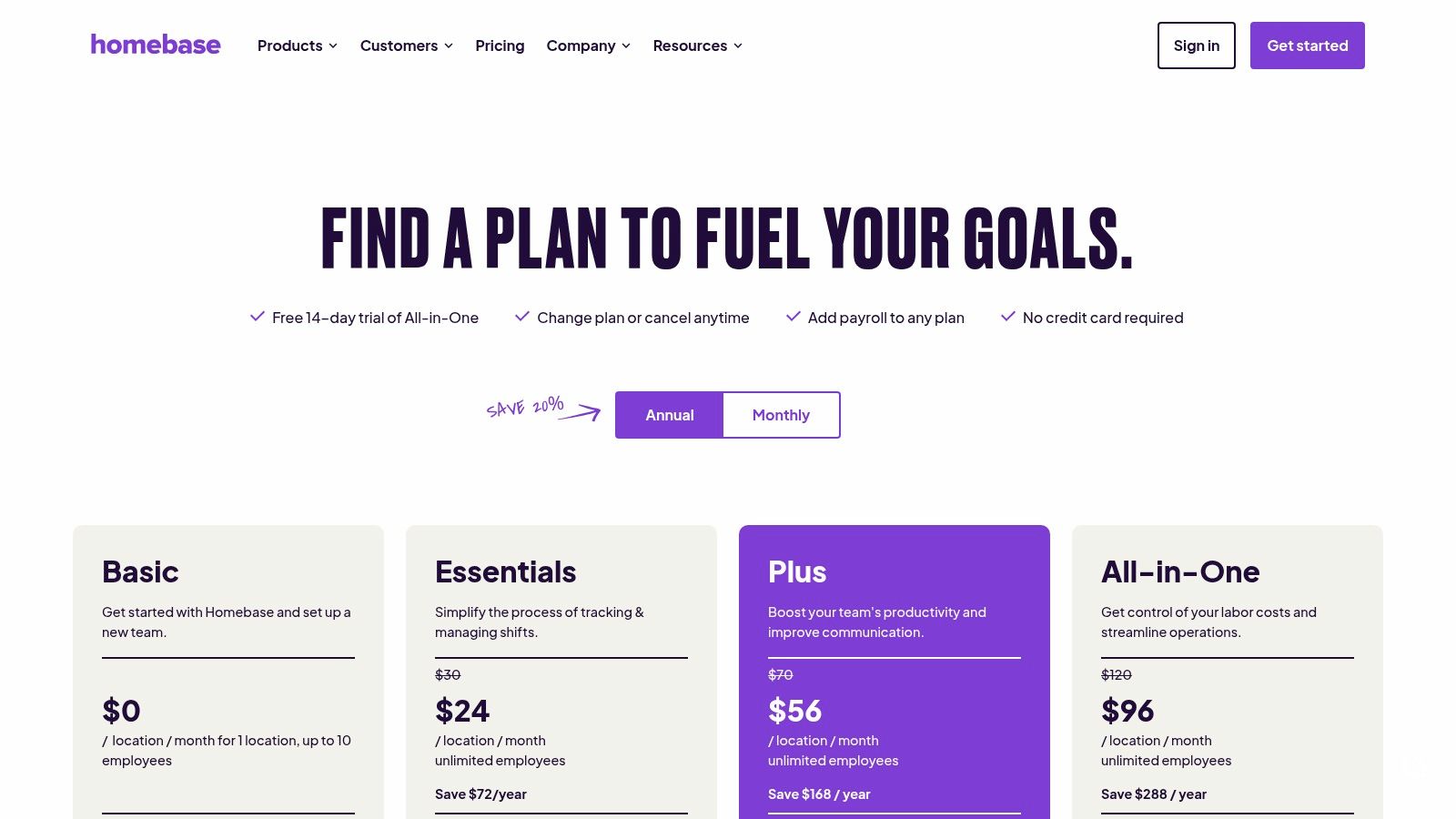
Homebase pricing is a practical starting point for very small cleaning businesses. If you’re moving off paper or spreadsheets and want something approachable, this is one of the easier entries. It covers mobile and fixed time clocks, scheduling, PTO, messaging, and some hiring support without feeling too enterprise-heavy.
For owner-operators and small teams, ease matters more than feature depth. A tool that the team will use beats a more feature-rich tool that gets ignored.
Homebase makes sense when your first goal is getting cleaner attendance records and reducing payroll confusion. If everyone meets at one point before jobs, the kiosk-style setup can work well. If they go direct to client sites, the mobile side matters more.
The main limit is that advanced reporting and automations are lighter than broader workforce systems. That’s not a dealbreaker early on. It just means you may need more later as your operation gets more complex.
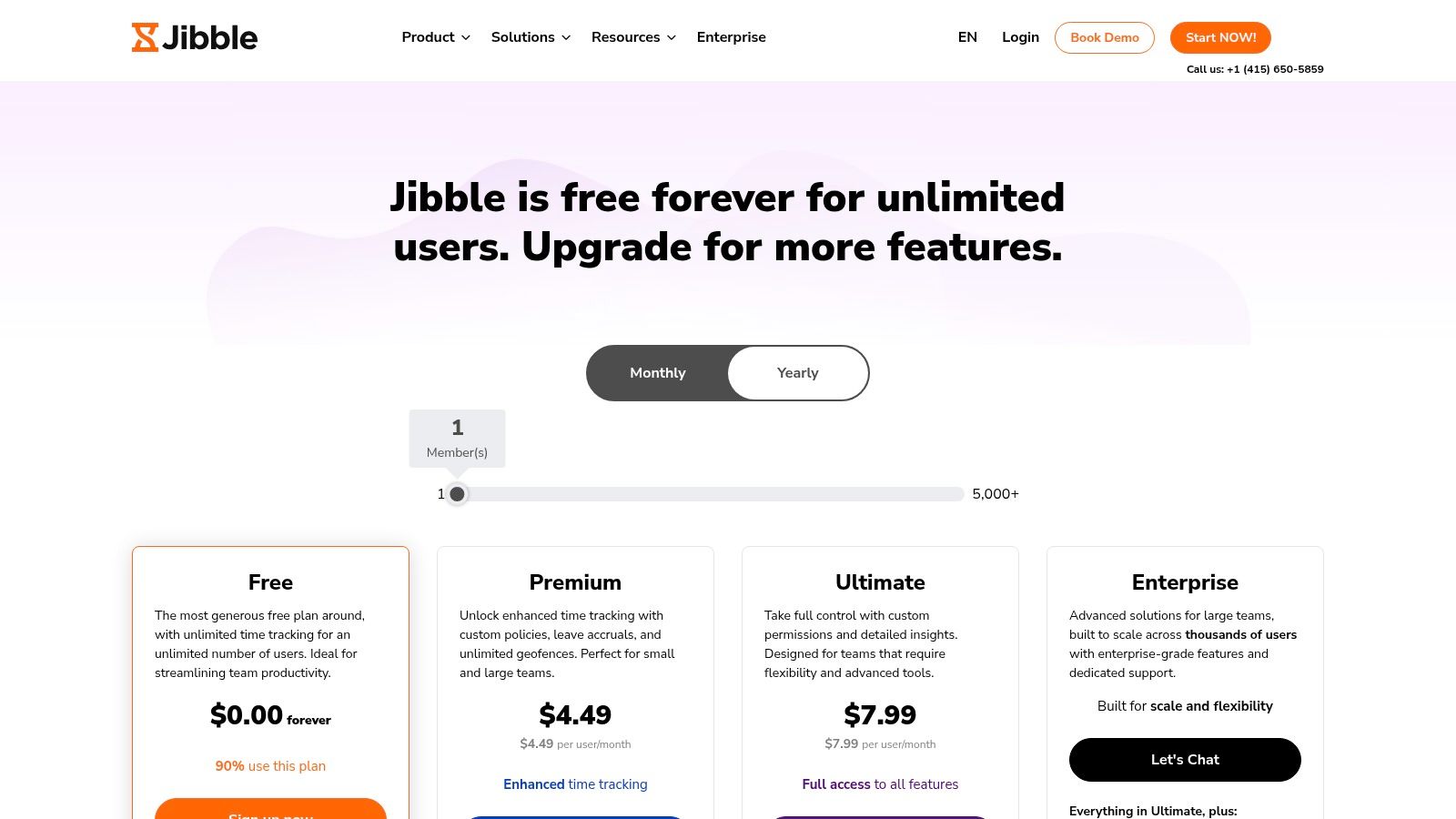
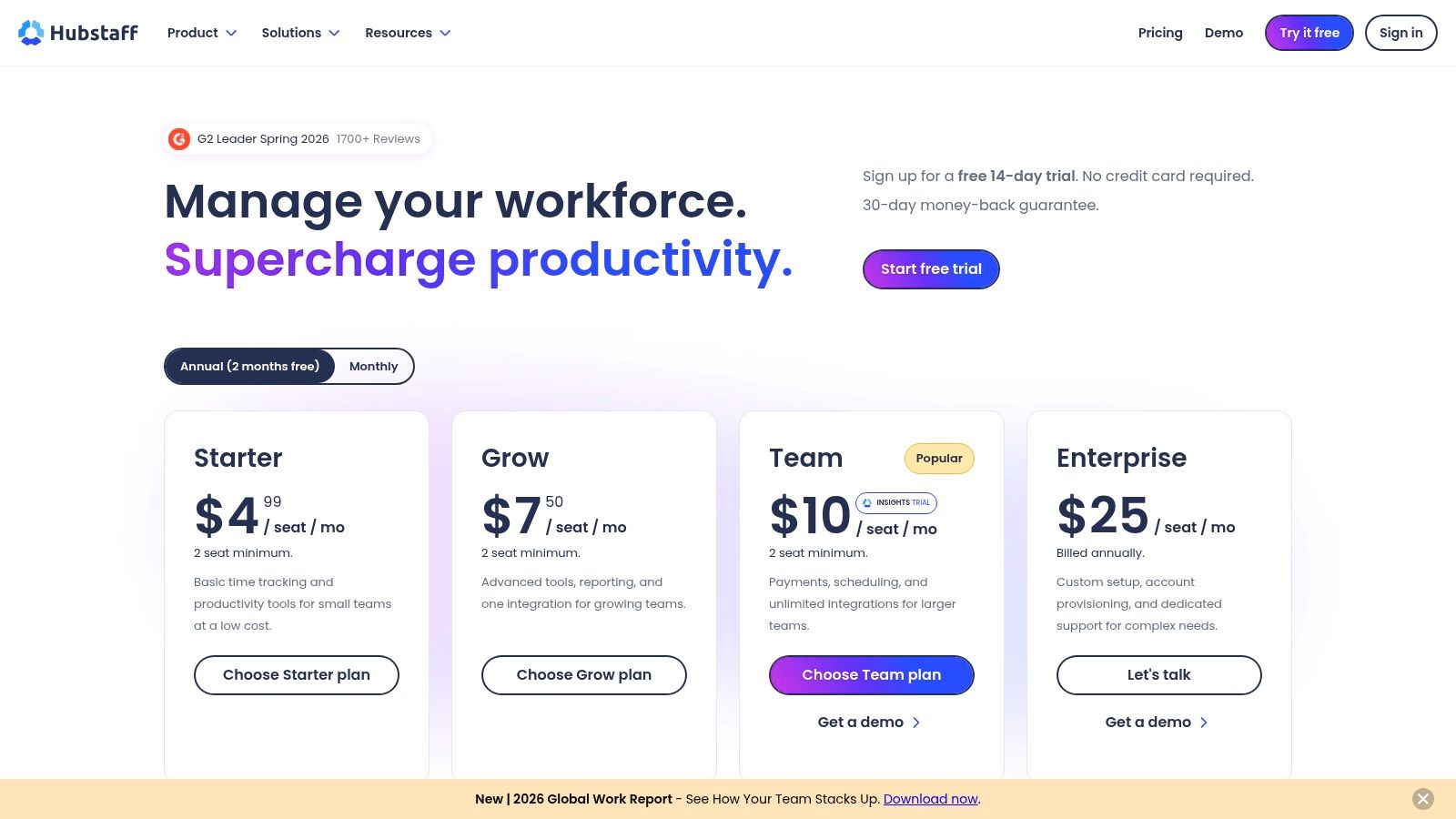
Hubstaff pricing is the pick for owners who care a lot about location-based proof of work. Its field features are strong, especially around geofencing and automated clock actions at job sites. For cleaning companies with crews spread across many properties, that can remove a lot of manual checking.
If your main attendance headache is verifying who arrived where and when, I’d suggest this. Hubstaff is less about soft HR polish and more about operational proof.
The upside is obvious. Auto clock-ins and outs tied to geofenced locations can reduce missed punches and tighten records for dispersed crews. That’s useful when supervisors can’t physically oversee every arrival.
The caution is cultural. Some Hubstaff monitoring features may be more than your team wants. In a cleaning business, trust matters. If you use a tool with deeper oversight features, explain the boundary clearly and keep the rollout focused on attendance accuracy and fair pay.
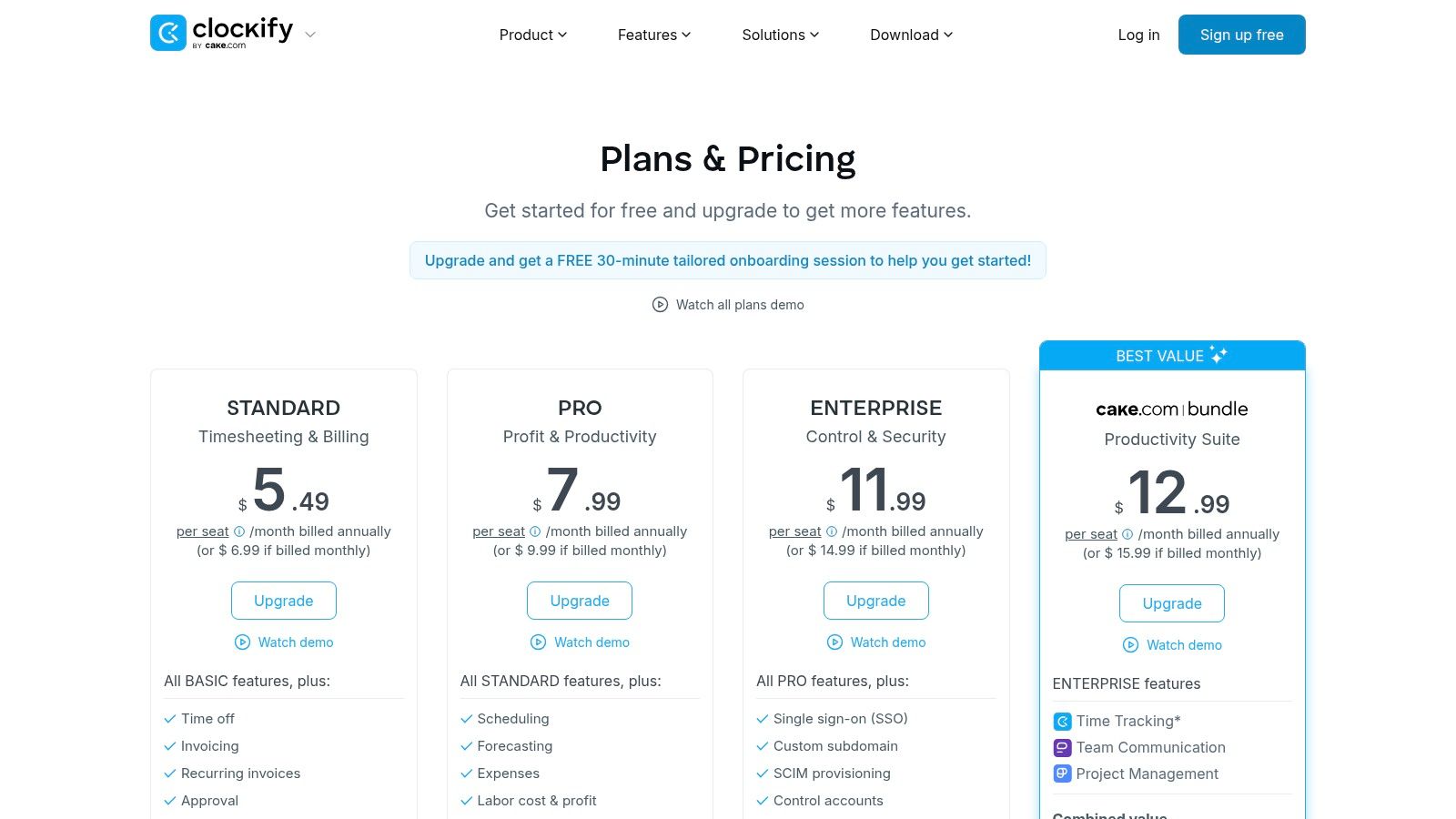
Deputy pricing is built for shift-heavy operations, and that makes it appealing for larger cleaning companies running multiple sites, supervisors, and layered approval flows. It covers mobile, web, tablet, and even watch-based clock-ins, with geofencing and biometric options.
If your attendance problem is tied to scale and control, not just basic tracking, Deputy deserves a serious look. It’s one of the stronger options when hierarchy and compliance start to matter more.
What I like about Deputy is its structure. It’s designed for businesses that need approval controls, labor budgeting, and stronger scheduling governance. That can be valuable for commercial cleaning operations with supervisors, floaters, open shifts, and recurring site requirements.
The trade-off is cost complexity. Add-ons can expand what the system can do, but they also change your total spend. This isn’t the app I’d suggest for a tiny crew trying to keep things simple.
Deputy is better when the problem is operational complexity. It’s not the best first app for a business that still runs on text messages and memory.
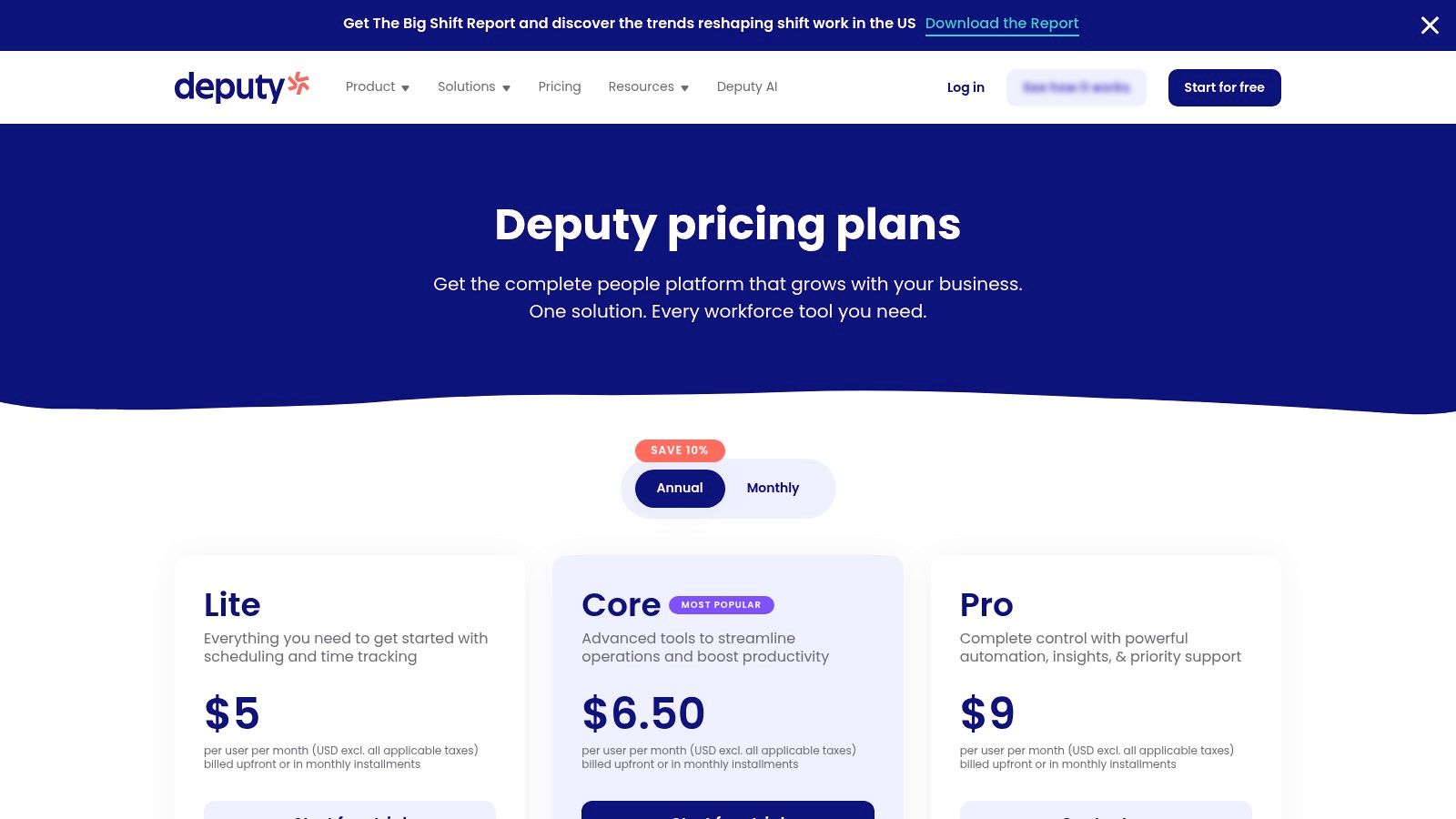
Clockify pricing earns attention because it’s budget-friendly and flexible. Shared kiosk clock-ins, QR sign-in, reporting exports, approvals, and broad device support make it a practical attendance tracker app for mixed teams.
This one is especially useful when you’re trying to get organized without committing to a larger workforce platform on day one. A small cleaning business can start simple, then decide later if it needs more.
Clockify’s appeal is straightforward. It doesn’t pretend to be an all-in-one cleaning operations hub. It focuses on time tracking and attendance basics with enough exports and approvals to support payroll and management review.
That simplicity is a strength, but there’s a trade-off. If you want deeper field-service workflows, advanced branch controls, or full operational tooling, you’ll likely pair it with other systems. For lean operators, that may be perfectly fine.
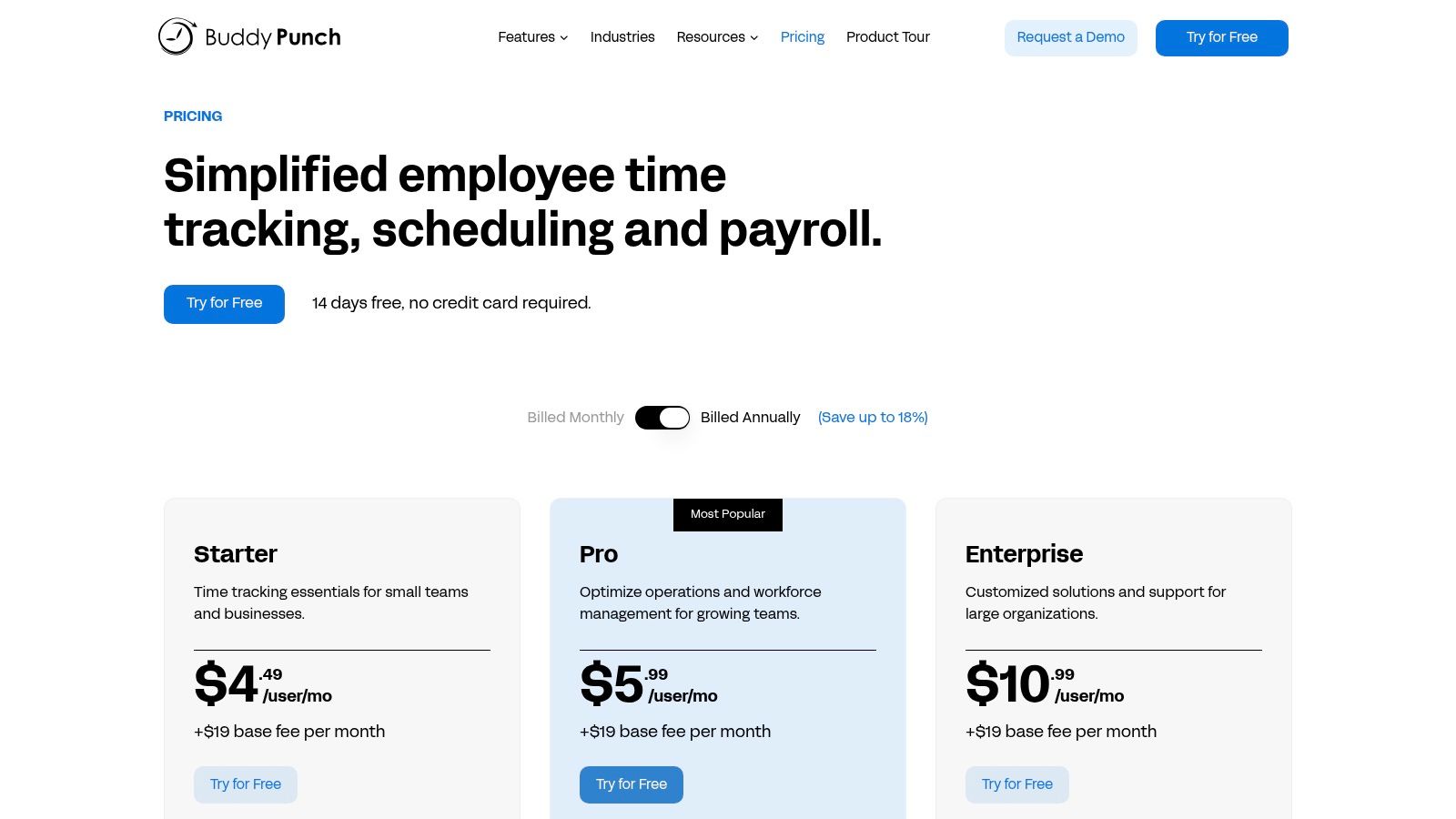
Buddy Punch pricing is built around accountability. If your biggest concern is buddy punching, questionable clock-ins, or weak attendance records, this tool gets to the point fast. Geofencing, GPS, webcam photo capture, QR codes, and kiosk options all support one goal: making punches easier to trust.
For cleaning companies, that’s attractive when payroll disputes keep coming from the same kinds of gaps. It’s not trying to be a giant platform. It’s trying to make attendance harder to fake.
I’d recommend Buddy Punch to owners who want a focused attendance tracker app with clear anti-time-theft controls and straightforward reports. It’s easier to explain to staff because the use case is obvious. Clock in at the right place. Use the right method. Build a clean record.
The downside is breadth. If you also want deep hiring, onboarding, SOP delivery, or team-ops management, you’ll need other software around it.
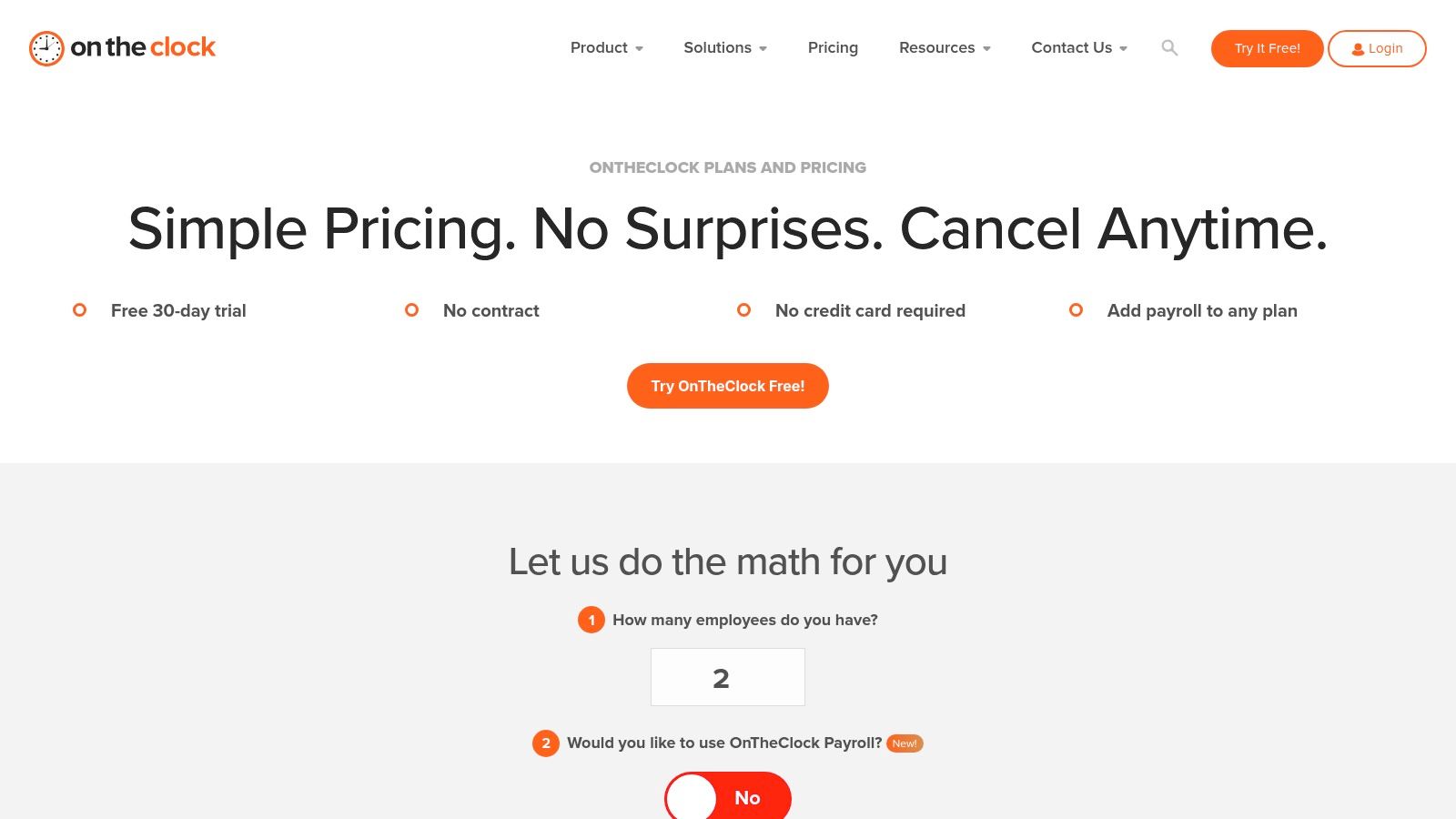
OnTheClock pricing is a solid fit for small cleaning teams that want transparent, no-drama attendance software. It covers mobile GPS and geofence clock-ins, kiosk and web clocks, scheduling, PTO, overtime rules, and payroll options. That’s the right mix for owners who care more about clean execution than feature hype.
I like this kind of tool for businesses that are cost-conscious and operationally practical. It’s easier to buy when the pricing and feature boundaries are clear.
OnTheClock works well when you want core attendance controls without buying into a wider workforce suite. Device, IP, and Wi-Fi restrictions can help if you want tighter punch rules. Breadcrumb-style location visibility is also useful for field teams moving between jobs.
The trade-off is that it stays focused on time and attendance. If you’re trying to centralize communication, checklists, onboarding, and hiring, it won’t replace those tools. That’s fine if your priority is payroll accuracy first.
Monday, 5:10 a.m. A cleaner says she was on site by 4:55. The supervisor says the punch hit at 5:18. Payroll closes at noon. If your attendance app cannot show location, punch history, and who approved the edit, you do not have a system. You have an argument.
That is the difference owners need to focus on. For a cleaning company, attendance software has to hold up in the field. It needs to verify clock-ins at job sites, handle crews that move between buildings, flag missed punches without creating payroll chaos, and pass clean hours into payroll. Analysts at Mordor Intelligence say the time and attendance software market is valued at USD 4.31 billion in 2026 and projected to reach USD 6.37 billion by 2031 at 8.10% CAGR. These tools are standard operating infrastructure now, not a nice extra.
Adoption still decides whether the software helps or hurts. I have seen good platforms fail because the setup ignored how cleaners work. A phone-based app sounds fine from the office. On site, gloves are on, signal is weak, the crew is rushing, and nobody wants a five-step clock-in flow. The best attendance tracker app for cleaning is usually the one your team can use correctly at 6 a.m., with geofencing that matches the property line and approval rules that do not slow payroll down.
Start with one rule. The app exists to make pay accurate and job-site records clear. That message lands better with cleaners than a speech about accountability.
Then pilot with one crew or one branch. Use two payroll cycles to catch the problems that matter in cleaning. Geofences that are too tight. Shared devices that create punch confusion. Supervisors who approve edits late. Fix those first, then roll it out wider.
Training should be short and specific. Show employees how to clock in at a customer site, what to do if GPS fails, when to switch job codes, and who to contact for a missed punch. Show supervisors how to review exceptions daily instead of dumping a week of errors onto payroll.
One more trade-off matters. If your main bottleneck is hiring and onboarding, a broader platform can earn its keep. If your operation is stable and the problem is payroll accuracy at scattered job sites, a focused attendance tool is often the better buy. Extra modules only help if your managers will use them consistently.
Attendance also works best when it connects to the rest of the business. Clean hours support payroll. Clean job records support customer billing. Consistent field data helps you price work with less guesswork. That is why I like pairing attendance discipline with practical cleaning business articles on Estimatty’s blog. Better tracking does not just reduce disputes. It gives you steadier operations as the company grows.
| Solution | Core features | User experience & quality | Value proposition | Target audience | Pricing model |
|---|---|---|---|---|---|
| PipehireHRM | GPS mobile attendance, ATS/hiring, digital onboarding, PTO & payroll reports | Industry-specific UX; consolidates HR workflows | End-to-end HR lifecycle for cleaners; reduces admin overhead | Cleaning companies wanting integrated HR + time tracking | Tiered SaaS, contact vendor for pricing |
| When I Work | Scheduling, mobile time clock, GPS/geofencing, kiosk, labor reports | Fast rollout; single app for scheduling + attendance | Cuts no-shows & overtime with unified scheduling | Hourly/shift cleaning teams, multi-location crews | Per-user subscription; multi-location plans |
| QuickBooks Time | GPS points, geofenced kiosk, scheduling, QB payroll sync, project vs actuals | Mature mobile apps; reliable QuickBooks sync | Seamless payroll/accounting for QuickBooks users | Cleaners already on QuickBooks for payroll/accounting | Base fee + per-user pricing; tiered features |
| Connecteam | GPS time clock, scheduling templates, forms/checklists, team chat | Broad ops suite; needs setup but cohesive | SOPs, QA and ops-in-a-box for deskless teams | Cleaning teams needing checklists, QA and SOPs | Flat pricing up to 30 users; add-on pricing beyond |
| Homebase | Mobile/tablet/POS clocks, scheduling, hiring basics, optional payroll | SMB-friendly; free plan available; simple UI | Affordable scheduling + timekeeping with payroll option | Single-location or small cleaning businesses | Free tier; per-location paid tiers; payroll add-on |
| Hubstaff | GPS/geofence auto clock-ins, scheduling, budgets, optional activity monitoring | Strong field automation; scalable oversight | Proof-of-work and location automation for mobile crews | Multi-site/mobile cleaning teams needing tracking | Tiered subscription; feature limits by tier |
| Deputy | Multi-device clock-ins (biometrics), scheduling, compliance, forecasting | Deep scheduling/compliance; enterprise-grade controls | Shift controls, labor-law tools for multi-site ops | Larger/multi-site cleaning operations with compliance needs | Tiered plans with add-ons; minimum monthly spend may apply |
| Clockify | Kiosk/QR sign-in, GPS options, time-off, reporting, many integrations | Generous free tier; simple deployment | Budget-friendly time tracking with flexible exports | Cost-conscious teams wanting unlimited users | Free tier available; low-cost paid plans |
| Buddy Punch | Geofencing, photo-on-punch, QR/PIN clocks, scheduling, PTO | Simple UI; clear anti-time-theft features | Accountability-focused time & attendance | Teams prioritizing anti-buddy-punch controls | Base fee + per-user pricing |
| OnTheClock | GPS/geofence with breadcrumb, mobile/kiosk/web clocks, scheduling, PTO | Transparent pricing; focused core feature set | Low-cost, U.S.-built time clock for small teams | Small cleaning businesses watching costs | Transparent low per-employee pricing; optional payroll add-on |
If you want your cleaning business to run tighter on both labor and sales, pair a strong attendance tracker app with Estimatty. Estimatty helps residential and commercial cleaning companies deliver fast, consistent estimates by web and voice, so you’re not losing jobs while also trying to fix payroll and field attendance problems.