September 29, 2026
Commercial and Residential Cleaning in 2026
Compare commercial and residential cleaning markets in 2026. Explore pricing, staffing, compliance, and how AI estimators streamline operations.

Saturday, May 16, 2026
Find the best estimate form templates to convert more cleaning leads. Explore 10 customizable options from AI estimators to classic builders and get tips.
.png)
It's 9 PM on a Tuesday. A prospect needs a move-out clean, lands on your site, fills out the estimate form, and waits. If your process depends on someone checking email in the morning, that lead is already at risk.
I've seen this play out over and over in cleaning. The form collects the basics, but the actual bottleneck starts after submission. Someone on your team has to review the request, figure out pricing, send a quote, follow up, and hope the prospect is still available. That gap is where static estimate templates start costing you jobs.
Online estimate forms are still better than paper sheets and inbox chaos. If you want more examples beyond the tools below, browse these FormBackend templates. But for a service business, the goal is bigger than collecting fields cleanly. The goal is to turn a lead into an estimate, a conversation, and ideally a booked job without delay.
That's the lens for this list. I'm not just looking at which tool gives you client details, line items, taxes, and totals. I'm looking at what happens next. Can it price cleaning work in a way that matches real jobs? Can it send responses automatically? Can it connect with the rest of your stack through cleaning business software integrations? Can it help you win leads at 9 PM, not just store them until 8 AM?
Some tools here are classic form builders with estimate templates. One goes further and treats the form as the front end of an automated booking workflow. That difference matters if you want your website to do more than collect requests.
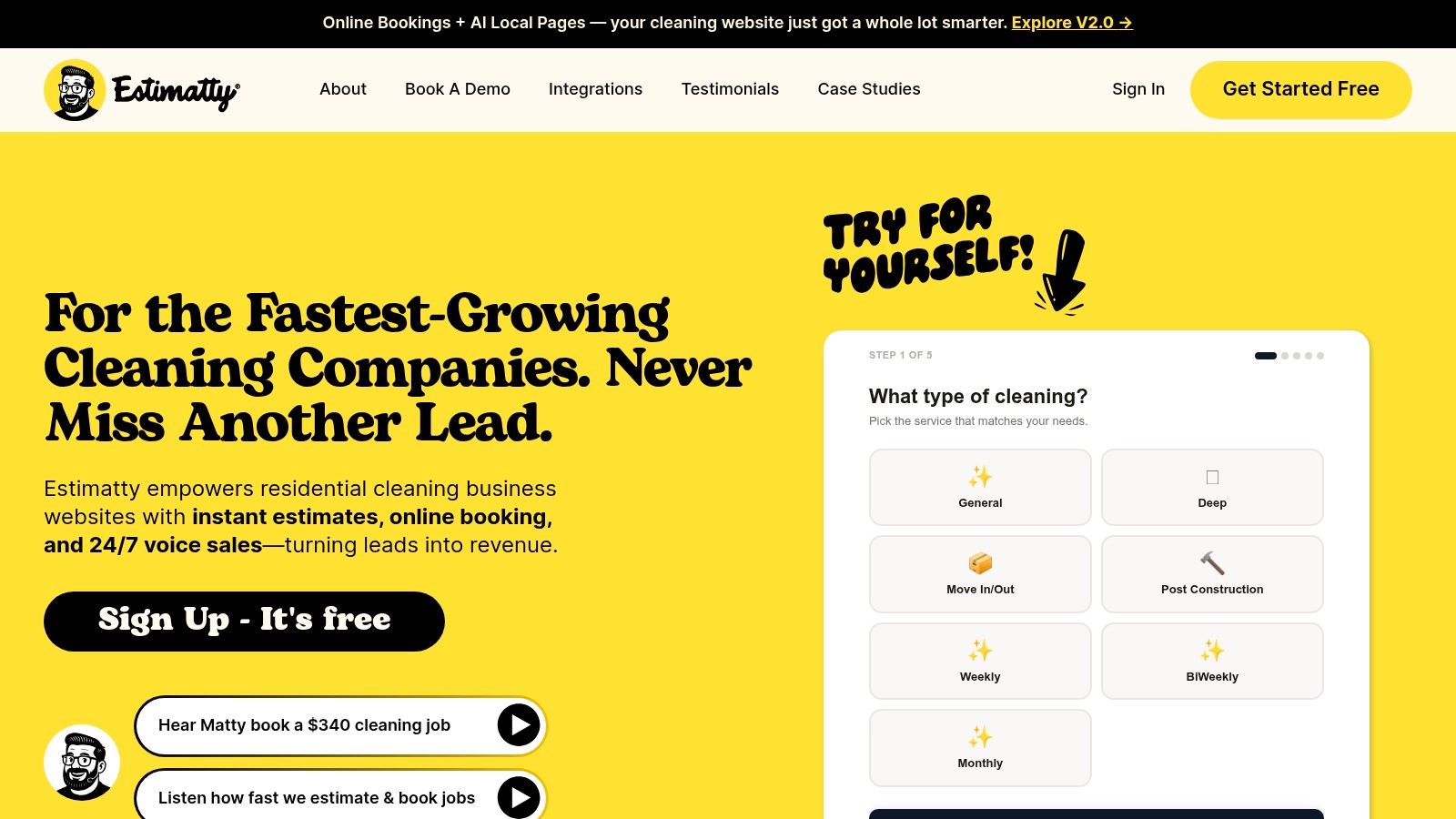
Estimatty is the only option on this list that treats estimate form templates as part of a full booking workflow instead of a digital replacement for a PDF. That difference matters. A lot.
Most tools help you collect lead information. Estimatty is built to engage the lead the second they show up, gather the right job details, calculate the estimate, send it by SMS and email, and keep your team informed. If you run a residential or commercial cleaning business, that's much closer to how the sales process works.
Generic estimate form templates usually cover broad line items, dates, tax, and totals. They rarely handle cleaning-specific inputs well, especially recurring jobs, variable surfaces, urgency, and add-ons. That gap is exactly where many static templates start breaking down for service businesses like ours, as broad template pages often stay cross-industry and don't model those dynamic pricing factors well, according to Smartsheet's construction estimate template coverage.
Estimatty is stronger because it's built around the inputs cleaners need. Square footage, service scope, urgency, and add-ons are the details that determine whether your estimate is profitable or sloppy. That follows the same structured-input principle seen in survey and estimation templates, where the best forms collect enough signal to estimate accurately without dragging the user through a long form, as noted in Jotform's pricing estimation survey template library.
Practical rule: If your form can't price extras consistently, your team will start freehanding estimates. That's where margin leaks start.
What I like most is that it reduces the handoff problem. A prospect doesn't just fill out a form and disappear into an inbox. Estimatty responds immediately, which is what late-night and weekend leads need.
This is the right choice if you want more than a form builder. It's built for owners who are tired of missed calls, slow callbacks, and inconsistent estimating from office staff. The Estimatty integrations page also makes it easier to plug the workflow into the rest of your stack without custom development.
The trade-off is simple. If your jobs are highly unusual, extremely custom, or depend on details a prospect can't describe well, you'll still want human review on some submissions. Also, public pricing isn't as upfront as some template tools, so you may need a sales conversation to understand the long-term fit.
Still, if your real goal is booked jobs instead of prettier forms, this is the strongest option here.
A lot of cleaning companies land on Jotform after the first round of missed-call chaos. You need something online fast, your office manager needs to change fields without calling a developer, and you want a form that can do more than collect a name and phone number. Jotform handles that stage well.
Its real strength is speed to deployment. You can start from an estimate template, swap in your service options, add conditional logic for extras, and publish a usable intake form the same day. For owners still working out their pricing model, that flexibility matters. If you are still refining how you charge for bedrooms, bathrooms, square footage, or add-ons, this cleaning estimate calculator guide is a practical companion to how Jotform usually gets set up.
Jotform is a solid pick when you need a customizable form builder first and an estimating tool second. It works well for standard residential cleaning, deep cleans, move-out requests, and basic commercial quote forms where the customer can answer enough questions to let your team price the job.
I have seen it work best for businesses that already have someone watching submissions and following up quickly. That is the key trade-off. Jotform is good at collecting lead information. It does not solve the bigger problem on its own, which is turning that submission into a priced estimate and a booked job while the lead is still ready to buy.
That difference matters more than a lot of owners expect. A template library helps you launch. It does not help much at 9:30 p.m. when a prospect wants a quote now and your team will not reply until morning.
The downside is complexity creep. Once you add logic, notifications, conditional pricing, follow-up emails, and integrations, the form can become harder to maintain than it looked on day one. Costs can also rise as volume grows, which is why some service businesses eventually compare other options. For that angle, this guide on Jotform alternatives for agencies is useful.
If your goal is to collect estimate requests reliably, Jotform does the job. If your goal is to answer, price, and convert leads automatically around the clock, it starts to show the limits of traditional estimate form templates.

Typeform is the prettiest option on this list. It feels more like a conversation than a form, which can help when your brand is premium and you don't want your estimate request page to look like tax software.
That one-question-at-a-time flow is its main selling point. For some cleaning businesses, especially those selling recurring service or higher-end home care, that softer experience can make the intake process feel easier and more modern.
Typeform is strong when you're qualifying as much as estimating. You can ask about home size, service type, pets, access instructions, and extras without dumping a giant wall of fields on the screen. That's better for lead experience than a long spreadsheet-style form.
A form that feels easy gets finished more often than a form that looks complete.
I'd use Typeform when presentation matters and your pricing logic is still fairly clean. If you want to map a polished front-end experience to a cleaning pricing model, this guide to a cleaning estimate calculator pairs well with how Typeform is typically used.
Typeform isn't my first choice for long, heavily itemized estimate form templates. If you need dense line items, labor breakdowns, material calculations, or multiple service paths, it starts feeling less natural. It's better at guided intake than dense estimating.
It also tends to make more sense for companies that care a lot about brand presentation and are willing to pay for that experience. For a solo operator who just wants leads captured and priced, there are more practical options.
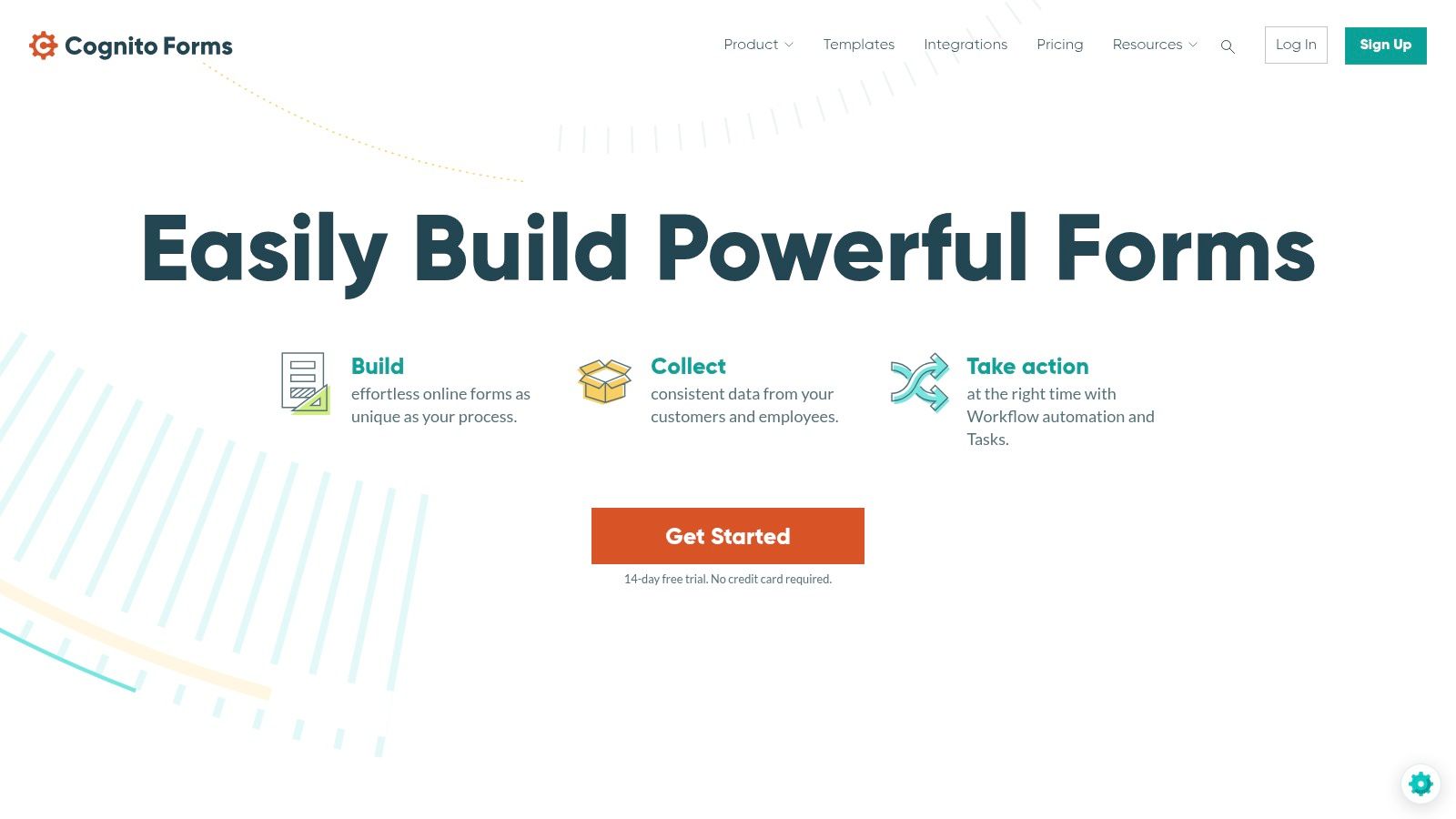
Cognito Forms is the tool I'd point to if you like the logic power of a serious form builder but don't want to duct-tape together too many extra apps. It's practical, calculation-friendly, and better than many competitors at handling more detailed estimating scenarios.
This is the kind of builder that works when your estimate depends on combinations. Bedrooms plus bathrooms. Square footage plus frequency. Add-ons plus condition level. That's where lighter tools start feeling limiting.
Cognito Forms is good at turning cleaning rules into structured estimating logic. You can build multipage flows, use repeating sections, and generate PDFs from submissions. For service businesses, that means the intake form and the finished estimate can stay connected.
ArcSite highlights the same core value in estimate templates. Customizable input fields, built-in formulas, calculators, and editable worksheets all support faster and more accurate estimating in structured workflows, as shown on ArcSite's estimate template page.
If you're still working out your own pricing rules, this guide on how to estimate cleaning jobs is a helpful companion to a tool like Cognito.
The weak point is the interface. It's functional, not elegant. That won't matter to every owner, but if you care a lot about branded presentation, you'll notice it.
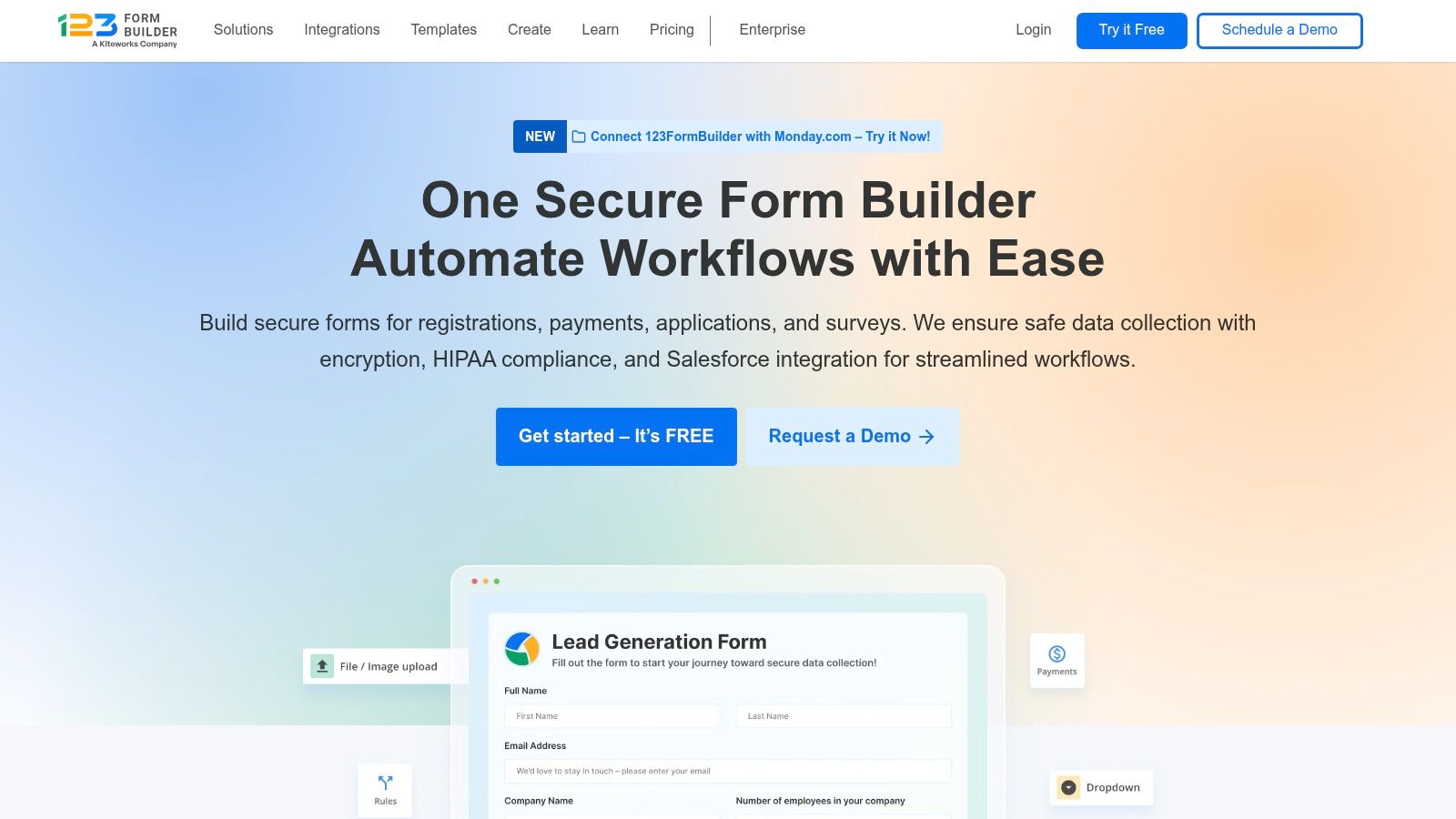
123FormBuilder sits in a useful spot for small cleaning businesses. It's easier than more advanced builders, but it still gives you enough logic to create workable estimate form templates for standard services.
If your business is still tightening up its process, that simplicity is an advantage. You can launch quickly, embed on your site, connect basic workflows, and stop relying on email-only estimate requests.
I'd look at 123FormBuilder if your team wants fast setup and doesn't need deep workflow engineering. It's fine for routine estimating, especially if your pricing model is mostly service type, home size, frequency, and a handful of upsells.
Wave's estimate guidance reflects the kind of core fields most businesses still need in every estimate. Estimate number, dates, line items, subtotal, and tax remain standard building blocks in document-centric workflows, according to Wave's estimate templates page. 123FormBuilder is capable of collecting that structure well enough.
For cleaning-specific language around estimates, this article on cleaning service estimates helps translate a generic builder into a service workflow that feels more relevant.
It's a good starter system. It's not the strongest long-term automation engine on this list. Once you want layered approvals, richer branching, or tighter post-submit workflows, you may outgrow it.
That doesn't make it a bad choice. It just means you should be honest about whether you need a simple form builder or a true estimating system.
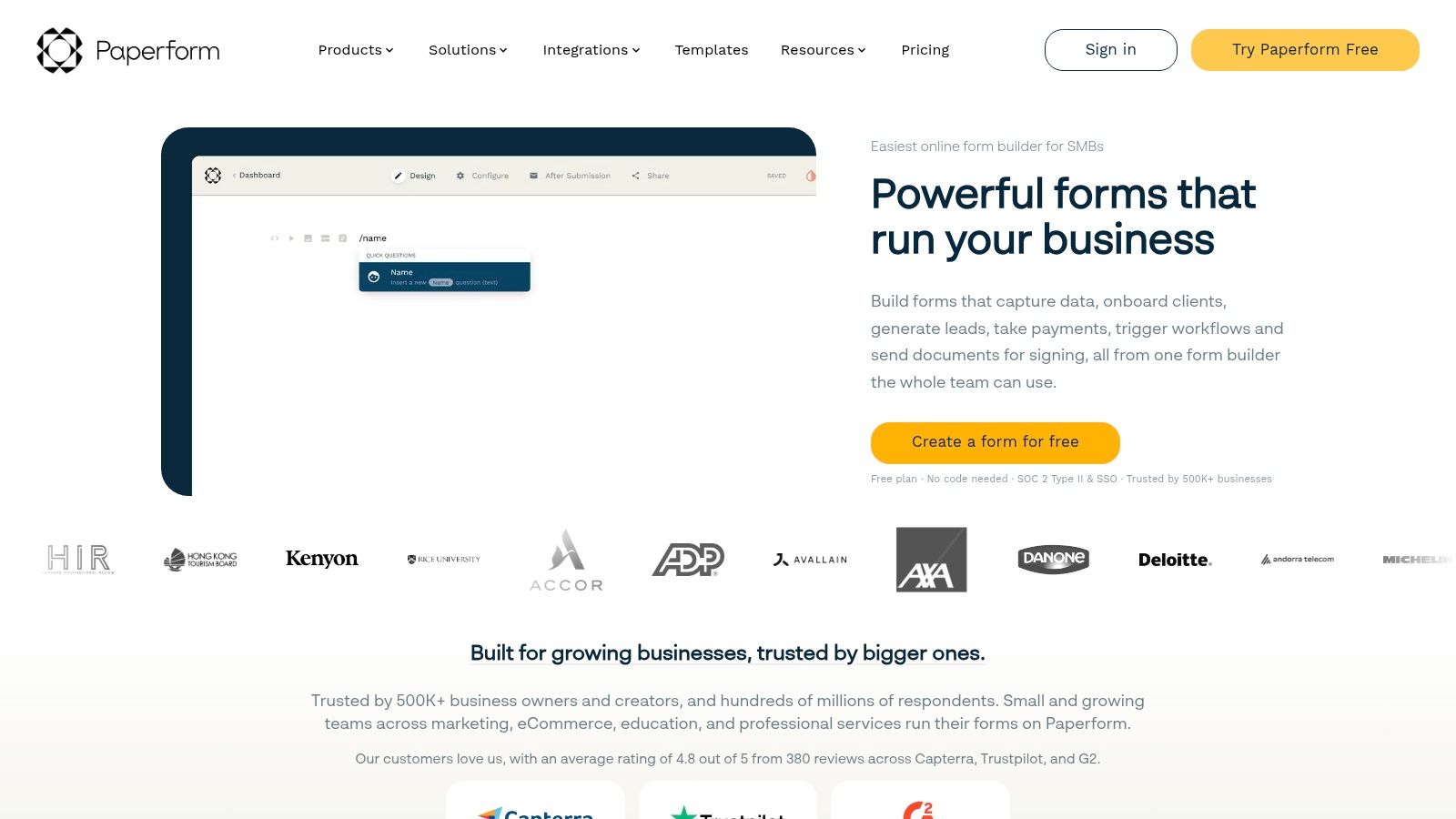
Paperform is for businesses that care about how the estimate experience looks. Some tools feel like back-office software pasted onto a website. Paperform feels more like a branded landing page that happens to collect estimate data.
That's useful if your company sells premium cleaning, specialty services, or recurring plans where trust and presentation matter. Homeowners notice when a form feels polished.
Paperform handles calculations, styling, custom PDFs, and payments in a way that feels less rigid than many competitors. If you want to present add-ons cleanly, show optional extras, and keep the form visually aligned with your site, it does that well.
What I don't love is that some of the better functionality tends to sit higher up the plan ladder. That's common in this category, but it matters if you expect advanced automation or more polished document output.
Good design helps. Fast response closes.
That's the practical limitation with Paperform and similar builders. The form can look excellent, but if the lead still waits for a manual reply, you haven't fixed the leak in the sales process. It's best when paired with a disciplined follow-up system.
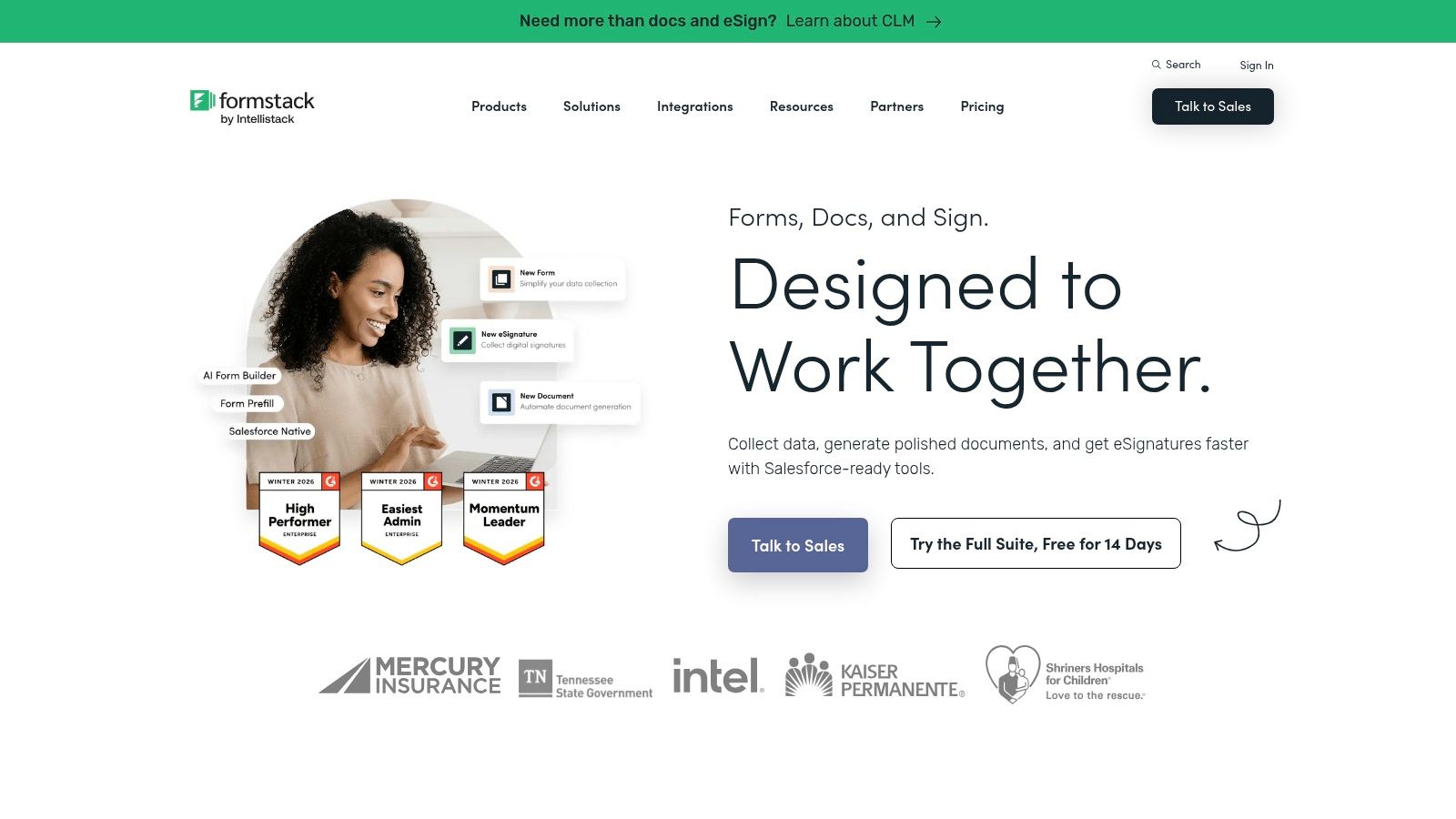
Formstack Forms is the enterprise option. If you run multiple locations, have approvals between office staff and field managers, or need stricter data governance, this one belongs on the shortlist.
This isn't the tool I'd push on a solo cleaner or a small local team unless they already live in a larger software stack. It's built more for operational control than for quick, lightweight setup.
Formstack stands out when estimates need internal routing, approval layers, and role-based handling. A multi-location cleaning brand can use that structure to keep pricing consistent across offices instead of letting each branch improvise.
That lines up with the broader shift toward downloadable, prebuilt, and data-driven forms that support consistency and analytics. Modern template ecosystems increasingly connect forms to downstream systems rather than treating them like isolated documents, as discussed in FormHug's template trends article.
The obvious drawback is cost and complexity. If you don't need governance, you may just be buying overhead.
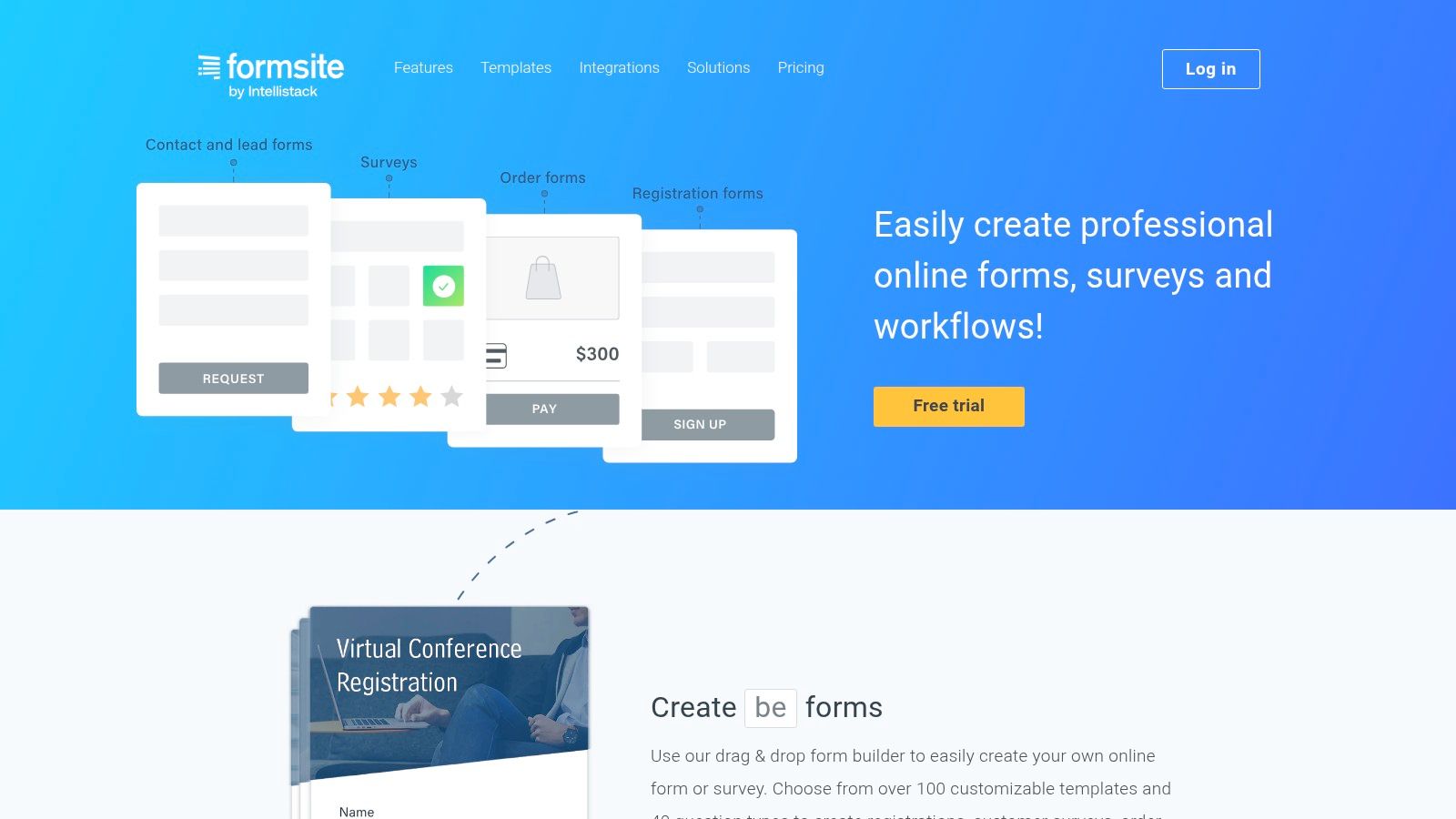
Formsite is the reliable, less flashy veteran in this category. It won't win any design awards, but it handles calculations, business templates, PDF results, and branding controls well enough for many service businesses.
I'd call it a stability play. If you want a mature builder that has been around, does the basics well, and doesn't try to reinvent the form experience, Formsite is a reasonable pick.
A lot of estimate form templates don't need to be clever. They need to work every day, collect the right information, calculate totals correctly, and send clean results. Formsite can do that.
Its interface does feel dated compared with newer builders. But a dated interface is easier to forgive than a beautiful tool that forces awkward workarounds for straightforward estimating.
For a practical office team that values consistency over style, that trade-off is acceptable. For a premium consumer brand, it may feel too plain.
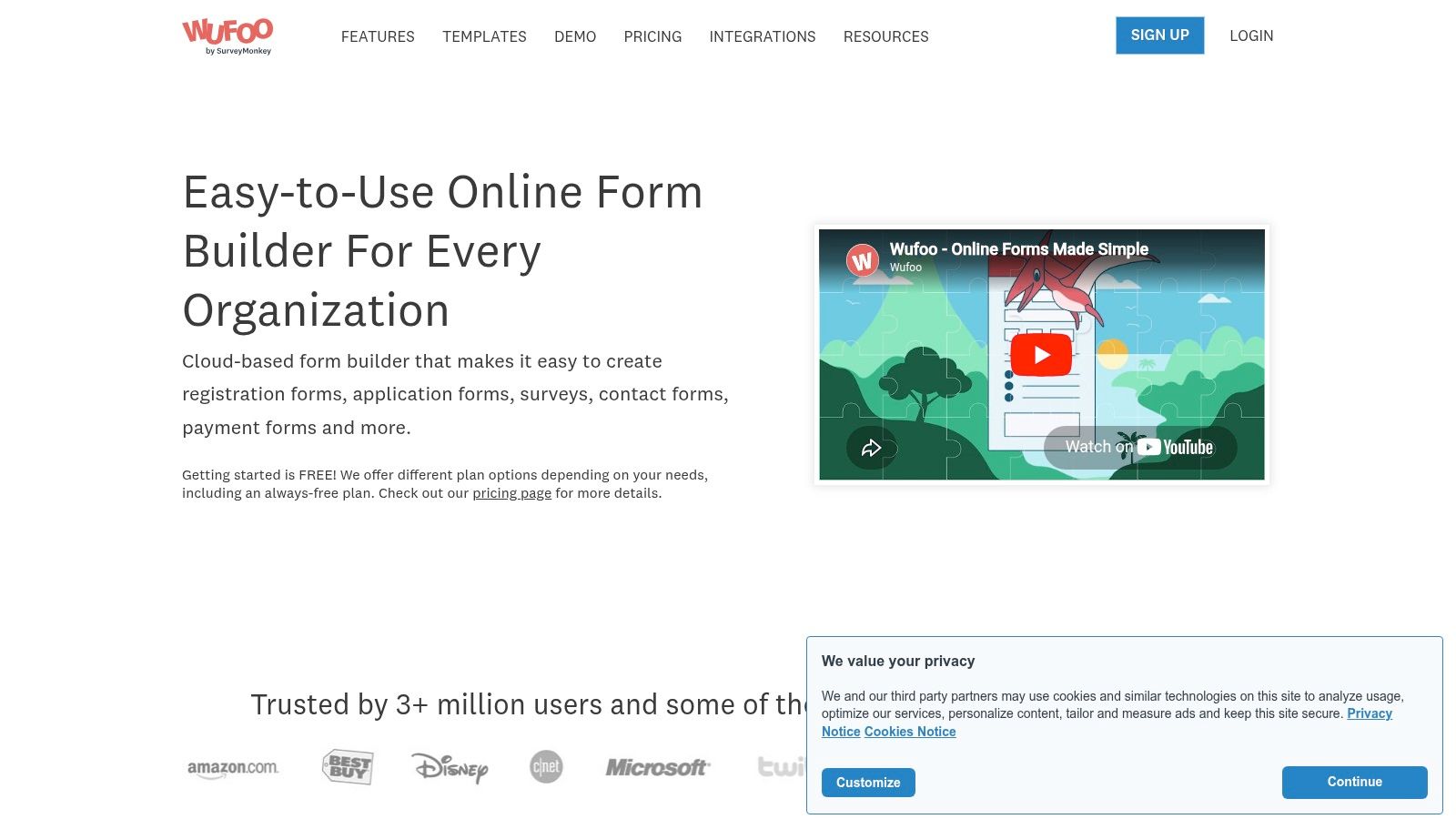
Wufoo is still hanging around because it offers a simple solution to a basic problem. If you need a fast embedded form for estimate requests and don't care much about modern styling, Wufoo can still do the job.
This is a classic small-business tool. It's straightforward, familiar, and fine for basic intake.
Wufoo works best for simple lead capture with light calculations or running totals. If your estimate process is mostly “tell us what you need and we'll review,” that may be enough.
But if your business depends on more polished customer experience, stronger branding, or detailed dynamic pricing, Wufoo feels old quickly. The design controls and overall feel lag behind newer options.
That said, some owners still prefer simple over slick. A plain form that gets completed is better than an overbuilt system nobody on your team maintains properly.
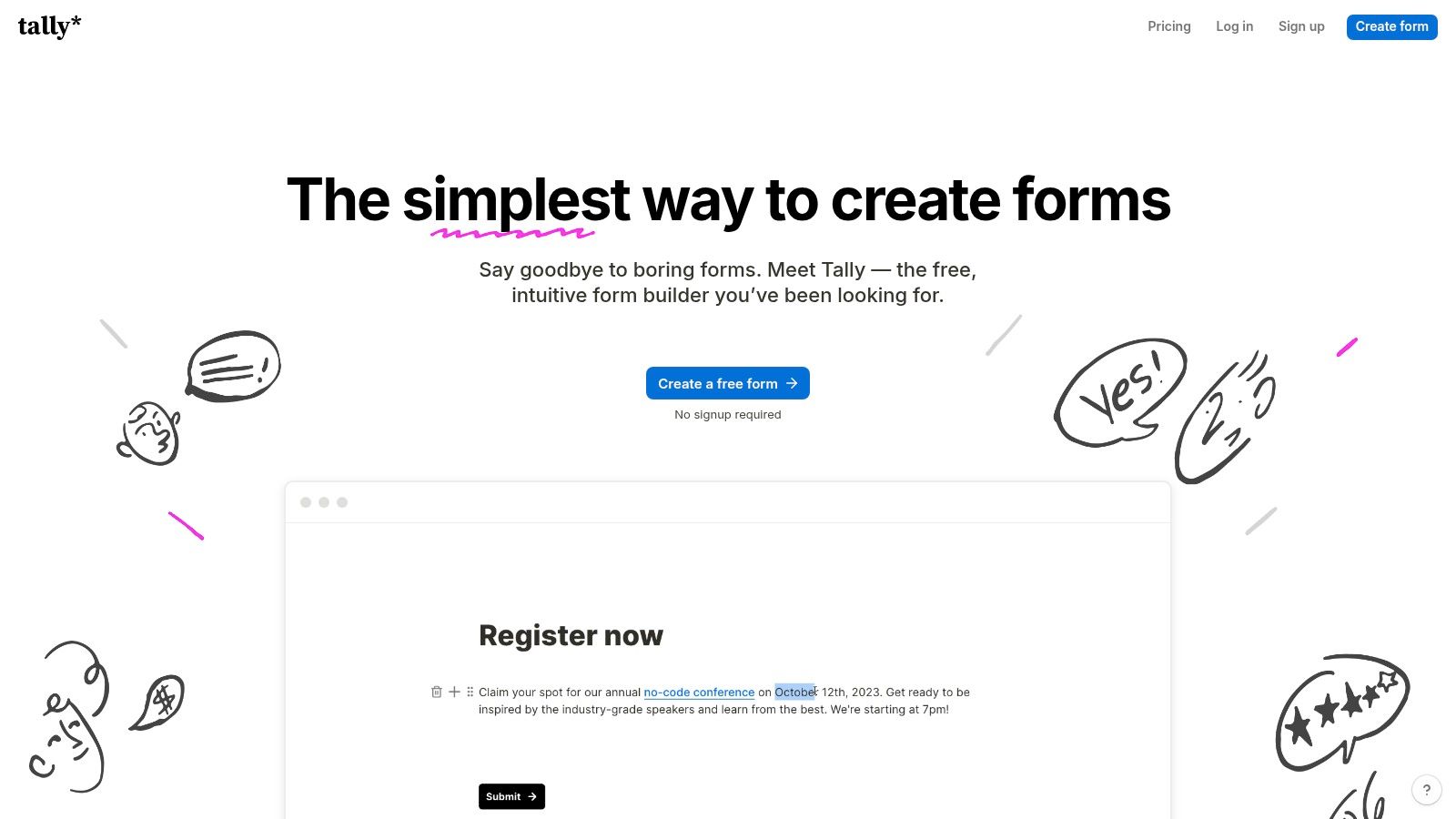
Tally is the minimalist choice. It's fast to learn, quick to publish, and easy to embed. If you hate bloated interfaces, Tally is refreshing.
This is a good fit for cleaners who want a lightweight estimate form up today, not after a week of configuration. You can build dynamic pricing with calculated fields and conditional logic without fighting the tool too much.
Tally makes sense for solo operators, small crews, and anyone validating a new service quickly. You can spin up a move-out estimate form, test what prospects will answer, and revise the flow without much friction.
The trade-off is ecosystem depth. You're not getting the same breadth of integrations or long-established workflow options you'd get from bigger players. Branding and customization also become more limited unless you upgrade.
Still, for lean operations, it's one of the quickest ways to move from “email us for pricing” to an actual structured estimate form template on your website.
| Product | Core capability | UX & setup | Best for / Target audience | Pricing & notes |
|---|---|---|---|---|
| Estimatty (Recommended) | AI web + voice estimator; instant SMS/email quotes; upsells & real-time team alerts | No-code widget, voice options, bilingual AI, US receptionist fallback | Residential & commercial cleaning owners who want 24/7 automated estimates and higher conversions | Free trial; claims ultra-low hourly answering cost; public pricing summary only |
| Jotform | Large template library, calculators, PDF & payments | Drag-and-drop editor; feature-rich (can feel heavy) | Teams needing many ready templates and mature integrations | Free tier; plan limits on submissions/storage/seats |
| Typeform | Conversational one-question UX, logic jumps, calculators | Clean, chat-like flow; high completion rates | Brands wanting premium presentation and better form completion | Free/paid tiers; higher volumes & features on paid plans |
| Cognito Forms | Advanced calculations, repeating sections, auto-generated PDFs | Powerful logic and workflows; utilitarian UI | Users building detailed estimate calculators and branded PDFs natively | Generous features; team/limits on higher plans |
| 123FormBuilder | Estimate templates, conditional logic, connectors | Easy template-based setup; CMS compatibility | Small cleaning businesses needing quick setup and CRM connectors | Free/paid plans; advanced quotas on upper tiers |
| Paperform | Strong styling, calculation fields, custom PDFs | Modern, highly customizable look & feel | SMBs that care about branding and upsell flows | Feature-rich tiers; advanced PDFs/automations on Pro/Business |
| Formstack Forms | Enterprise workflows, approvals, secure data handling | Mature platform with role-based control and audits | Multi-location or enterprise cleaning brands needing governance | Higher-priced; Salesforce/integration costs may vary |
| Formsite | Stable form builder, calculations, PDF results | Reliable but dated UI; clear per-form/result limits | Teams prioritizing stability and transparent pricing tiers | Straightforward pricing; some features gated to mid-tier |
| Wufoo | Template gallery, running totals, basic logic | Quick to embed and stand up simple forms | Simple estimate capture and low-cost starter use cases | Lower-cost starter plans; modern styling limited |
| Tally | Minimal builder, calculated fields, unlimited free submissions | Extremely fast to build; minimal learning curve | Lightweight estimate calculators and quick lead capture | Generous free plan (fair-use); advanced branding on Pro |
A customer fills out your estimate form at 8:40 p.m. after putting the kids to bed. If your process waits until someone checks the inbox in the morning, you are already behind. In cleaning, speed wins a lot of jobs.
Estimate templates still have a job to do. They keep square footage, frequency, add-ons, labor assumptions, and pricing inputs consistent so your team is not rebuilding every quote from scratch. That matters for accuracy and margins. It is not enough to grow.
The main question is what happens after the form is submitted. A traditional form builder usually captures information and sends an email. Then your office has to review it, price it, send a reply, and remember to follow up if the prospect goes quiet. That process can work when lead volume is low. It breaks down fast once inquiries start coming in during evenings, weekends, or while your admin team is already buried.
That is the gap between a template and a conversion system. Static tools help you collect data. Modern AI-driven tools aim to turn that data into a delivered estimate, a follow-up sequence, and a booked job without waiting on manual handoffs.
For a cleaning business, the practical priorities are straightforward:
If you want to improve your follow-up process, this guide on automated email sequences for leads is worth reading.
Generic form builders can still be useful if you have a strong office team and a simple sales process. I have seen them work. But if your estimate form just feeds a crowded inbox, you are paying for lead capture and still relying on manual sales labor to close the job.
That is why AI-first tools stand out in this category. Estimatty was built around the outcome that matters most. Not just collecting estimate requests, but converting them into booked cleaning jobs around the clock. For owners who want fewer admin steps, faster response times, and less lead leakage, that is a meaningful difference.
Once more estimates start turning into real jobs, hiring usually becomes the next bottleneck. For that part of the operation, resources like pipehirehrm.com can help if you are looking for cleaning employees. For more operating advice, estimatty.com/blog and get.pipehirehrm.com/blog are both worth keeping in your rotation.
If your current estimate form only captures leads, upgrade the process behind it. The businesses that win more local jobs are usually not using the prettiest template. They are using a system that answers first, follows up consistently, and makes booking easy.